wtWin · wtTux · wtMac · for webtrees

Your webtrees family tree
as a desktop program

One program, three ways of working: Navigator, tree in the centre and family view – just like a classic genealogy program, plus charts, lists and books for printing. Your data stays on your own webtrees server – or on your PC with no server at all.

Version 1.55 of 18 October 2026 · free · open source (GPL-3.0) · What’s new?

⬇ wtWin for Windows (.exe) ⬇ wtTux for Linux (.deb) ⬇ wtMac for macOS (.dmg, for testing) Source code

Manual (PDF): English · Deutsch · Français · Nederlands · Español – the built-in help (F1) as a book, about 50 pages with pictures. Getting started on one page: English · Deutsch · Français · Nederlands · Español

Installation notes

Windows: the installer asks for the language first and installs per user, without admin rights; it replaces an older version by itself. The file is not signed (see Code signing policy), so on first launch choose “More info” and “Run anyway”. Linux: sudo apt install ./wttux_…_amd64.deb. macOS, for testing: …-arm64.dmg for Macs with an Apple chip, …-x64.dmg for Intel Macs; not signed, on first launch choose “Open Anyway” under System Settings › Privacy & Security; not yet tried on a real Mac. All three are the same program. Because wtWin and wtTux bundle webtrees for the family tree on the PC, the installer is about 120 MB.
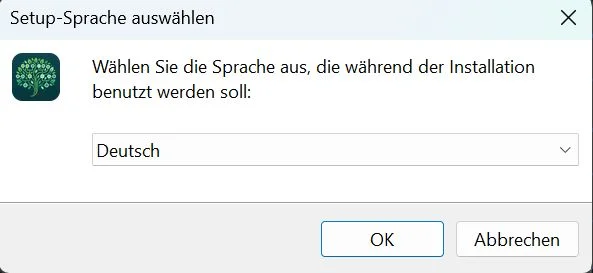
Installer: choose the setup language
Language first – English, German, French, Dutch or Spanish, preset to the Windows language.
Installer: optional desktop shortcut
Familiar setup – optional desktop shortcut, start wtWin at the end.
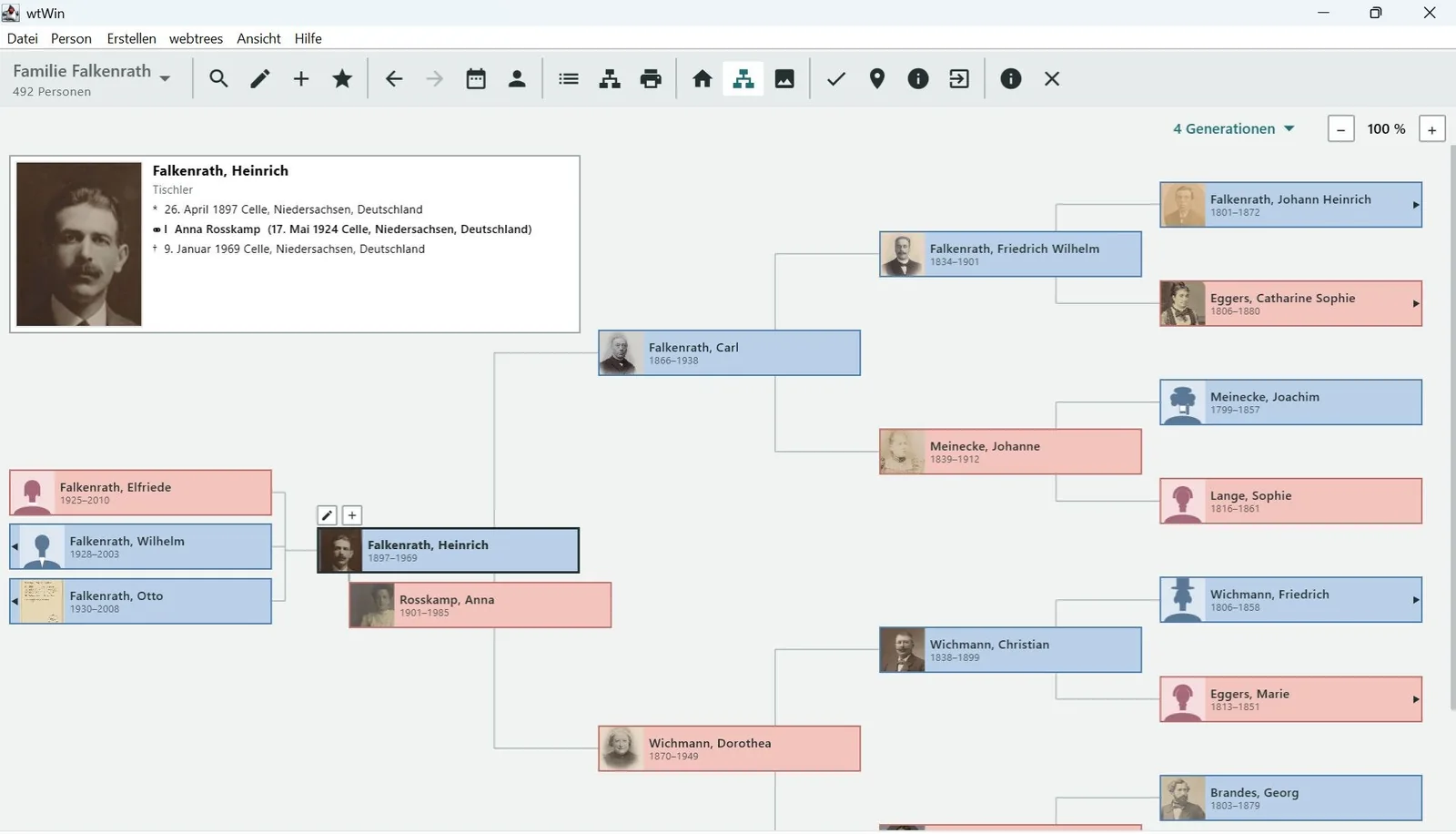
wtWin on Windows: Navigator with Heinrich Falkenrath, his children and four generations of ancestors
Navigator. Children on the left, the central person with their marriages in the middle, the ancestors over four generations on the right. One click makes another person the center.
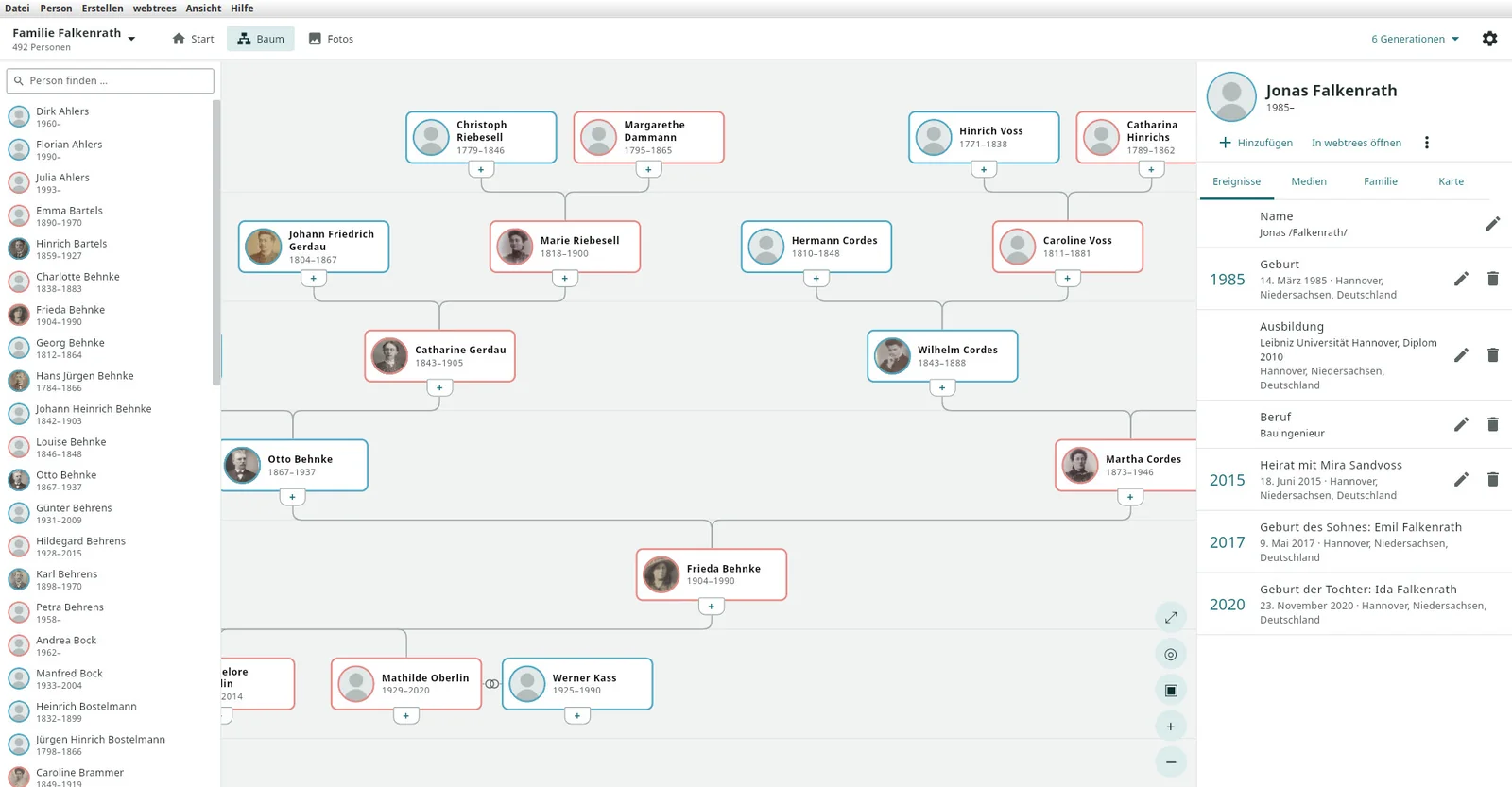
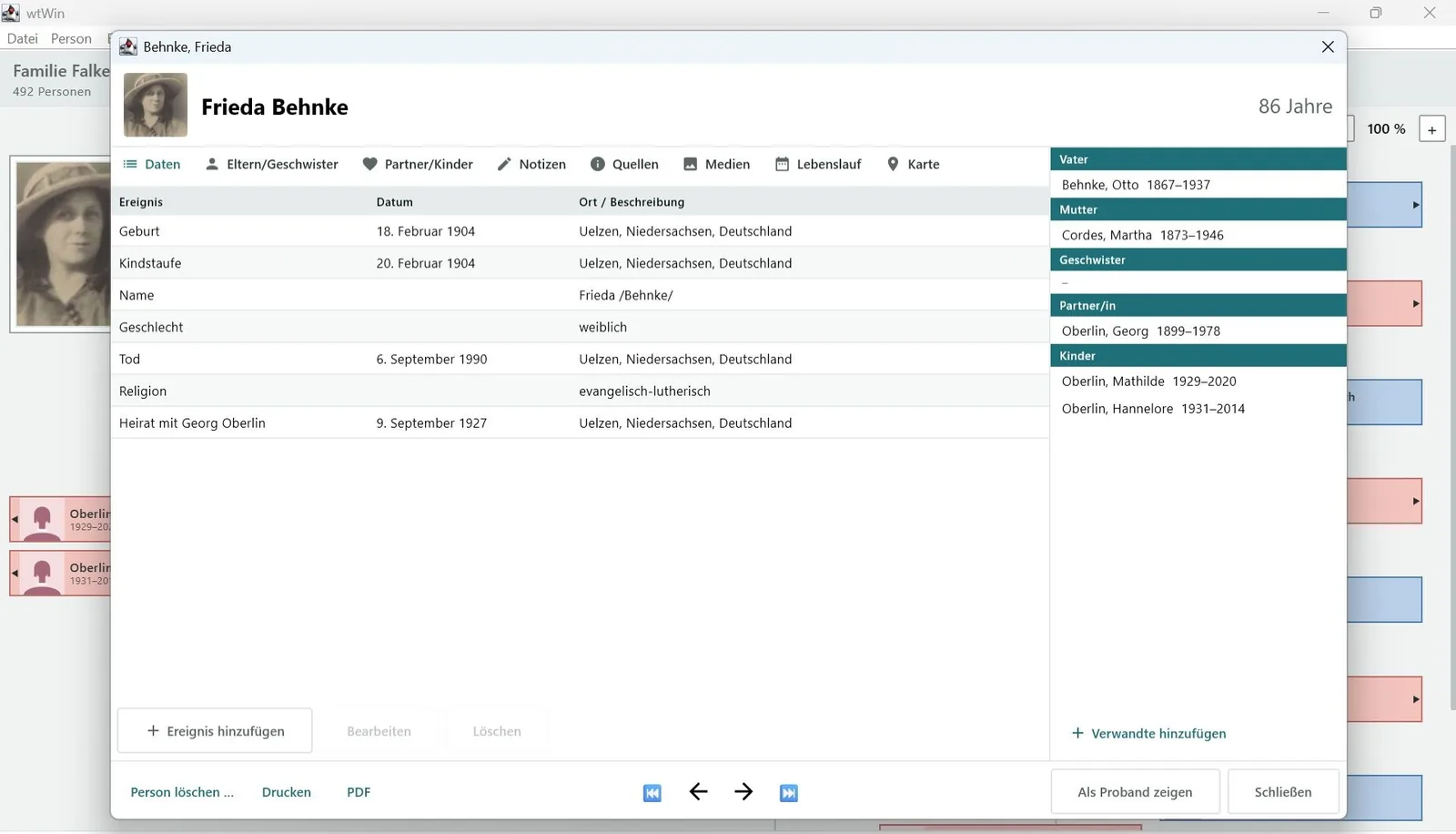
Layout Tree in the centre: person list, family tree of Frieda Behnke, person panel
Tree in the centre. Person list, family tree and person panel side by side.
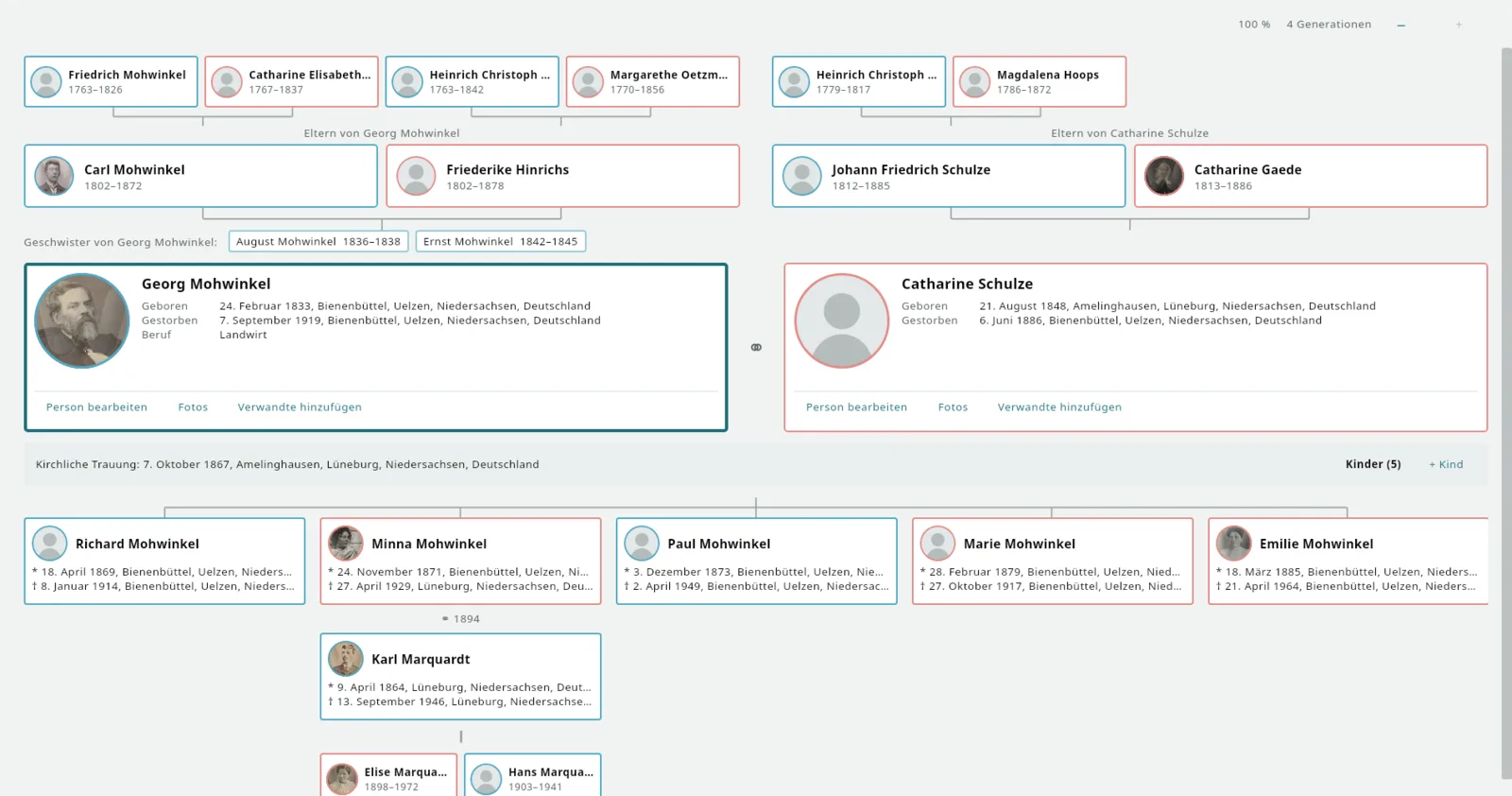
Family view: Georg Mohwinkel and Catharine Schulze with grandparents, parents, siblings, children, a spouse and grandchildren
Family view. Ancestors at the top, the couple in the middle, children with spouses and grandchildren at the bottom.

One program, three ways of working – the same window, switched under View › Layout: navigate from person to person, work in the tree, or see a whole family at once. Click a picture to enlarge it.
News

What was added recently

All versions →

Features

What the program can do

Navigator and person sheet

The tree as in a classic genealogy program, input with tabs or as a simple form.

Family and table

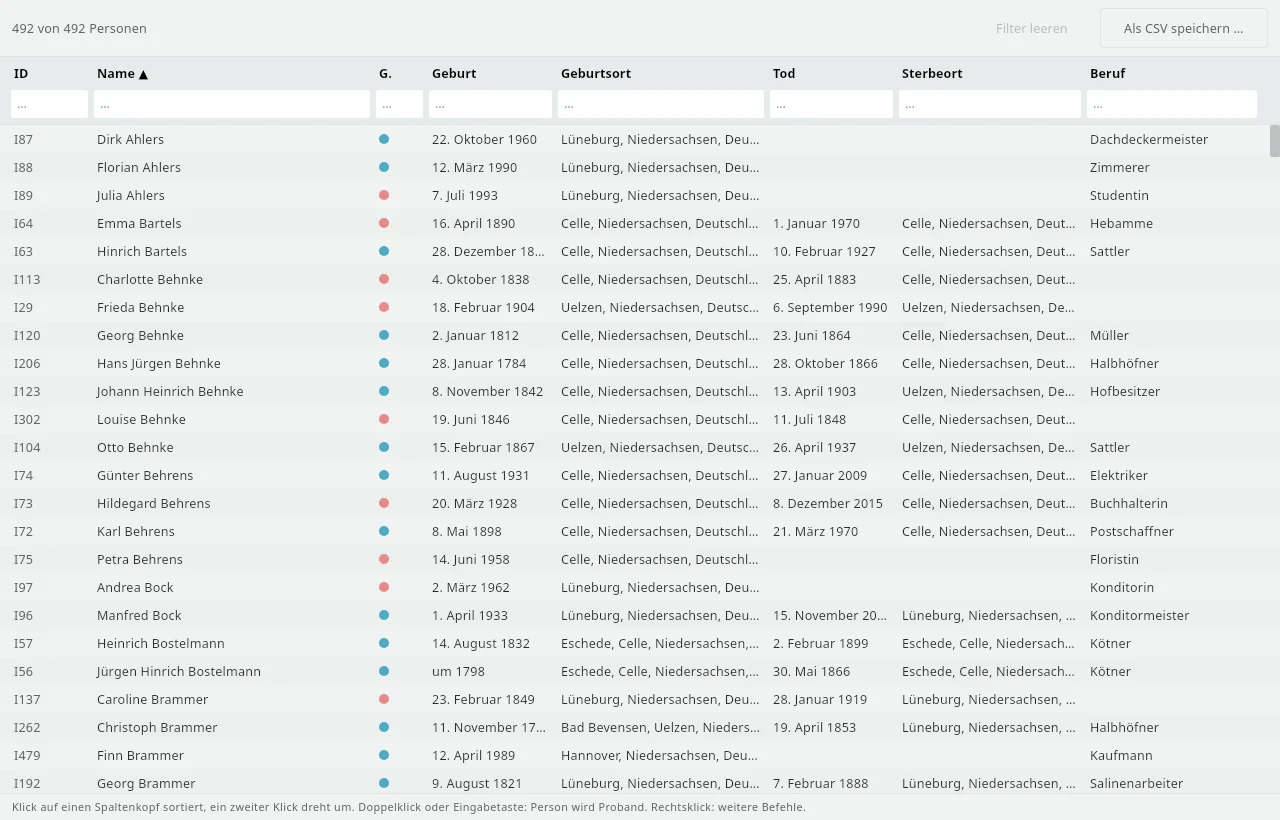
Family view with ancestors over four generations, children with spouses and grandchildren; person table with filter and CSV.

Sources

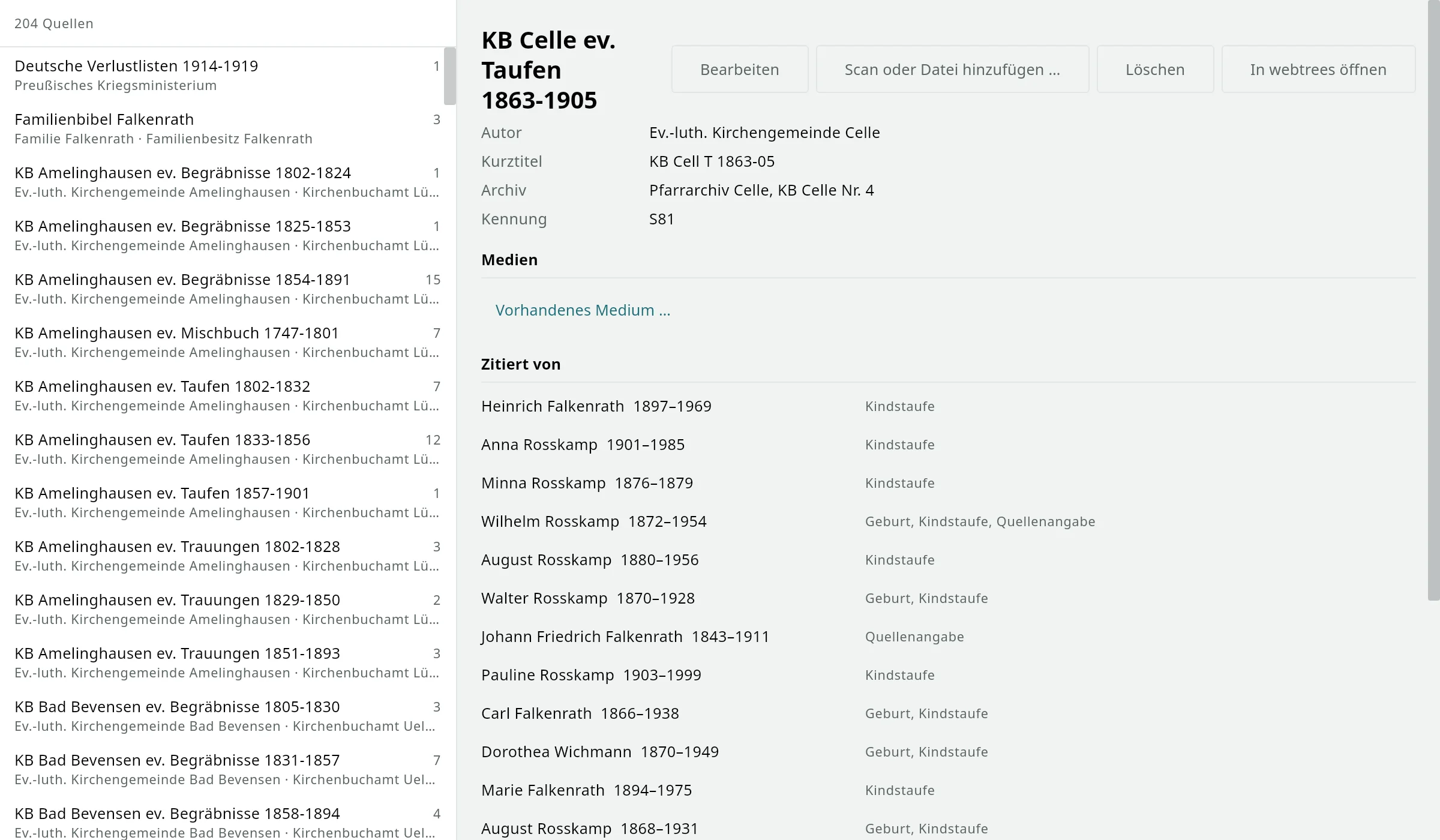
Maintain sources and repositories, document with page and citation, attach scans to the source or the citation.

Archive and group photos

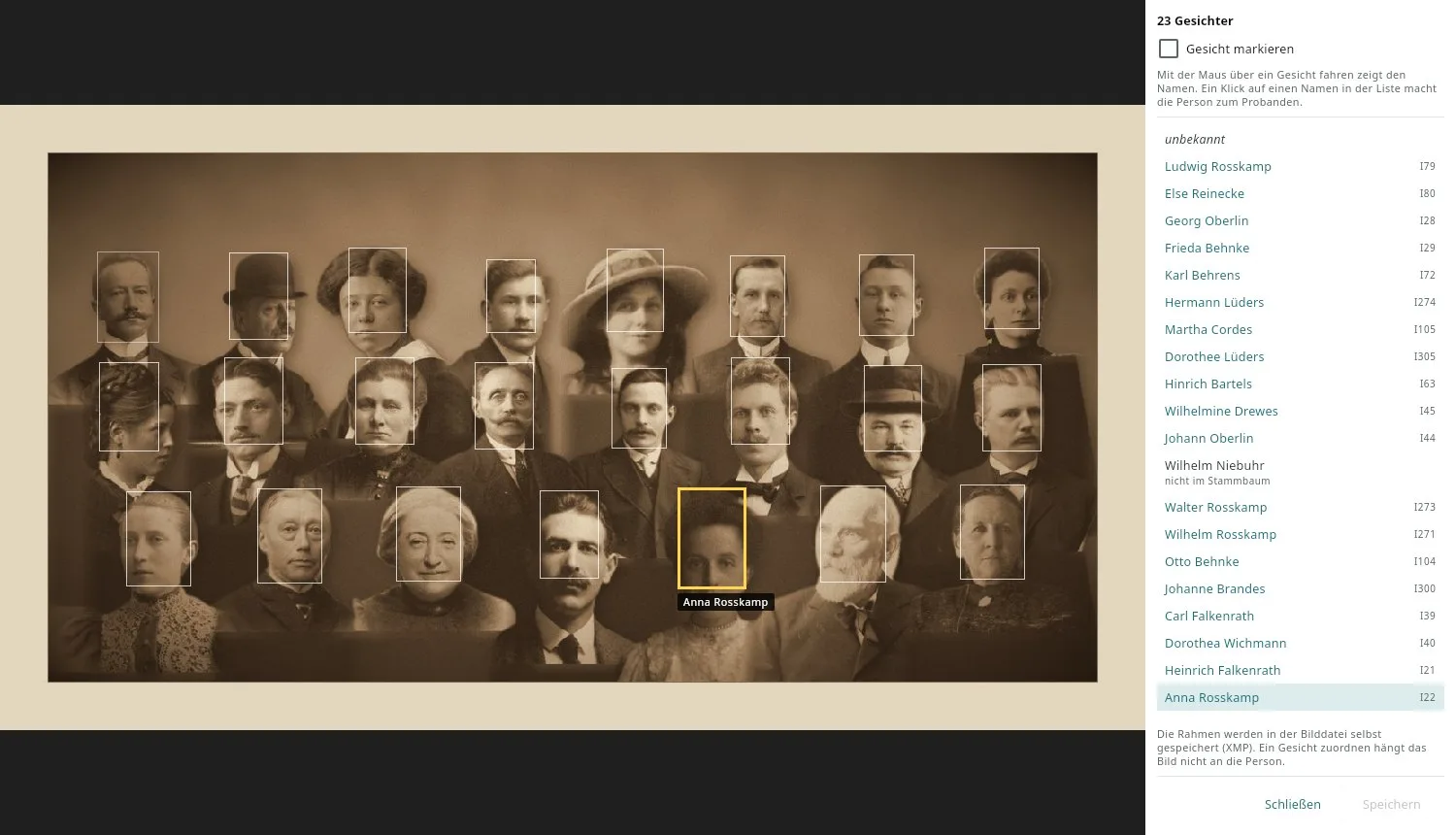
Photos and documents that need not belong to anyone; faces on group photos with names on hover.

Places

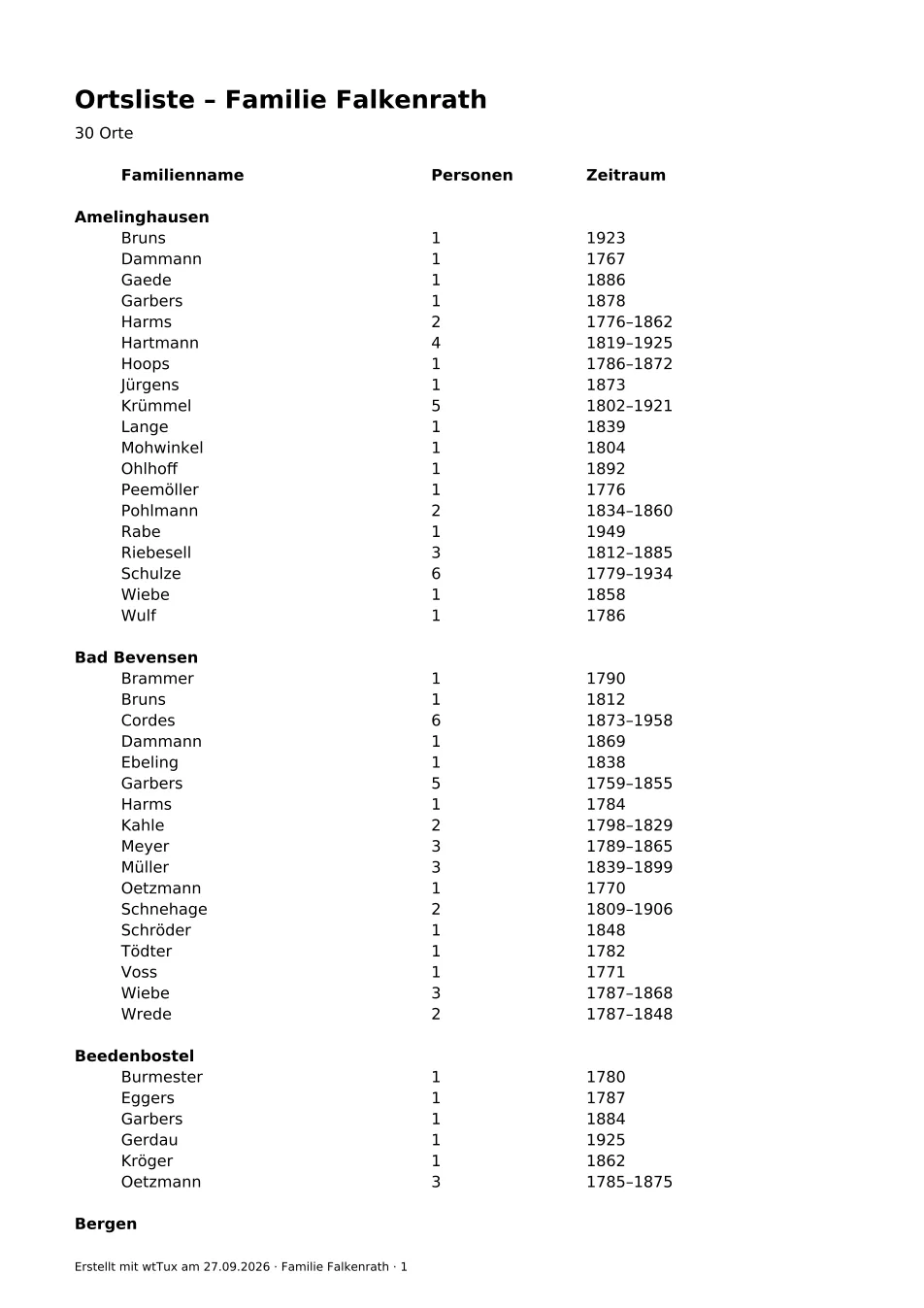
All places with a map, GOV hierarchy and look-up links; merge spellings.

Godparents and witnesses

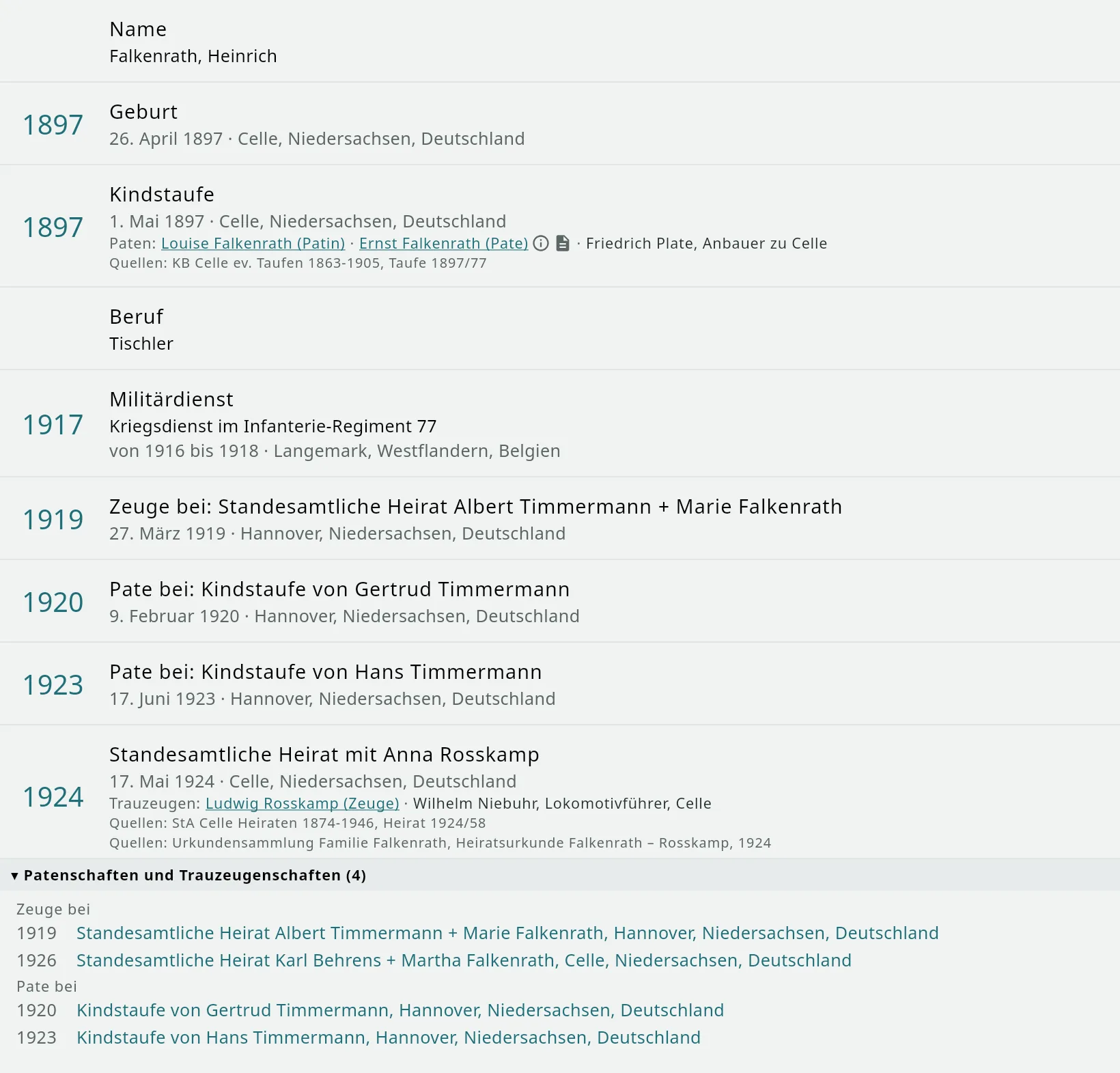
Under baptism and marriage, clickable, with note and source – and record them as in the church register.

Plausibility check

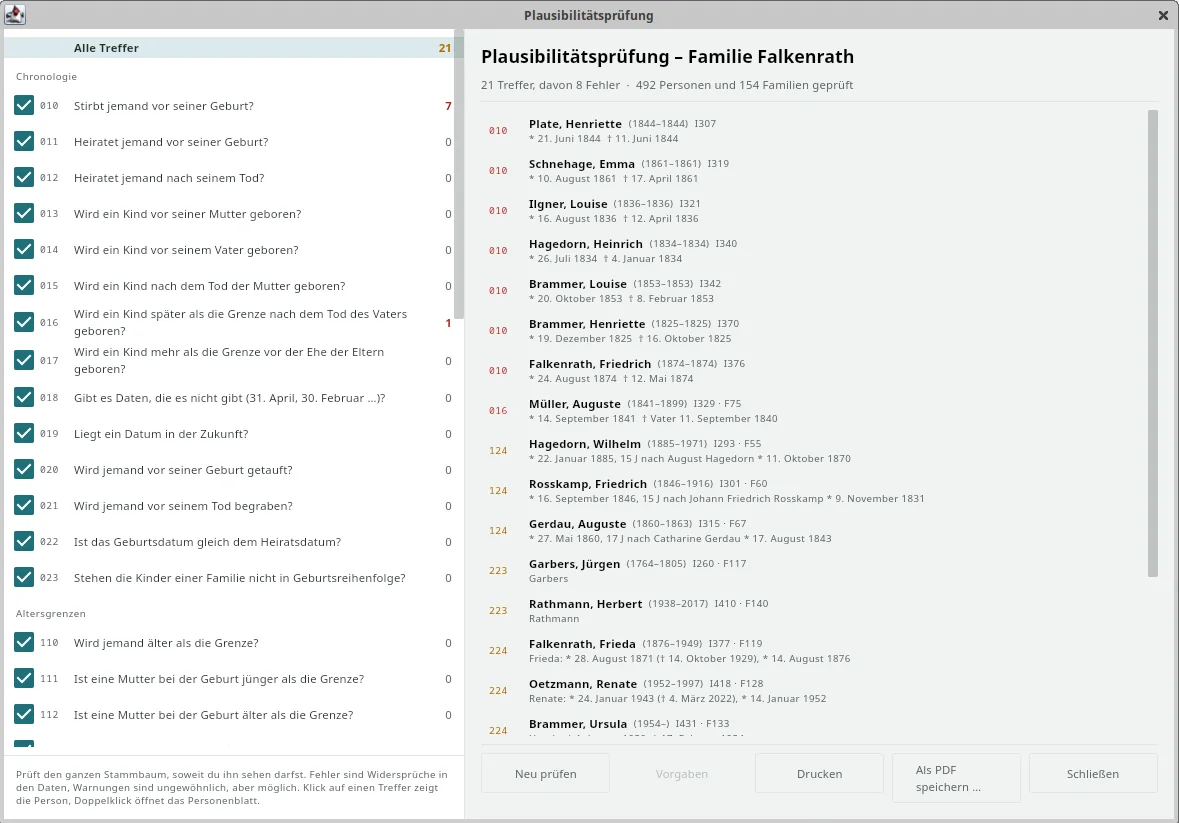
61 rules find what cannot be right – from death before birth to a godparent who is too young.

Charts

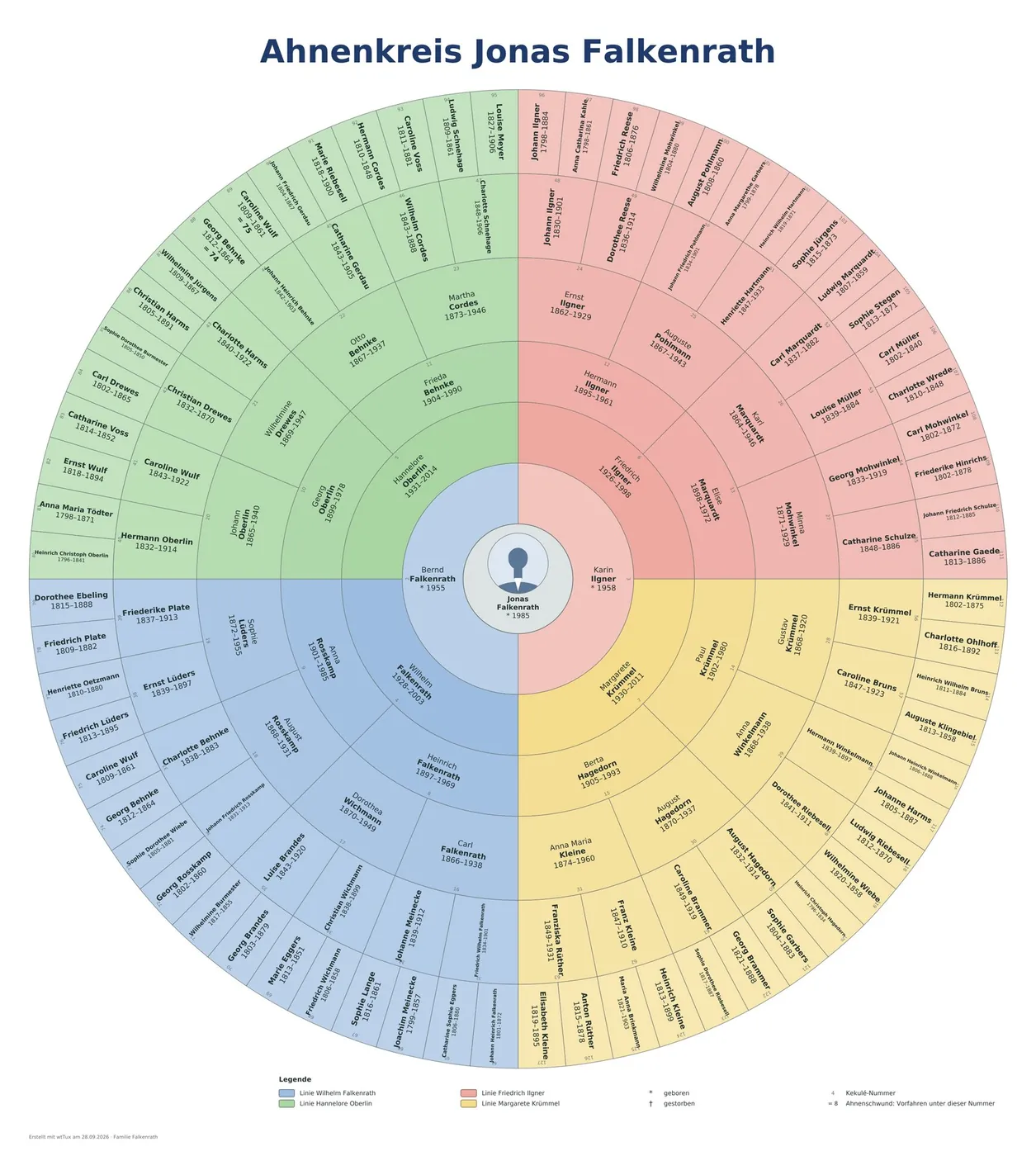
Fifteen chart types from the ancestor circle to the timeline, up to the plotter or on A4 sheets to paste together.

Lists and books

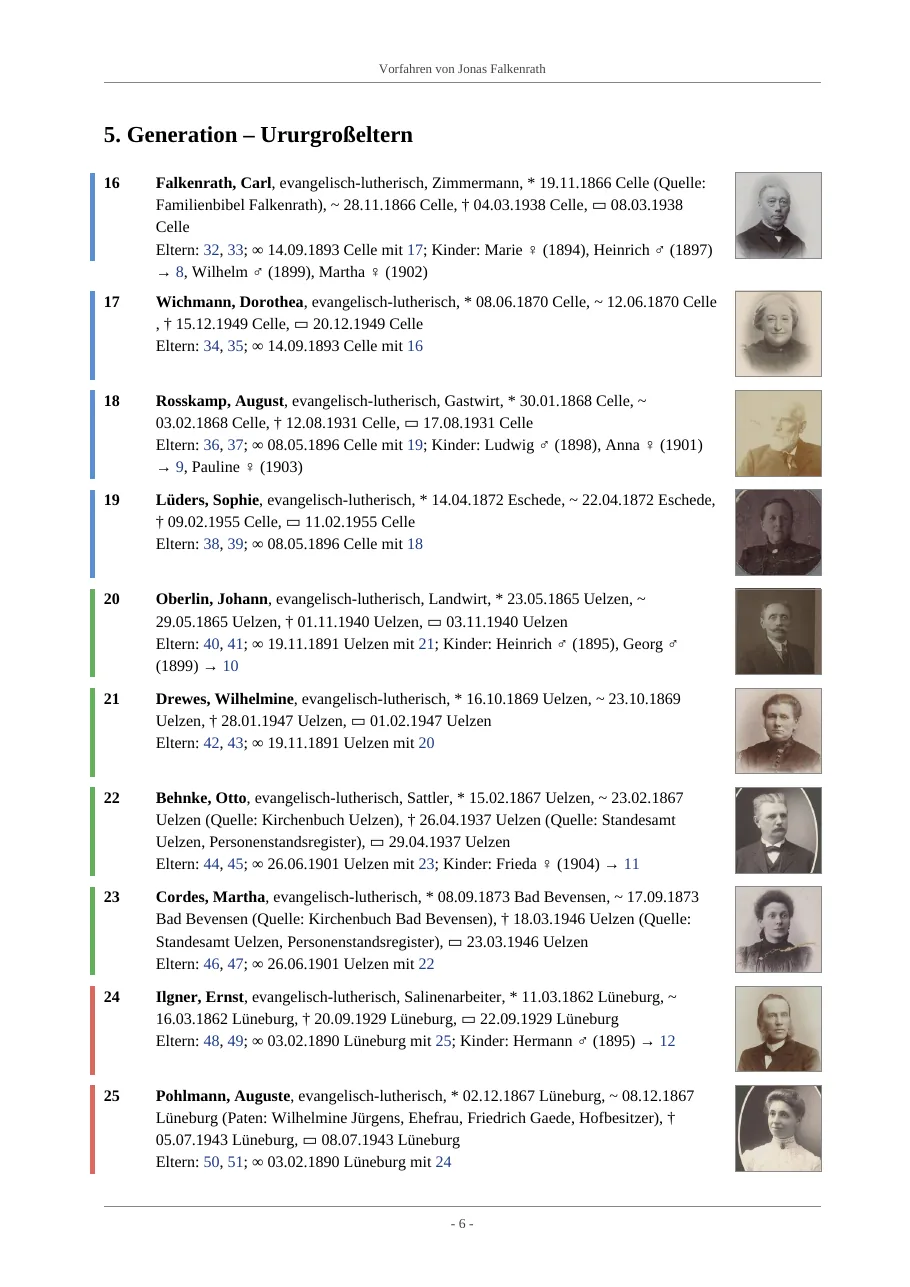
Ancestor, descendant and place lists, plus ancestor book, descendant book and family book as PDF, DOCX, HTML or TeX.

Without a server

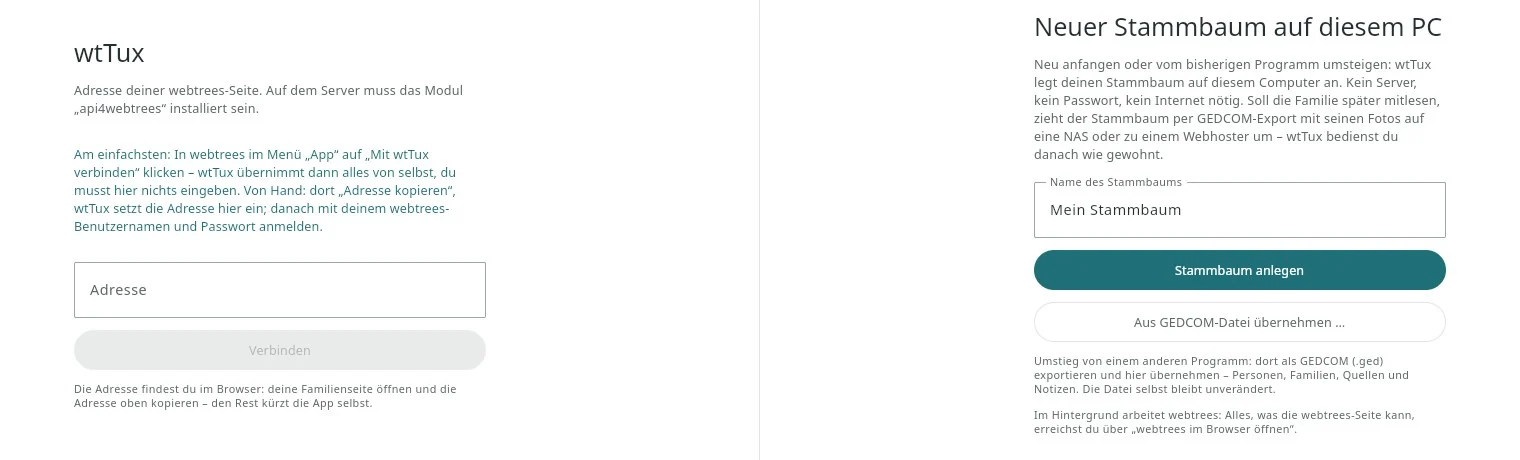
Without webtrees, too: open a GEDCOM file and the family tree runs on your own PC.

All features in detail →   The program in pictures →   All 61 check rules →

Requirements

What you need

A webtrees server (2.2.x) with the module api4webtrees. Like any additional module, it is copied to modules_v4/ and does not change the webtrees core. It is listed in the official module directory. Sources need version 1.10, godparents and witnesses 1.11 (display) and 1.12 (record), the place manager 1.13.

You sign in with your normal webtrees account. The same permissions and privacy rules apply as on the website. The server address, user name and session are stored, never the password. The program talks only to your own webtrees server.

Password-protected site? If your webtrees is behind the web server’s own password protection (.htaccess/.htpasswd, often set up against data-harvesting bots), enter those credentials once on the address screen (since 1.38). webtrees itself stays untouched.

Without webtrees it works on Windows and Linux as well: with the family tree on this PC.

wtWin is not an official webtrees product. Please report questions and bugs at github.com/thobgg/app4webtrees/issues.

If you run webtrees on a Synology: nas4webtrees provides the unchanged webtrees with api4webtrees as a package.

For phone and tablet

wtAnd – the same family tree on your phone

The Android app: look things up, record photos and notes, and edit – in the archive, at the cemetery or at home.

All images: entirely fictional demo family tree “Familie Falkenrath” (CC0), photos of unknown people from the Rijksmuseum Amsterdam (CC0). webtrees is a project by Greg Roach and contributors; wtWin, wtTux and wtMac are independent of it. This English version is a translation by the author, not by a native speaker. Corrections are welcome as a GitHub issue.