wtWin · wtTux · wtMac · Features
Organized by topic. What came with which version is listed under What's new.
Navigator and person sheet · Family and table · Sources · Check · Tools · Meta search · Godparents and witnesses · Places · Charts · Lists · Books · No server · Languages · Help
Working
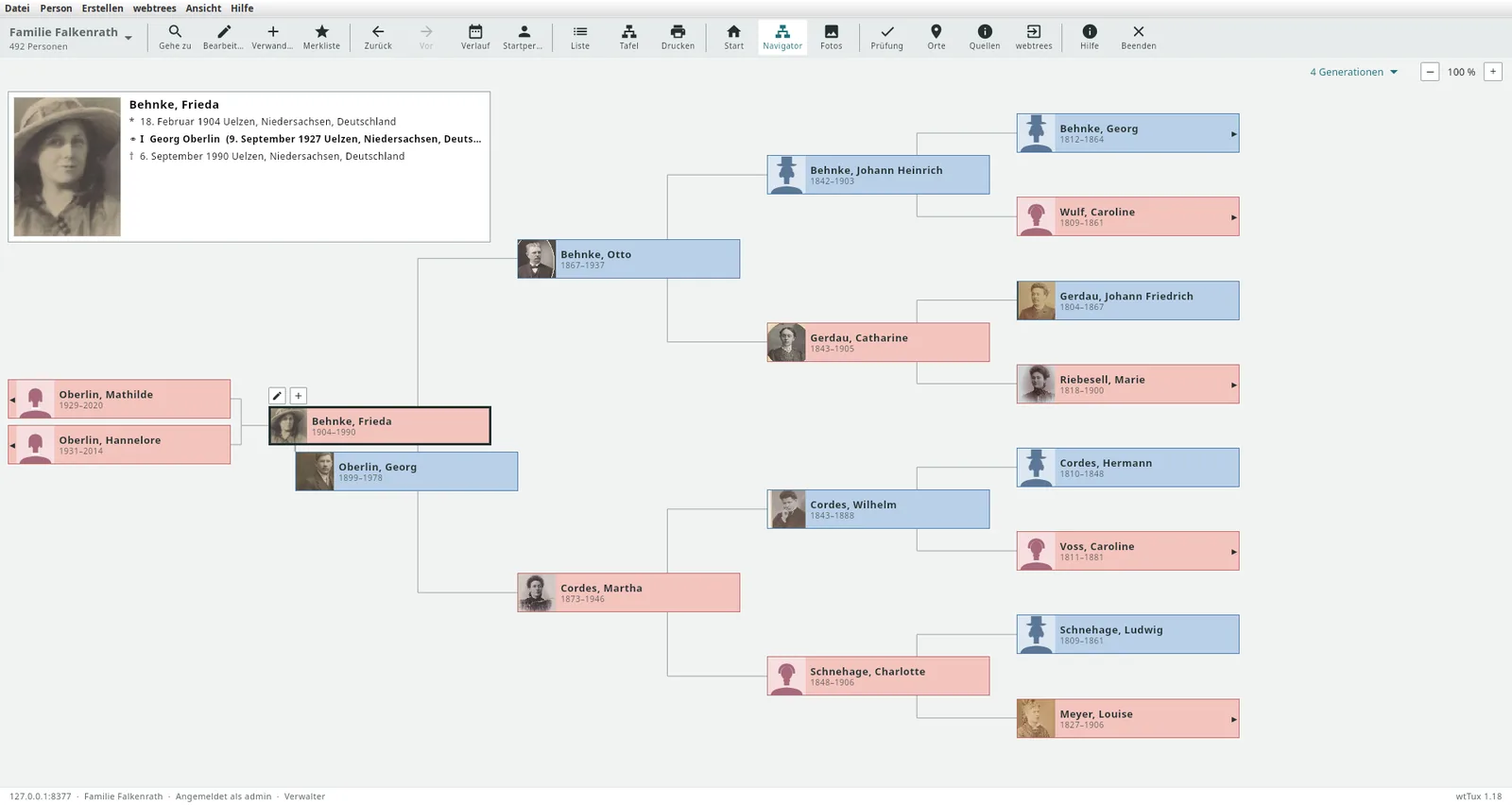
wtWin, wtTux and wtMac show the webtrees family tree the way you expect from desktop programs, and write changes straight back to webtrees: with the rights of your own account, or through moderation if you prefer. The help is built into the program (F1).
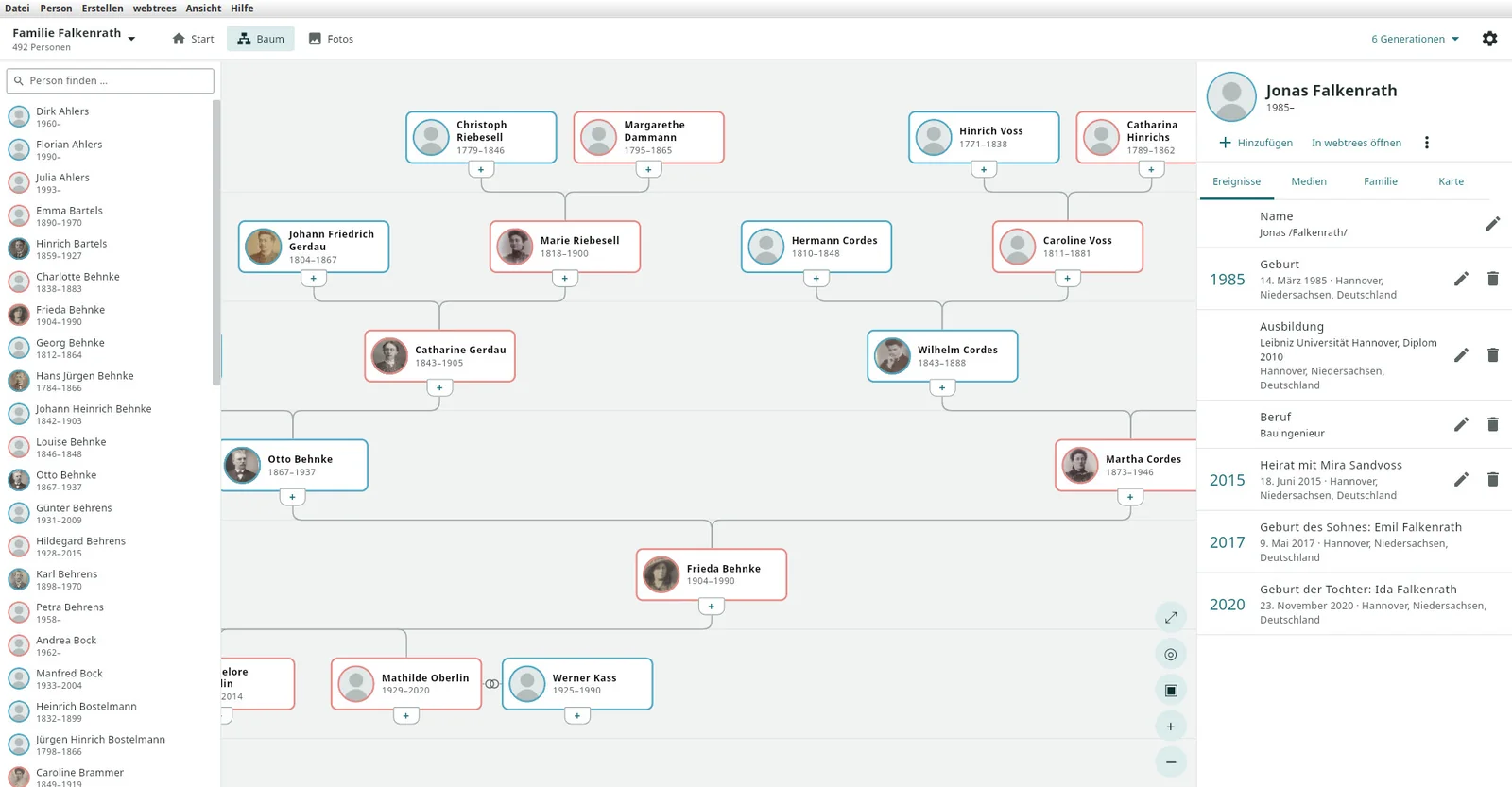
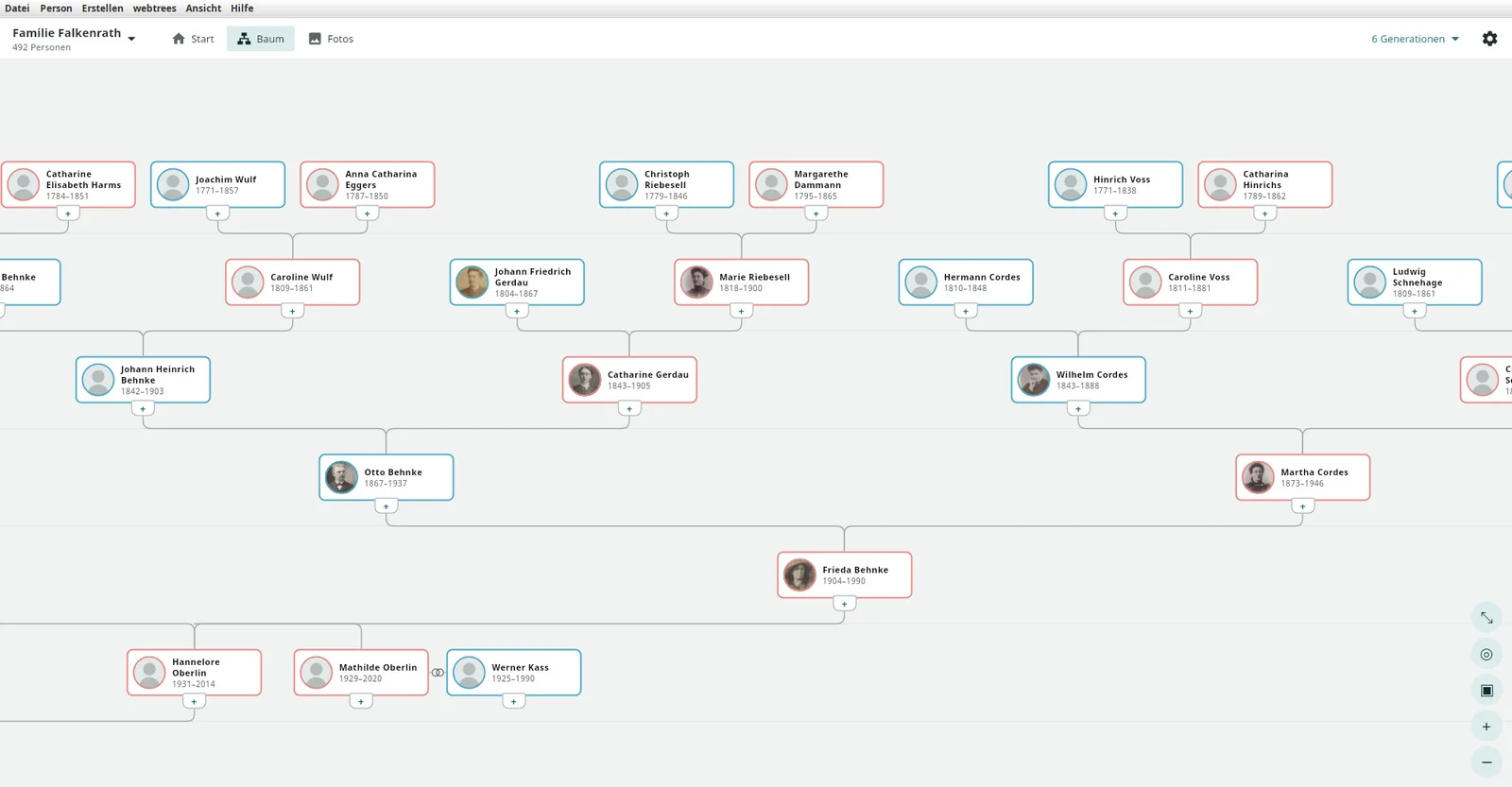
Tree in the middle. Under View › Layout you can choose “Tree in the centre” instead of the navigator: the person list on the left, the family tree in the middle for panning and zooming, and on the right the person panel with events, media, family and map. One button switches to full screen – then only the tree remains, and Esc takes you back. “Show everything” fits even wide trees with siblings and cousins into the window.
Family view, person table, data entry · since 1.29, family view new in 1.36
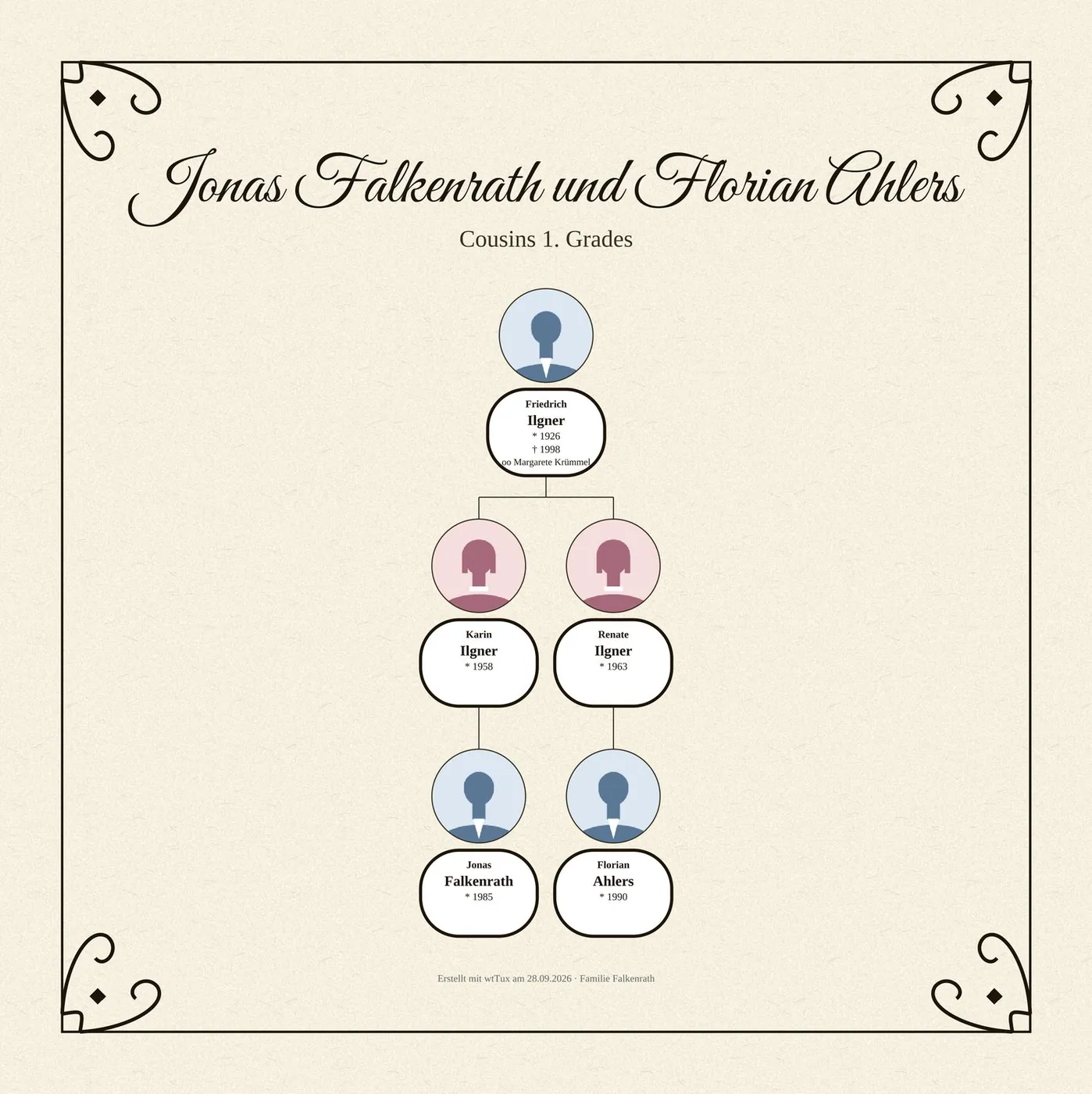
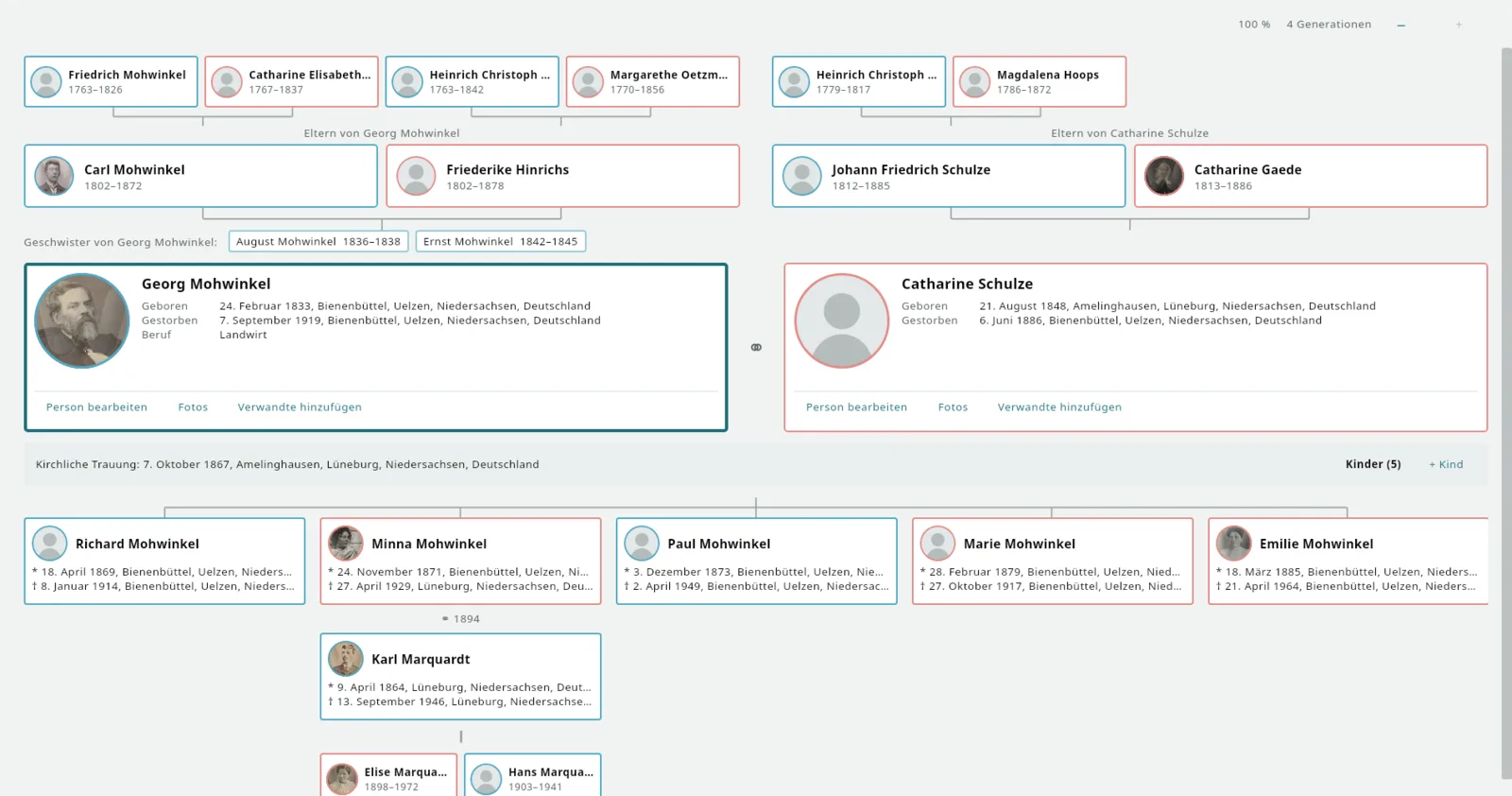
Family view, the third layout under View › Layout, rebuilt in 1.36 the way classic genealogy programs show a family: at the top the ancestors of both partners over two to four generations, below them the parents and siblings, in the middle the couple as large cards with portrait, birth, death and occupation, between them the status line with all marriages and the number of children, at the bottom the children with their spouses and below them the grandchildren – all connected by lines, one tab per marriage. The view is enlarged until it fills the window (up to 180 %, Ctrl+mouse wheel). A double-click makes another person the center, missing parents are created directly, the right mouse button offers person sheet, add relative and delete person. The keyboard guides you through the family as in the navigator.
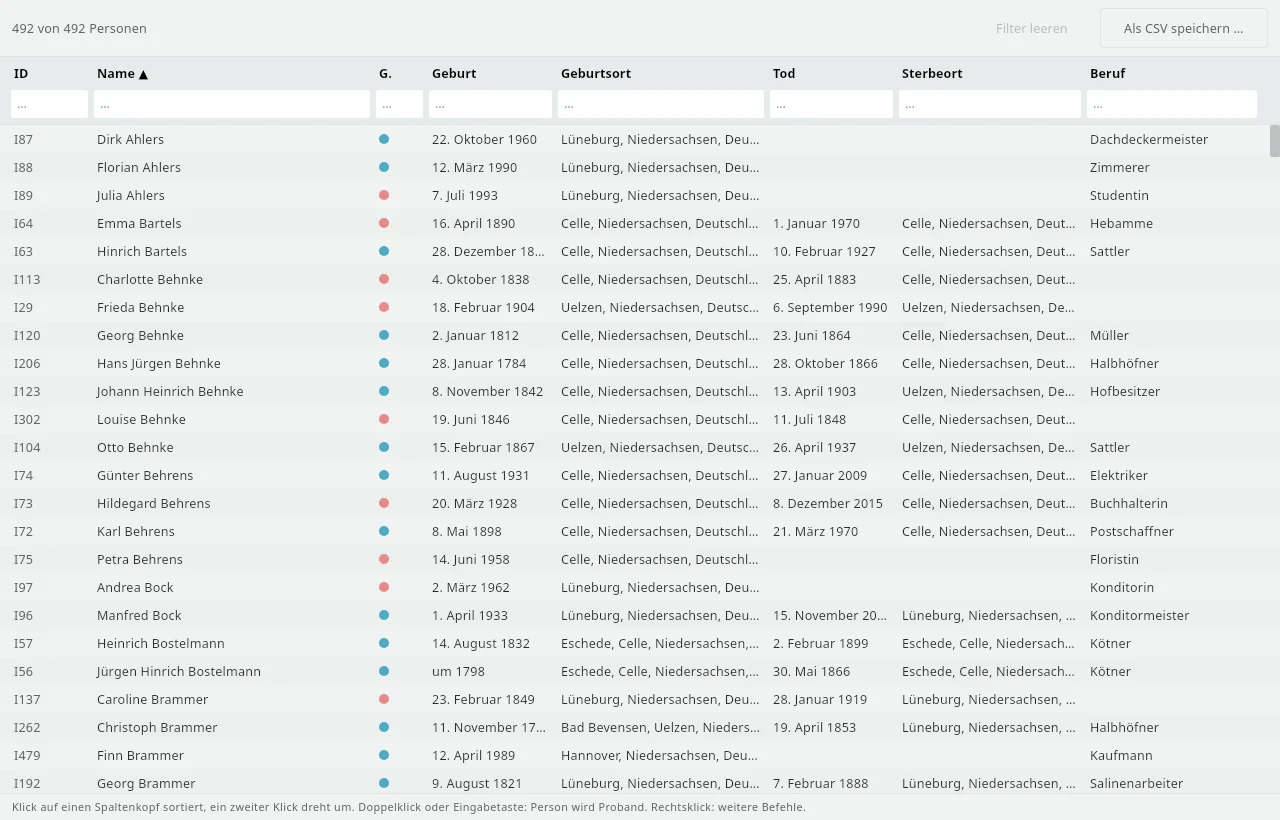
Person table (View › Person table, Ctrl+4): all persons in the tree with sortable and filterable columns – ID, name, sex, birth with place, death with place, occupation. The filter accepts year ranges such as “1850-1900”, a ! finds empty fields, a * finds filled ones. The table can be saved as CSV, and a double-click jumps to the person.
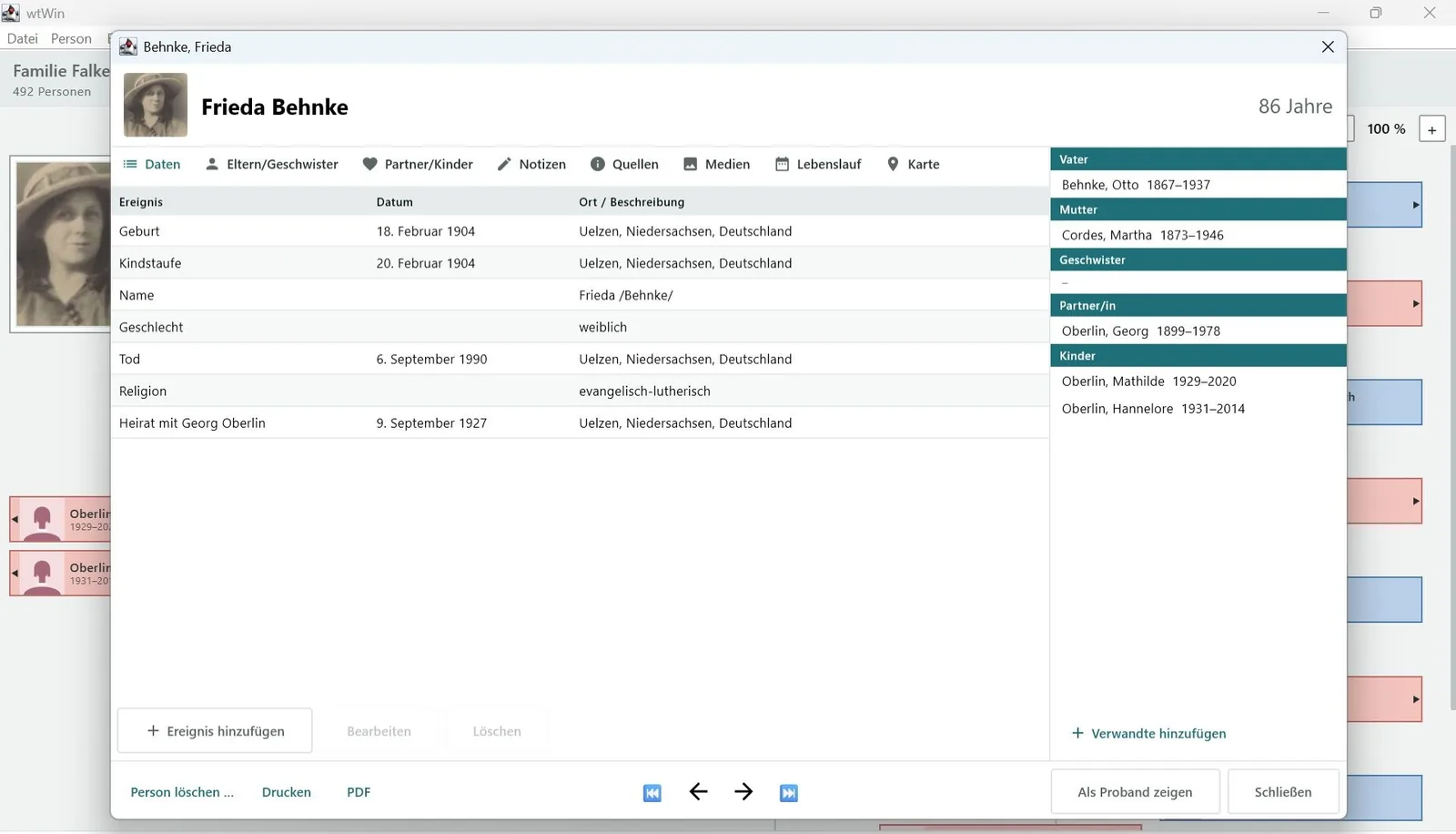
Person sheet: The Partners/children tab has become a workspace – partnerships on the left, children on the right, the events of the partnership below, each with a plus button to add. The name is entered separately as given names, surname and suffix instead of with slashes. The events table shows the age and marks where notes and sources are attached; below it is a detail area with the data, notes and sources of the selected event. In simple entry mode everything essential is in one form; only what has changed is sent, drafts are kept for each person, and the program asks when you close.
How sources are maintained and cited is described under Sources.


Sources · since 1.29
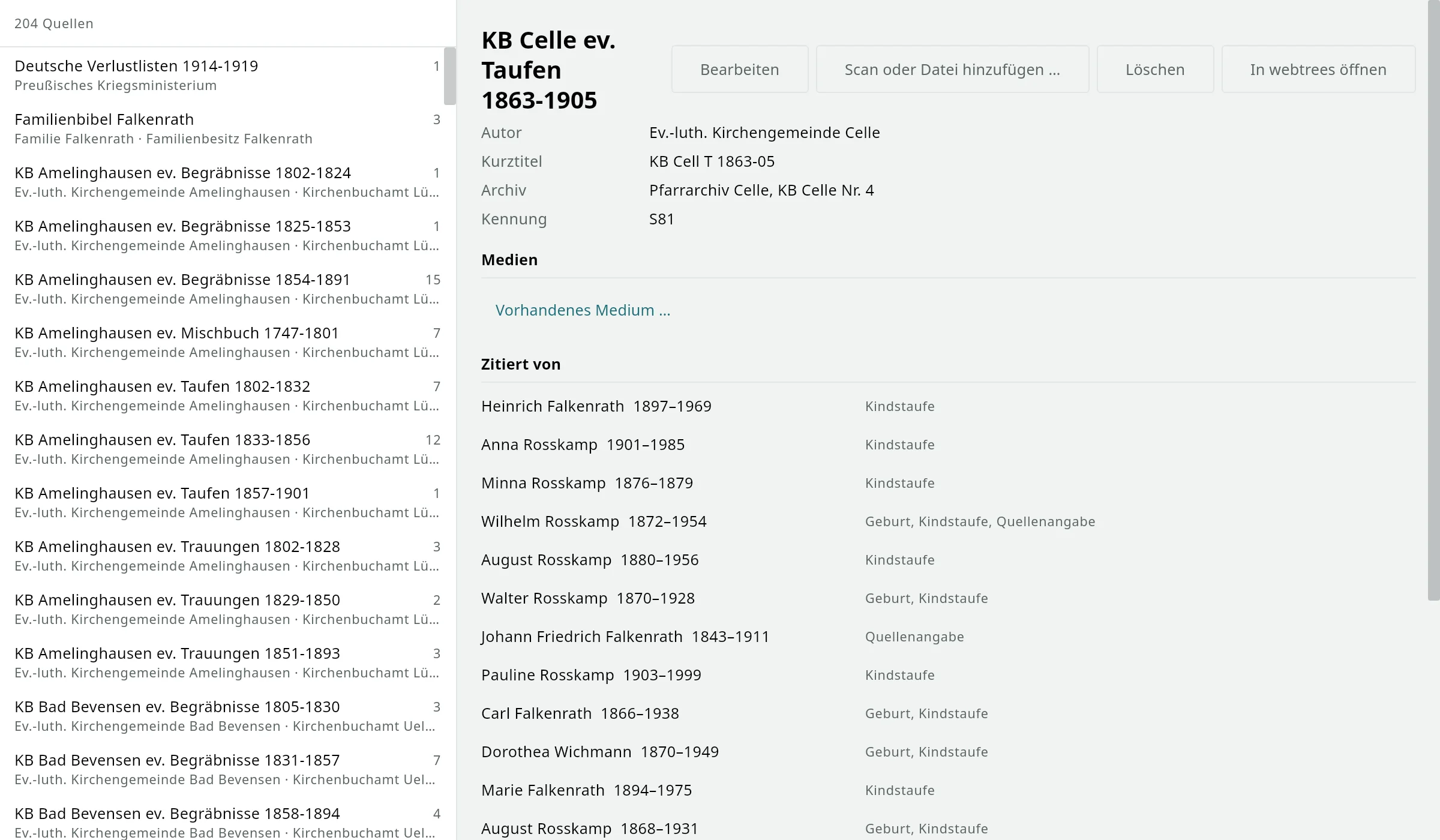
The source manager (View › Sources, Ctrl+5) shows all sources in the tree with author, archive, call number and the number of citations, plus a search. For each source it shows the text, notes, scans and all persons and families that cite it – one click leads to the person. Sources and archives can be created and edited, and unused sources can be removed all at once.
Citing in the person sheet: choose a source from the list at the event or enter it as free text (“according to Martha Meier”), plus page, quality, date, quotation and note. A citation can be copied to other events, relatives or the partnership, and reordered. As in webtrees, scans are attached to the source or to the individual citation: upload a file, choose an existing media item or take one from the archive.
Where evidence is still missing, the “Sourced” list shows it; the plausibility check has the preset “Sources” for this. Requires api4webtrees 1.10 on the server; the family tree on the PC includes it.

Check
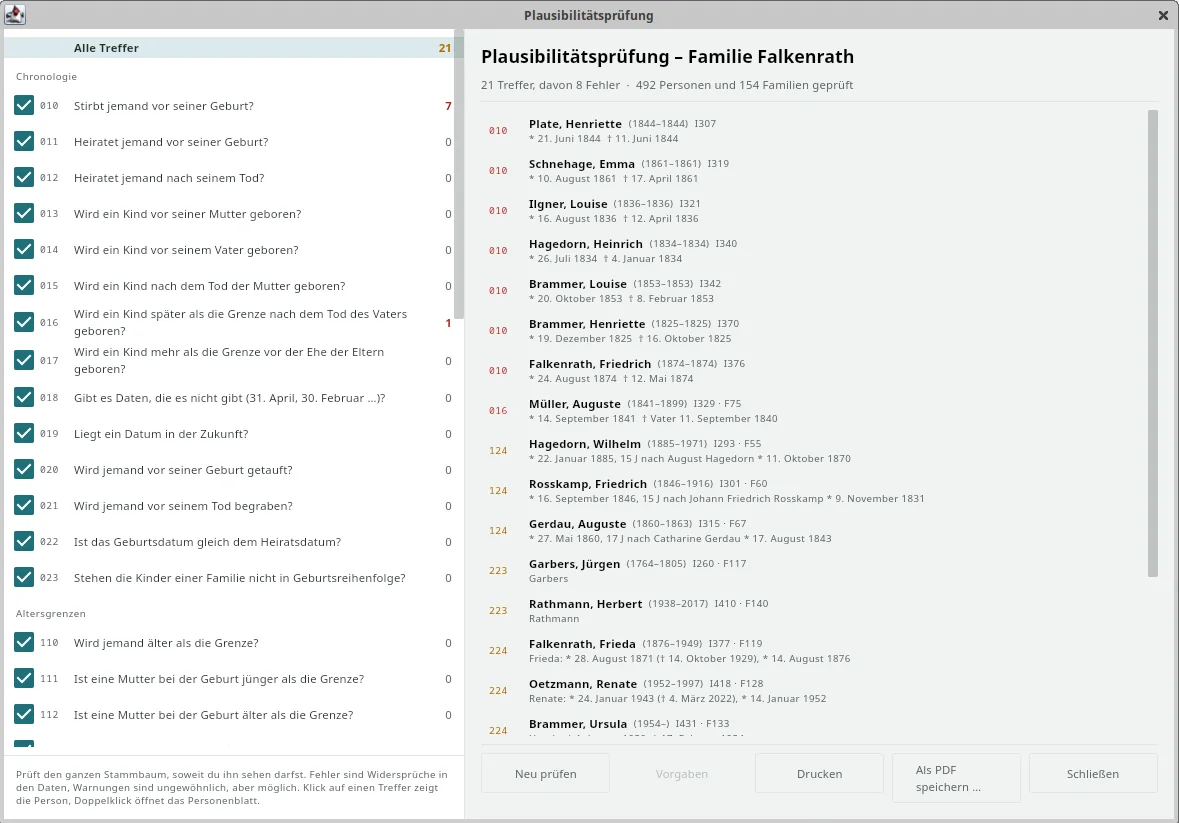
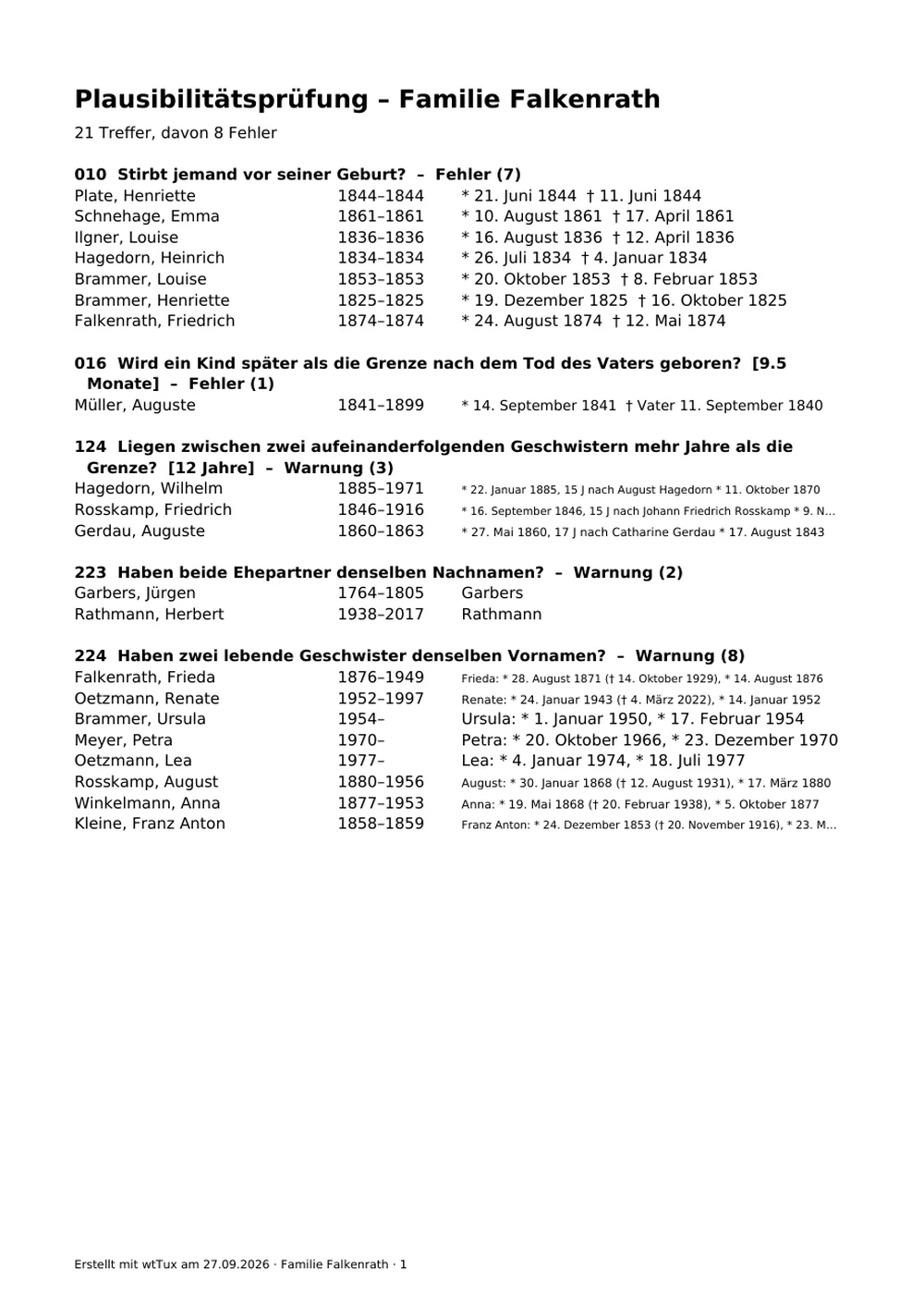
The plausibility check goes through the whole family tree and finds what cannot be right or is at least unusual: a child born before its mother; a baptism before the birth; a date like 31 April; two living siblings with the same given name. 61 rules – chronology, age limits, structure, names, sources and places –, divided into errors (contradiction in the data) and warnings (possible, but conspicuous).
Every rule can be switched off, limits such as the maximum age or the gap between siblings can be adjusted, and the findings are recalculated immediately. One click shows the person in the navigator, a double-click opens their person sheet. Presets range from strict to lenient; findings you have checked can be ticked off and only return when the data changes. Only what your own account is allowed to see is checked.
All 61 rules with limits and presets are in the rule catalog. Any GEDCOM file can be checked, even without a webtrees server, as a family tree on the PC.


Godparents and witnesses · since 1.31
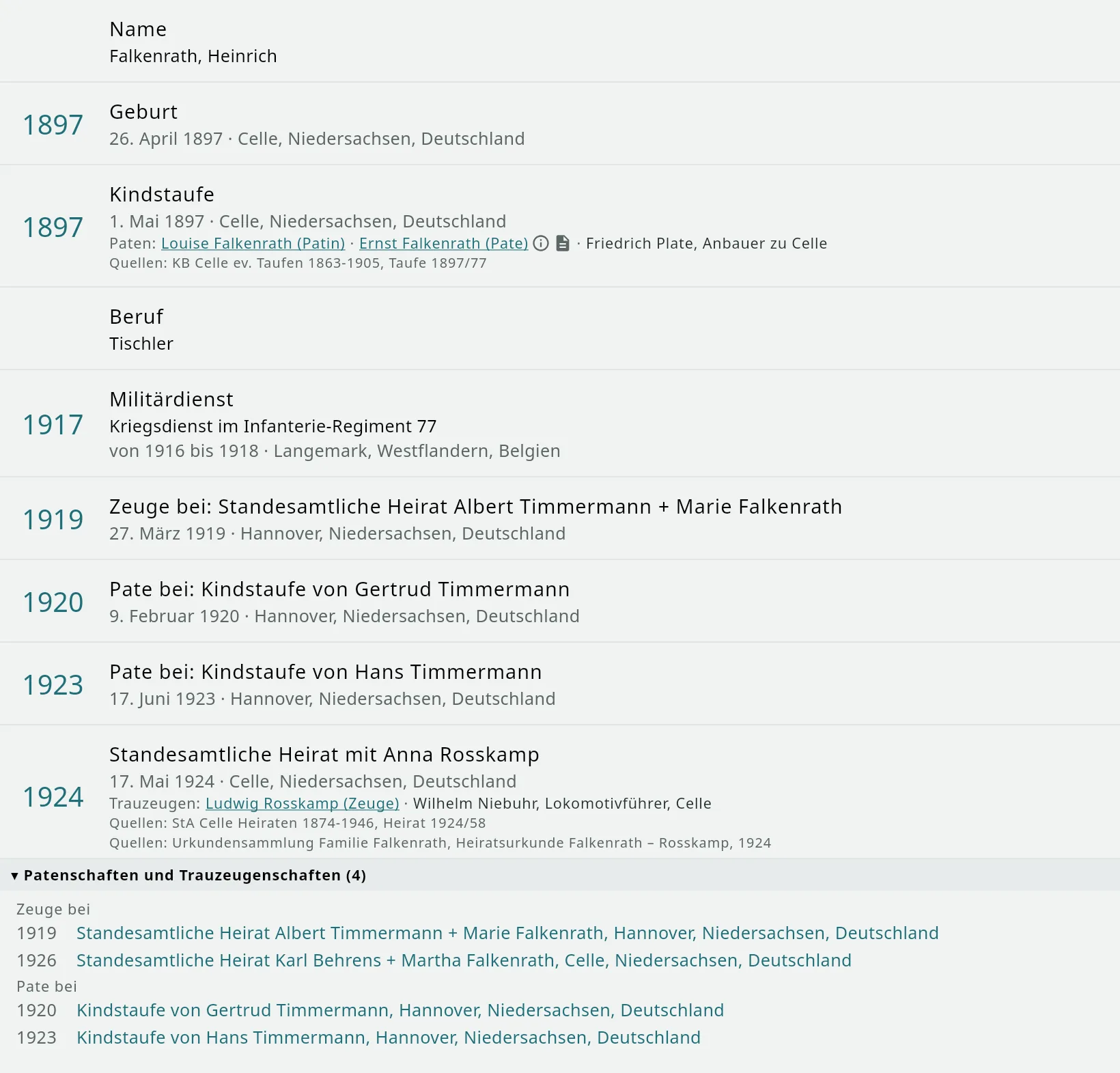
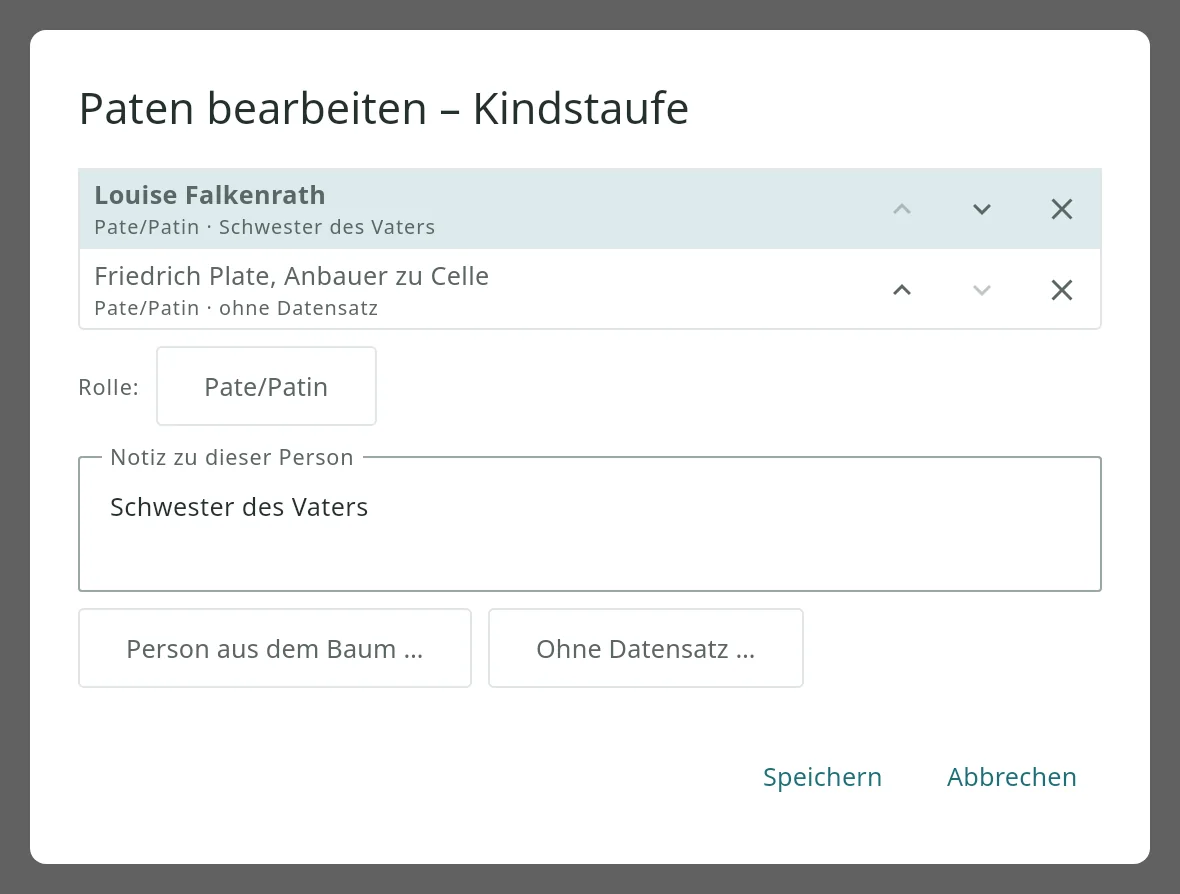
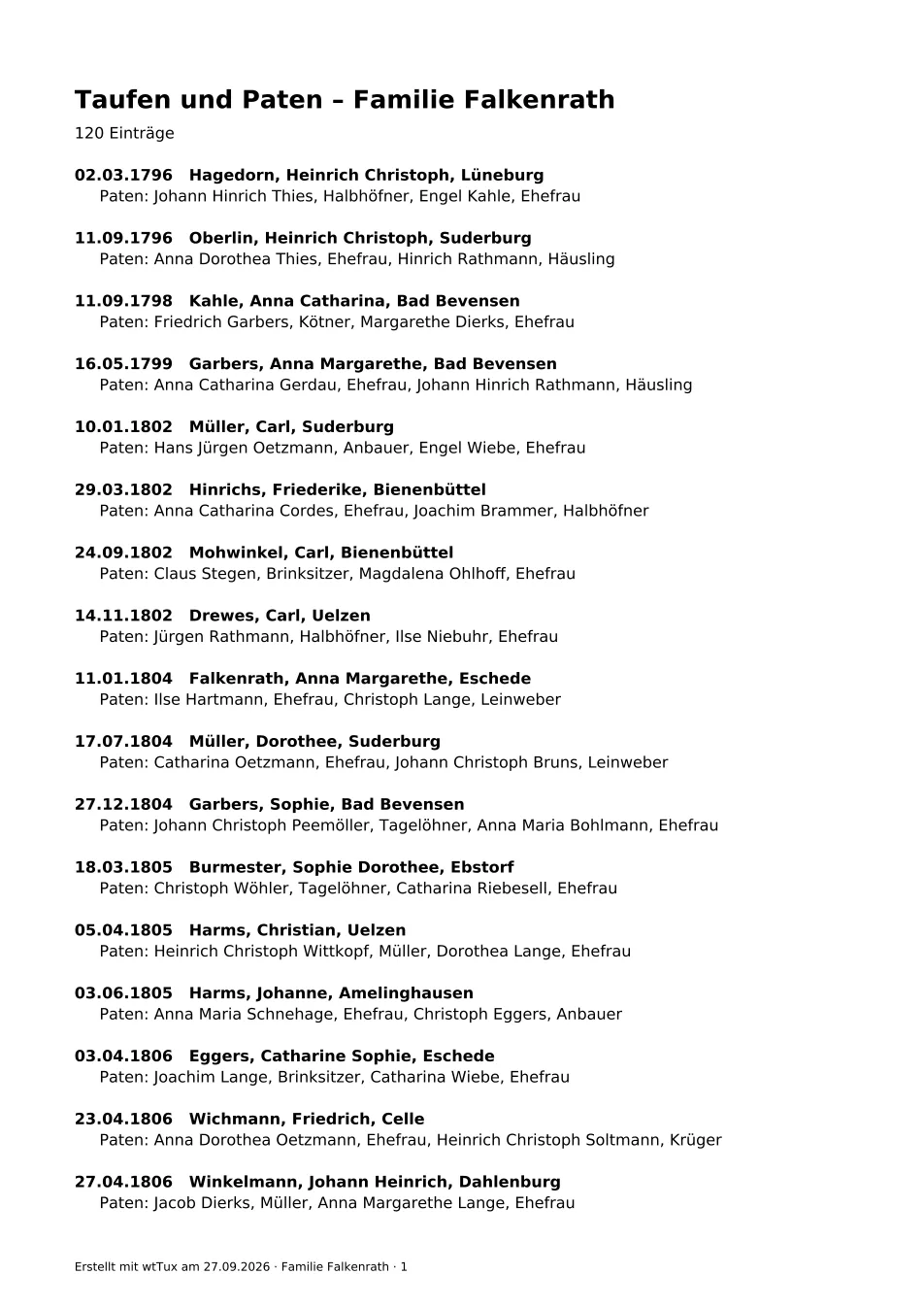
Below every baptism are the godparents, below every marriage the witnesses – in the life story, in the person sheet, in the family view, on person cards and in print. Godparents with their own record can be clicked and lead to the person; godparents without a record appear as text, just as they stand in the church register: “Friedrich Plate, Anbauer zu Celle”. A note on the godparent (“godparent in absentia”) and the source that names them are one click away. Living godparents you are not allowed to see remain “Private”.
And the other way round: For each person it shows where they were a godparent or witness themselves – with a jump to the baptized child or to the couple. This lets you see at a glance how families were connected through godparenthood.
What webtrees and other programs store is read: linked godparents (_ASSO with the role godparent or witness, including older spellings), the GEDCOM-L fields _GODP and _WITN, and notes of the form “Godparents: …”. Civil and church weddings appear separately with their designation. The Godparents list, the book and the plausibility check (godparent already dead, still too young) use the linked godparents directly.
Entering (since 1.32): In the person sheet, choose the baptism or marriage and click Edit godparents or Edit witnesses. Anyone who has their own record is looked up in the tree and linked; anyone who has none is entered as they appear in the church register. Order, role (also “midwife” or “neighbor”) and a note on the person are included. Data is saved the way webtrees reads it, persons without a record as GEDCOM-L _GODP/_WITN; sources attached to a godparent are preserved. In the event dialog of a marriage you can choose the type – civil, church, registered partnership.
Displaying requires api4webtrees 1.11 on the server, entering 1.12; the family tree on the PC includes it. With an older module everything else works as before.


Places · since 1.34
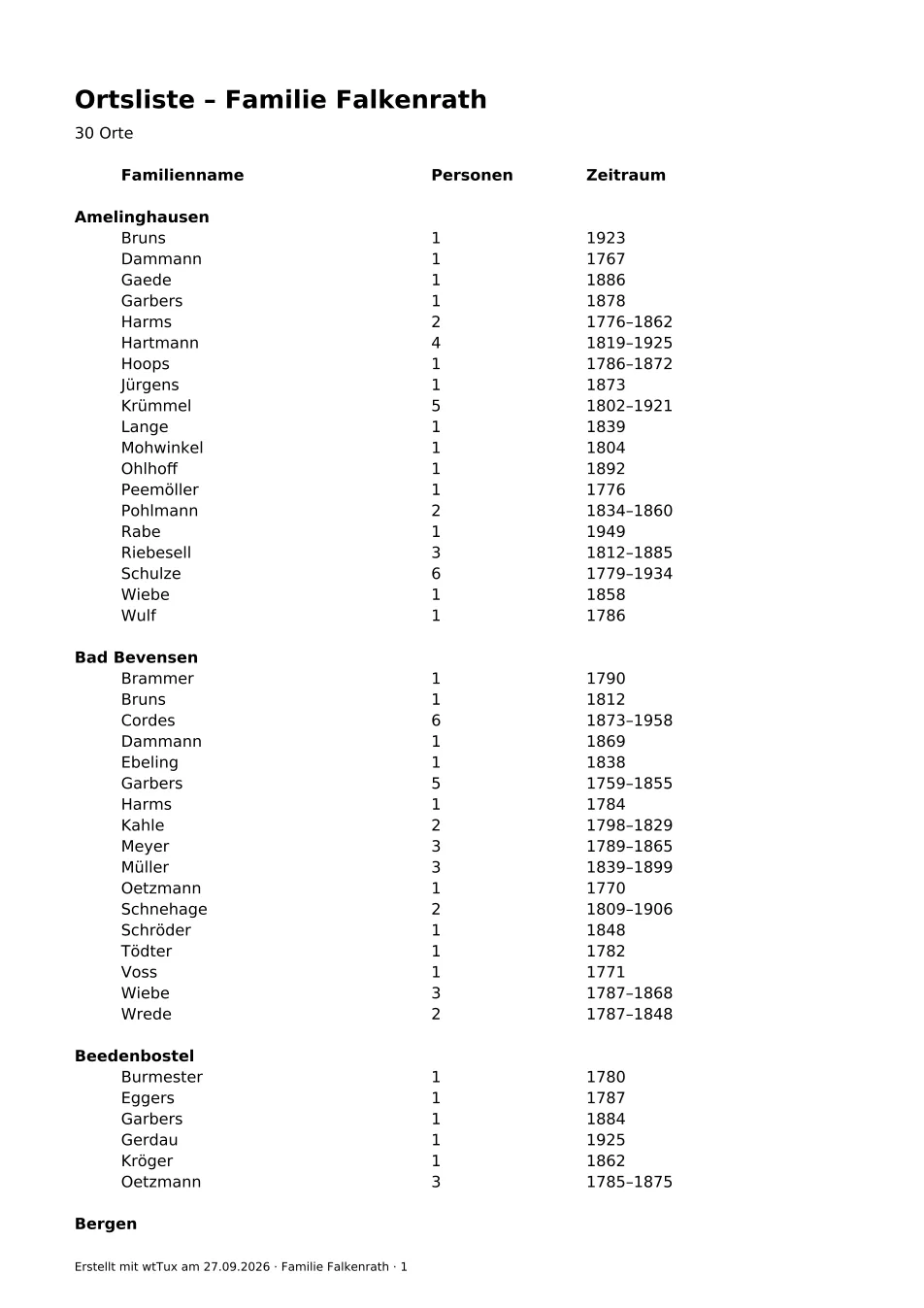
The place manager (View › Places, Ctrl+6) shows all places in the tree with the number of their events, with search and map. Every place has its own page: image, events, the hierarchy according to the historical gazetteer (GOV, today and in the past), persons, notes, sources and coordinates – and links for looking it up at GOV, GenWiki, Wikipedia, Archion, Matricula, Archivportal-D and the Deutsche Digitale Bibliothek (DDB).
Maintaining: enter GOV ID, short name, postal code, region, note and coordinates – the coordinates can also come from the OpenStreetMap place search. Places can be renamed and merged; Clean up places finds spellings that probably mean the same place and merges them on a click. Place names can be clicked everywhere, in the person sheet as well as in the person panel.
Requires api4webtrees 1.13 on the server; the family tree on the PC includes it.
Archive and group photos · since 1.48
With the Sammlungen module, webtrees gets an archive: photos, scans and documents that need not be attached to anyone – thirty pictures of an ancestor, three of which belong in the record. In wtWin it has a window of its own (View › Archive, Ctrl+9) and can do everything there that the browser can: create, edit, hide and delete collections, sort pictures into thematic collections, rename files, drag new ones in from the file manager. Postcards show front and back as one entry, with motif and transcription; a picture written crosswise turns with R.
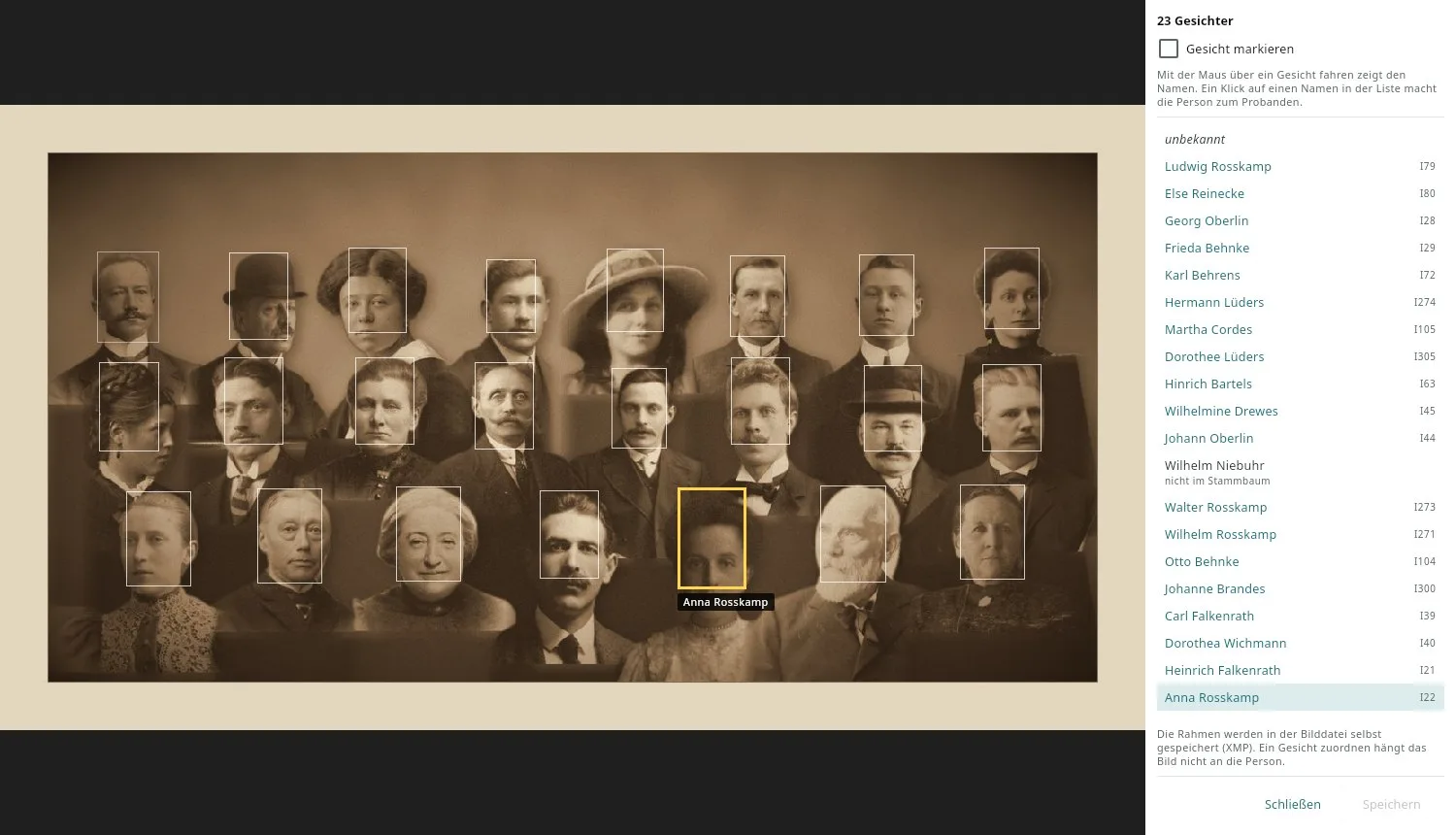
Faces on group photos: draw a frame around a face and assign the person – from the family tree, by name only (the witness nobody entered) or “unknown”. Hovering shows the name at the face; the person sheet lists every group photo the person appears on. The frames are stored in the image file itself (XMP), so digiKam and other programs read them too. The picture is only attached to the person if you want it.
Requires Sammlungen 1.10 on the server; the family tree on the PC includes it. To try it, the demo tree Falkenrath 1.5 has a wedding photo of 1924 with 23 marked faces, and the same picture without frames for marking by hand.
Tools · since 1.49
The Tools menu gathers what is needed for the whole tree or without one. The date calculator works out the difference between two dates in years, months and days, the date of birth from the date of death and age (“aged 63 y. 4 m. 2 d.”), and converts a date between the Julian and Gregorian calendars – with weekday and day in the church year.
Church year and feast days shows Easter and all Sundays and feasts of a year, with German and Latin names, Protestant or Catholic, Gregorian or Julian. “Laetare 1734” or “Dom. III p. Trin.” gives the date, a date gives the Sunday – handy for dating parish register entries. Both calculate without a server; results can be copied as GEDCOM dates. The plausibility check, merging individuals and cleaning up places are in the Tools menu too.
CompGen meta search · since 1.54
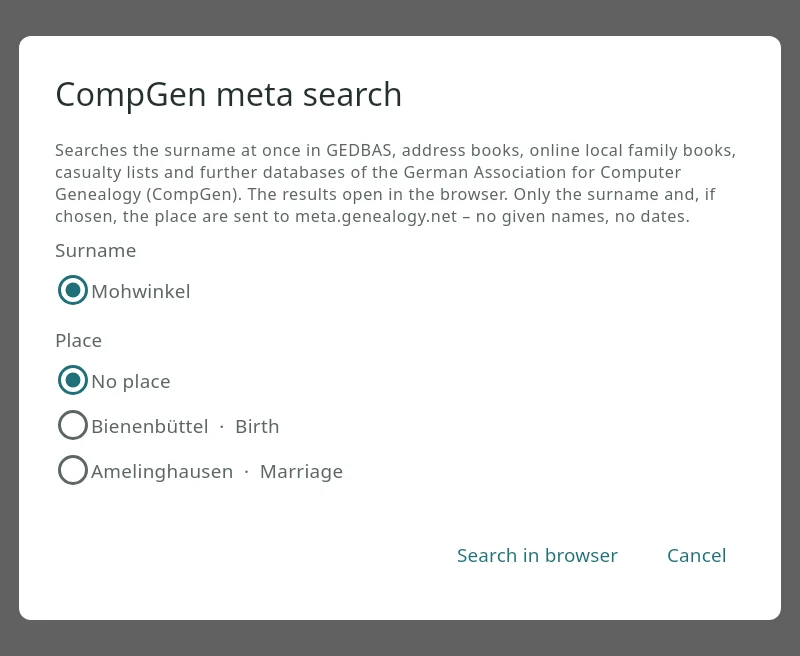
For any person, Person › Search in the CompGen meta search … (also by right-click in the navigator, family view, person table, side list and person sheet, and in gedaudit) looks up the surname at once in GEDBAS, the historical address books, the online local family books, the casualty lists of World War I and further databases of the German Association for Computer Genealogy (CompGen). The results open in the browser.
A small window shows beforehand what is sent to meta.genealogy.net: only the surname, without particles such as “von” or “van” (with several surnames you choose one), and if you like one place of the person – birth, marriage, residence or death, without house numbers. Given names and dates never leave the program, and nothing is sent without a click. Without a place the search usually finds more: some databases take a place strictly, others ignore it.
Research tasks, bookmarks, recent changes · since 1.37
Research tasks (View › Research tasks, Ctrl+7) list every open task of the tree with date, person and assignee – the same tasks webtrees shows in the browser in its block “Research tasks”, stored as the GEDCOM field _TODO at the individual or family. Add one for the central person, edit it, mark it done; a date in the future is a reminder. In the plausibility check one click turns a finding into a task with the check text.
Bookmarks are webtrees’ favourites now, so they appear on “My page” in the browser too, and tree managers can set favourites for everyone. Recent changes (Ctrl+8) show who created, changed or deleted which record and when, including changes still awaiting approval. In the person sheet, arrows move partnerships and children up or down – only the order of the GEDCOM lines changes.
Requires api4webtrees 1.18 on the server; the family tree on the PC includes it. With API level 30 the interface is complete: everything needed for everyday work is there, and module releases will be rare from now on.
Merging individuals · since 1.36
Duplicates arise when two files are combined or while entering data – the same person once as a child and once as a husband. Tools › Merge individuals lists the pairs the plausibility check takes for duplicates: same name and one identical event date (rule 219, now also christening, death and burial) or a similar name with a close year of birth (rule 228). The same pairs carry a merge symbol in the check, and any two individuals can be chosen by hand – in the person table with the right mouse button.
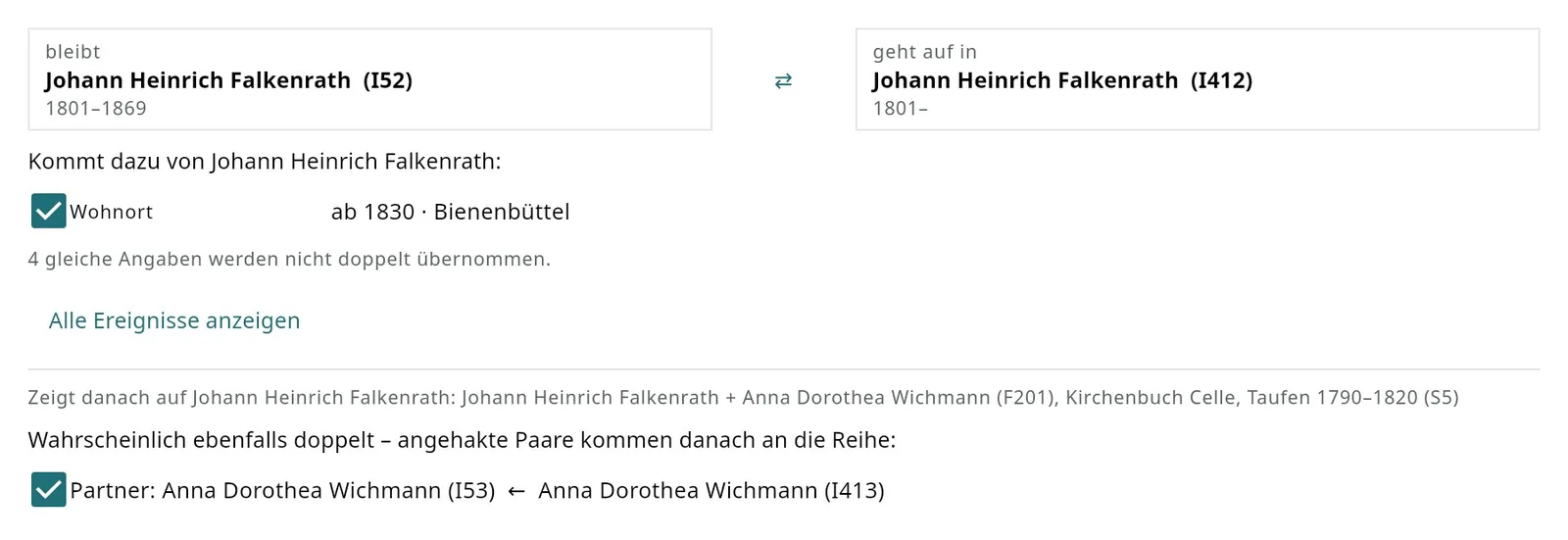
Merge shows who stays and who is absorbed, and below that only what is added from the second individual – usually one to three lines; “Show all events” opens the full comparison. Identical entries are not taken over twice, not even when one version has fewer details; links to families, media, sources and notes always stay, and everything that pointed to the second individual – families, source citations, godparent roles – points to the first afterwards. Further pairs that are probably duplicates as well (father, mother, spouses and children with the same name) are offered right away.
Undo. Every merge is logged with time and user. Undo restores both individuals and all links as they were – even days later, as long as nobody has edited the affected records since; otherwise the program names the changed records and leaves everything as it is. Tree managers only, as in webtrees; needs api4webtrees 1.17 on the server, the family tree on the PC includes it.
Houses and farms · since 1.35
A farm or house is a place of its own below the village – a GEDCOM-L location record with a type (farm, house, mill …), as local family books with farm lists and the farm research tools use it. The place manager lists these buildings below their place with their type and shows them on the map, even before any person is recorded there. Every place has a History tab: all events there in order of time – the building's own events such as a fire, a rebuilding or a sale highlighted, the births, residences, ownerships, marriages and deaths of the people in between.
The family book gets a house section when the option Houses and farms is ticked: every farm and house of the place with its note, its building events and the residents and owners in order of time, each pointing to their family; the families point back to their house. The references are clickable in the PDF. The demo tree 1.4 has four made-up farms in Bienenbüttel to try it out.
Since 1.39 only buildings make it into the house section, judged by the type in the location record (house, farm, farmstead, mill, church … in all five languages; without a type a house number in the name counts). Parts of town and villages become chapters; with residents of their own they go into the appendix “Other places”. Place names may be separated by commas or semicolons, residence and property at the same house are one entry with a period.
Since 1.50 events at a farm carry the GEDCOM-L pointer 3 _LOC to its location record – that is how other programs find the farm, such as the farm list of the Online-OFB. The place dialog offers the GOV type number (farm 24, mill 87 …); Clean up places links existing events in one click. Earlier and church assignments of a farm are kept when it is changed.
Requires api4webtrees 1.15 on the server, 1.19 for the pointers; the family tree on the PC includes it. Nothing changes for trees without buildings.
Charts
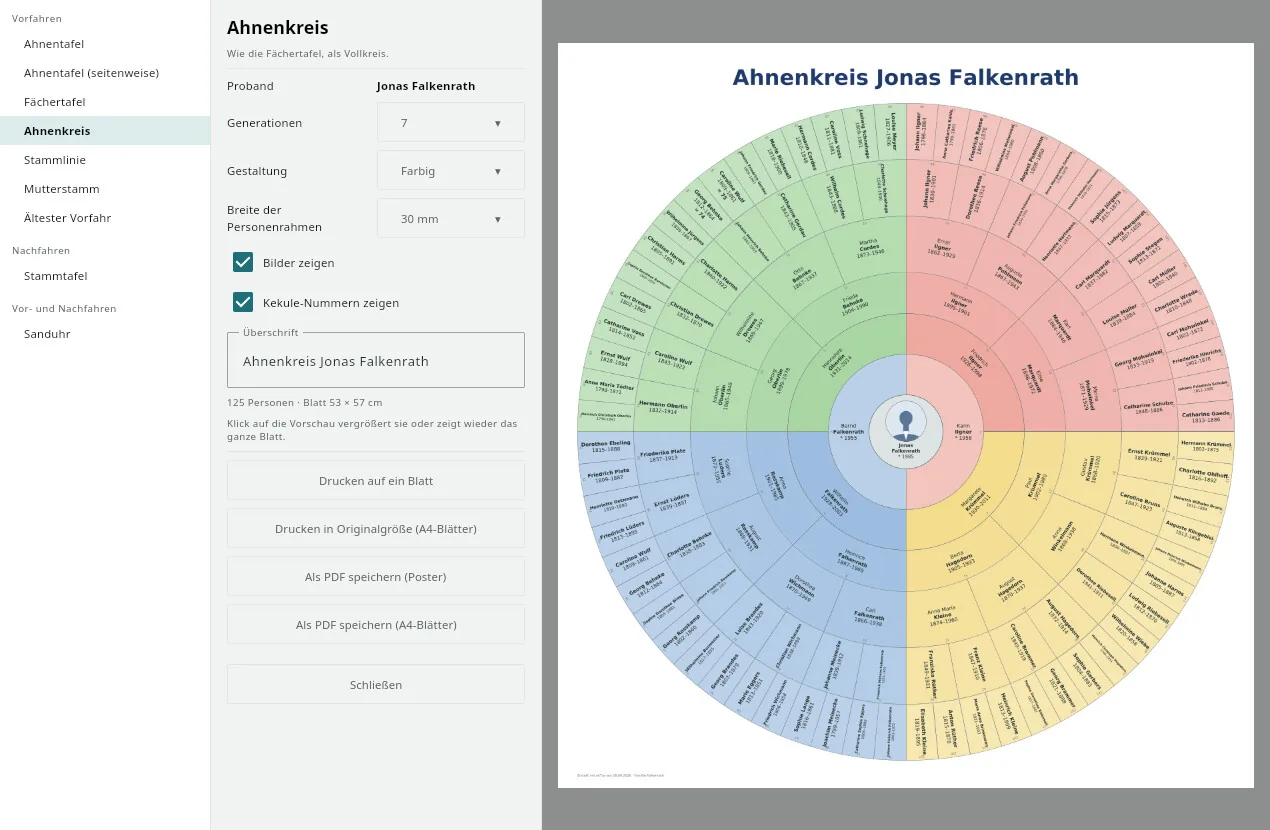
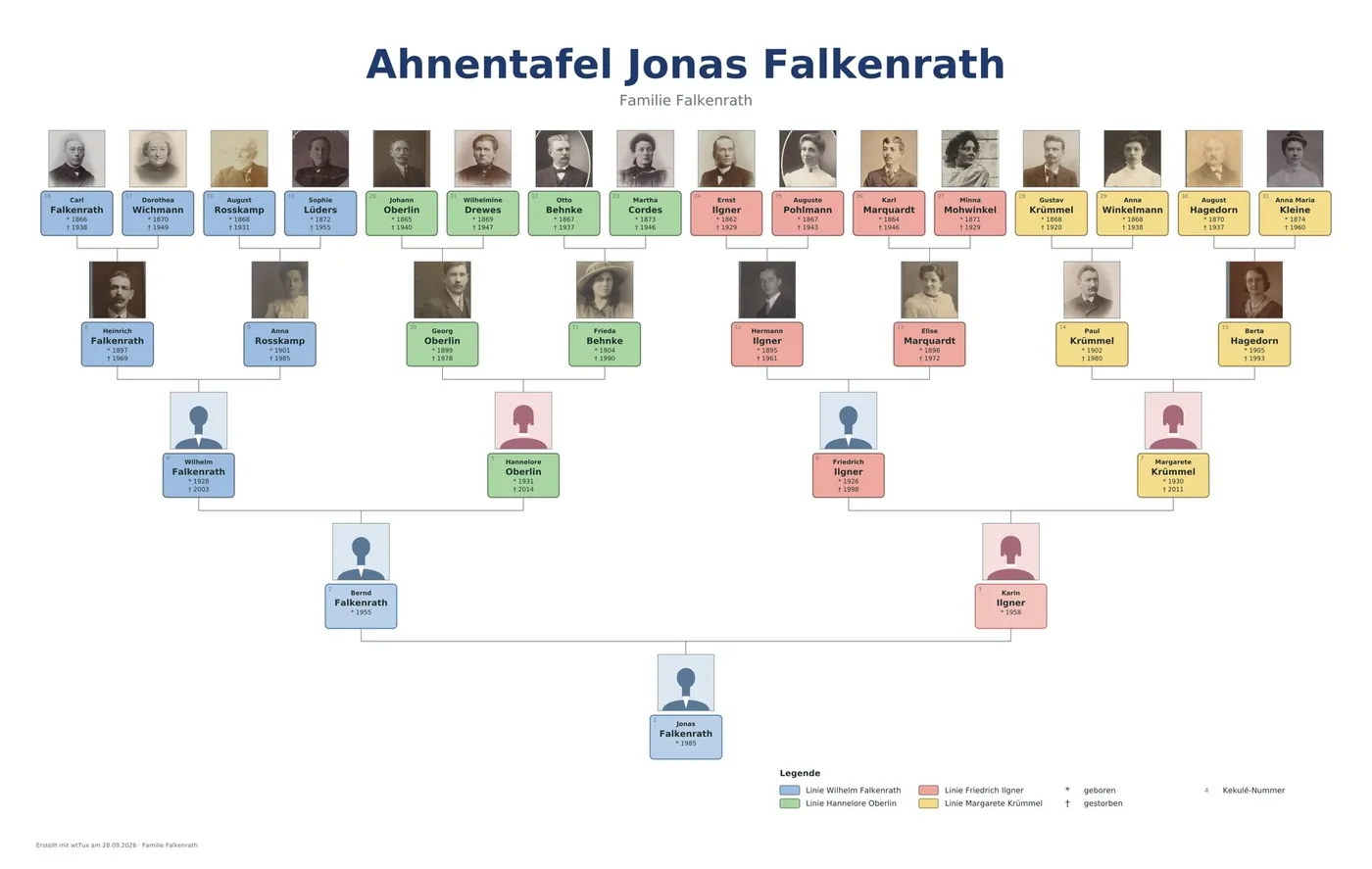
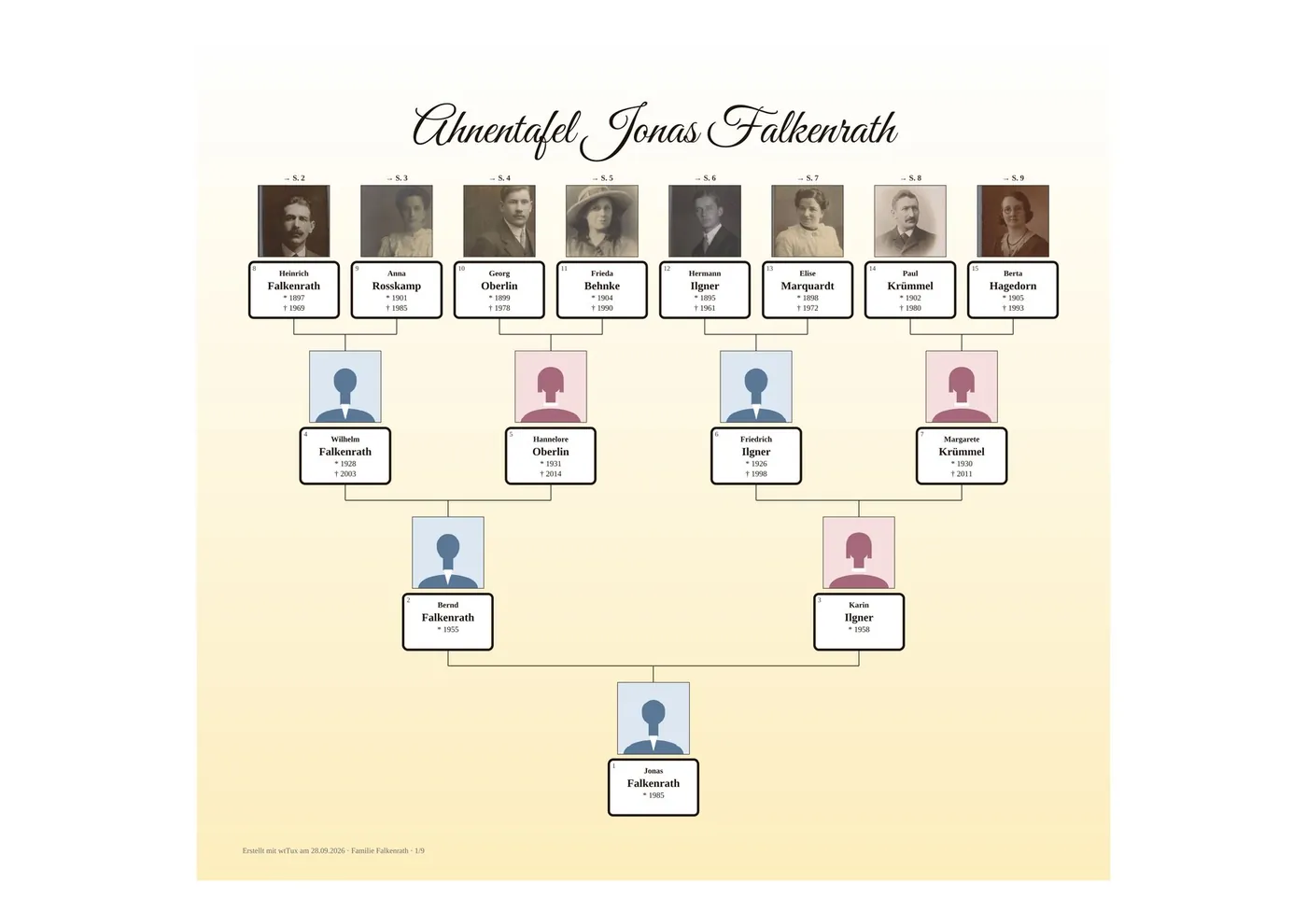
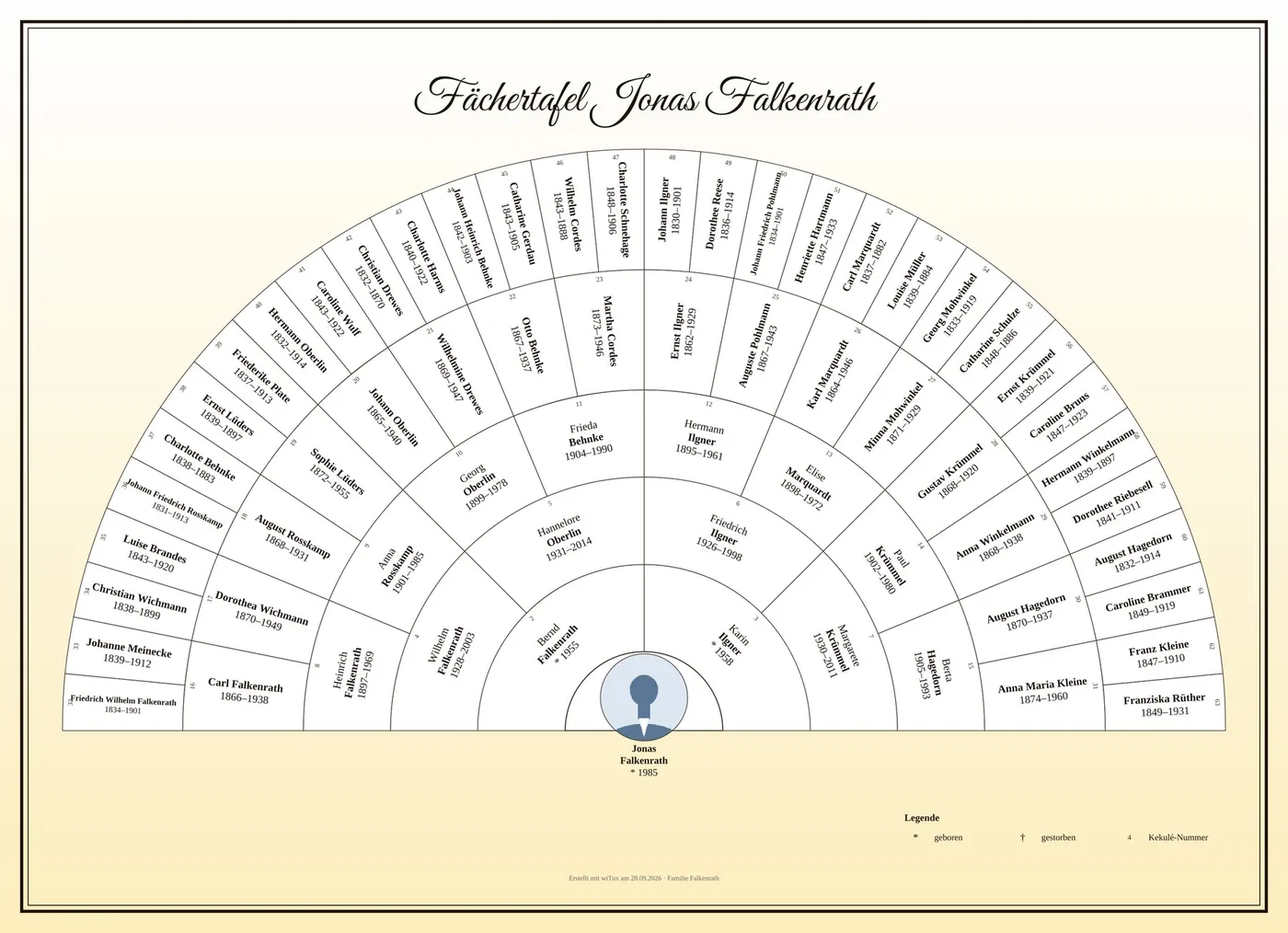
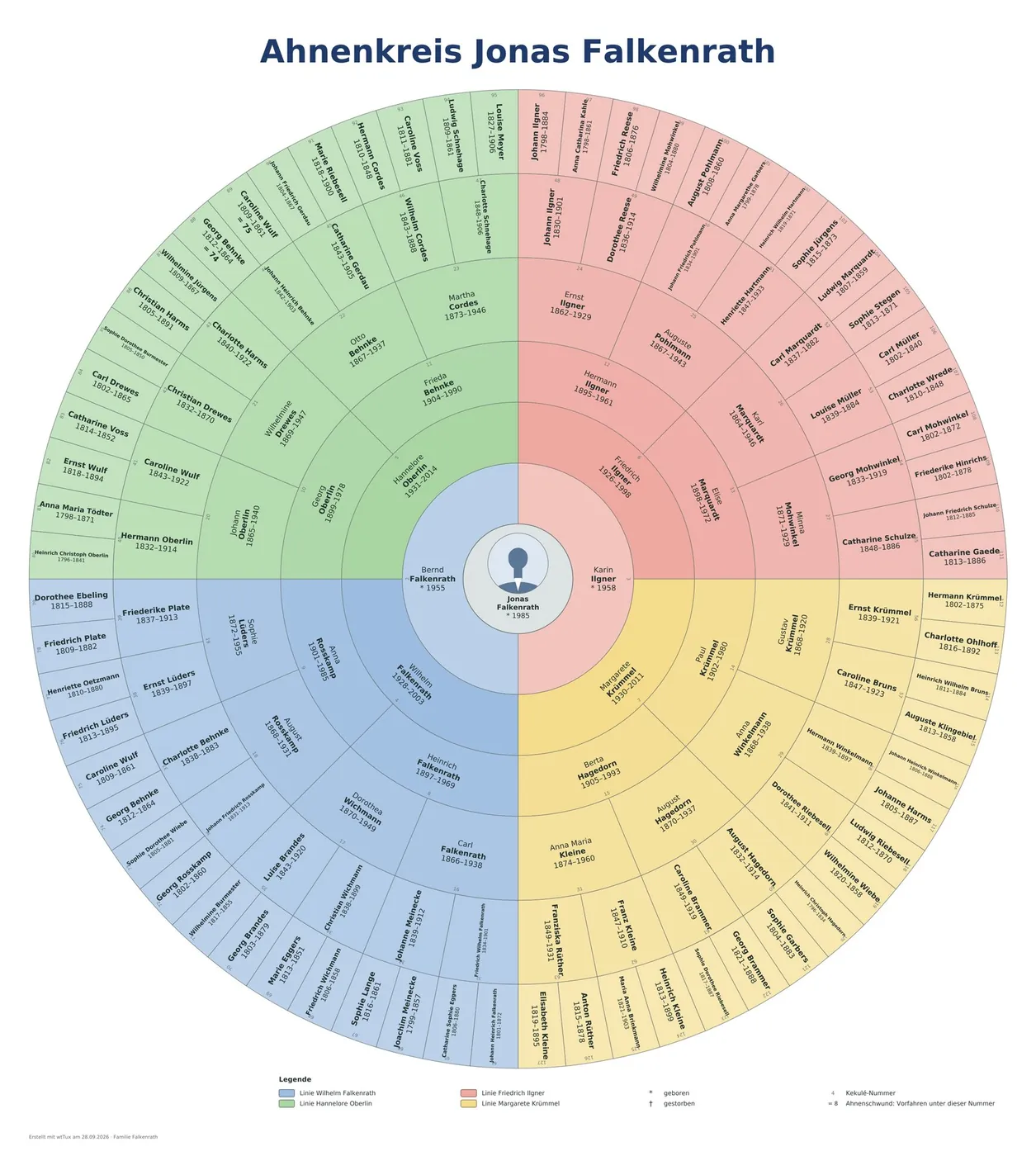
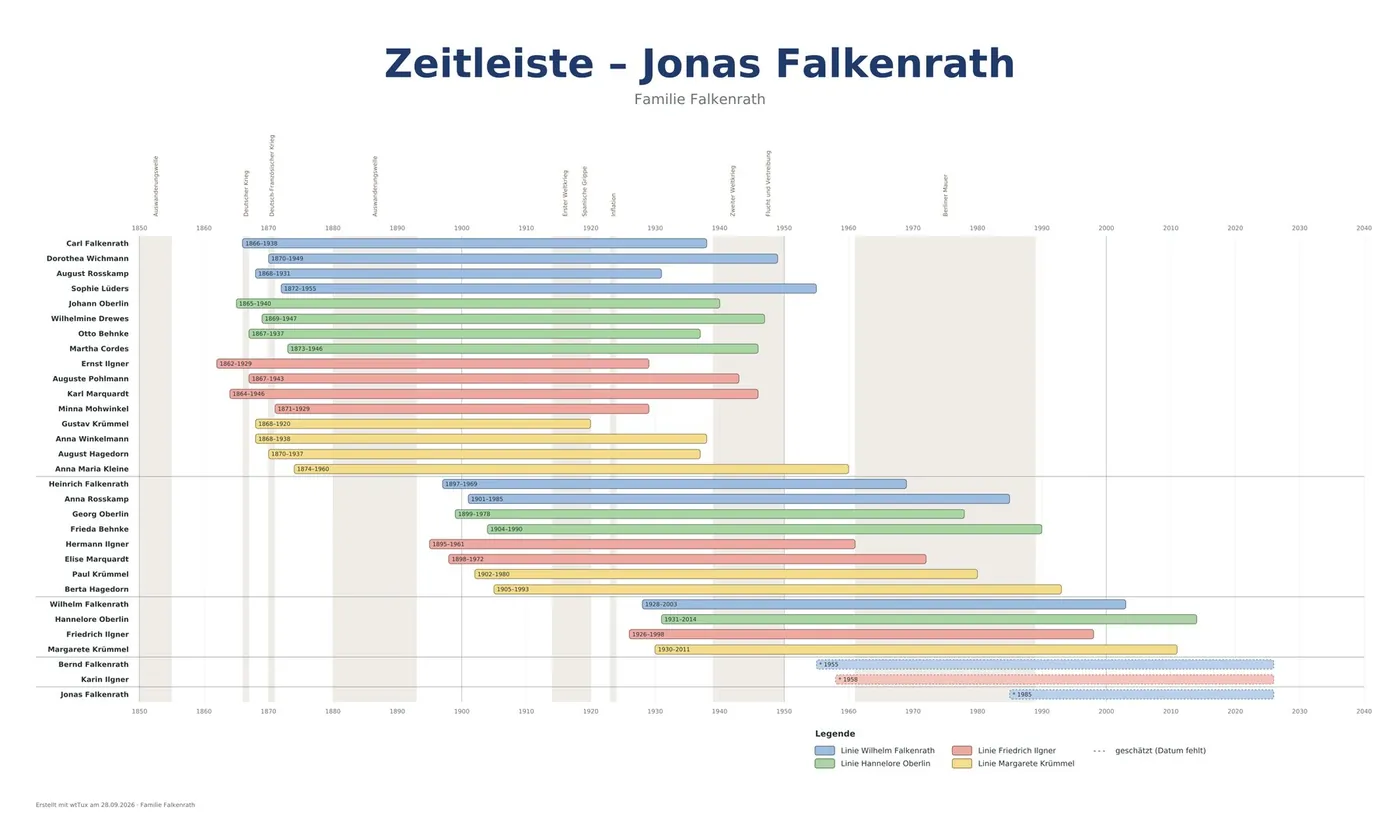
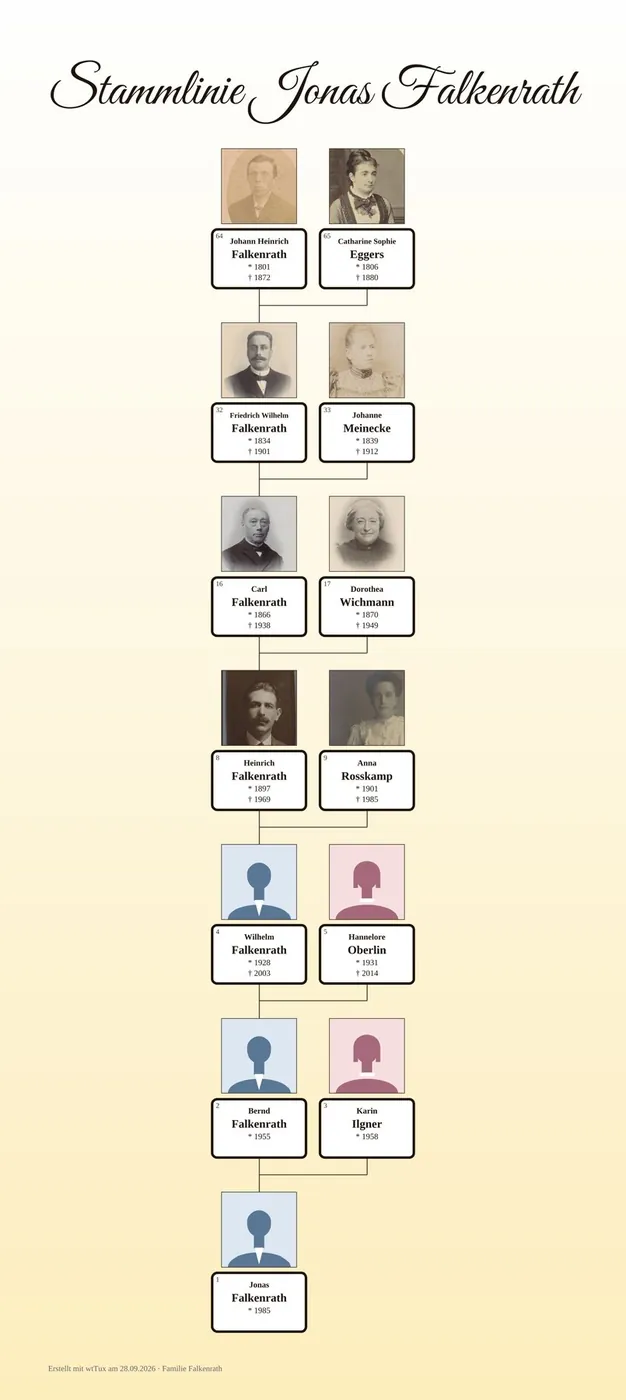
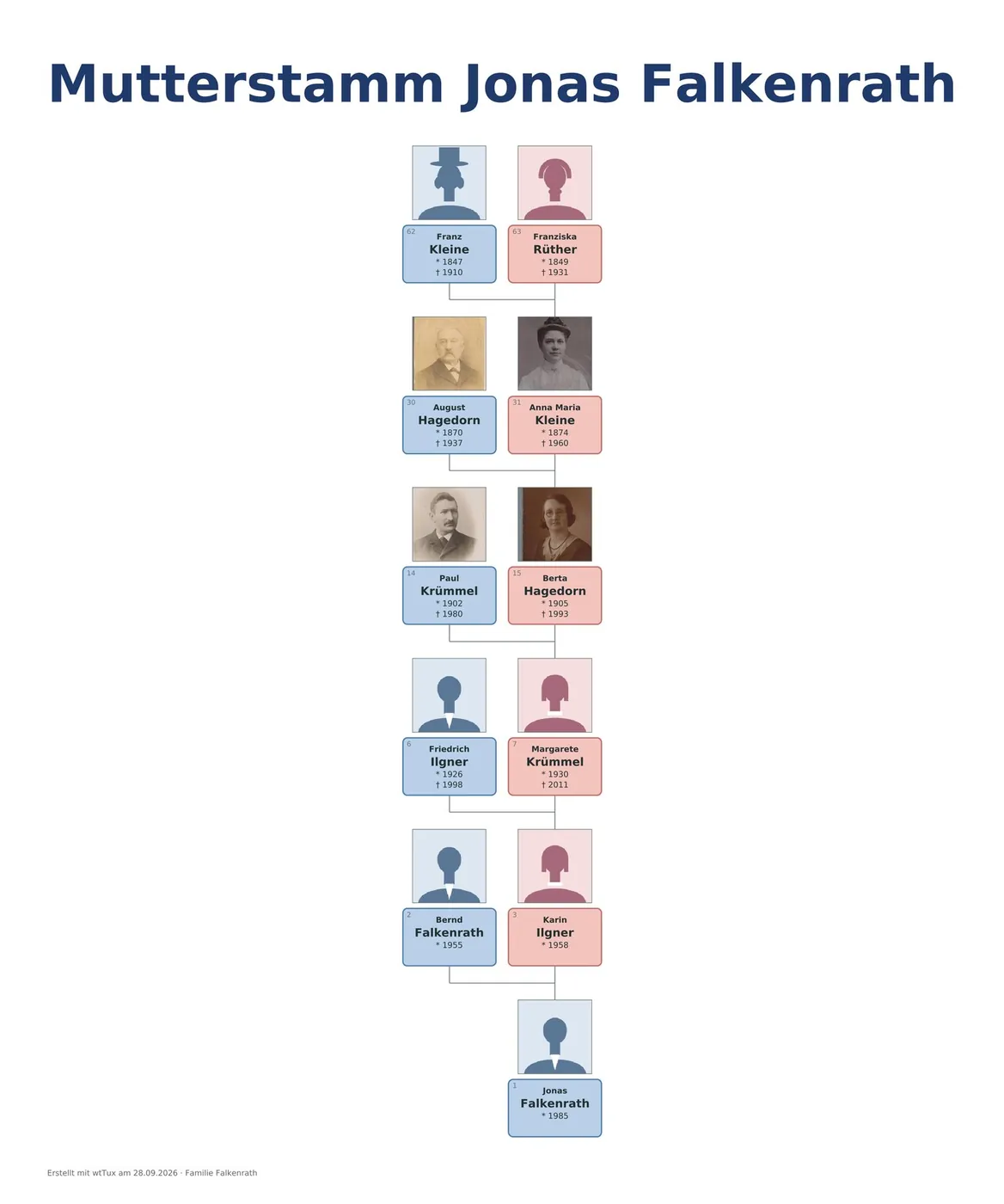
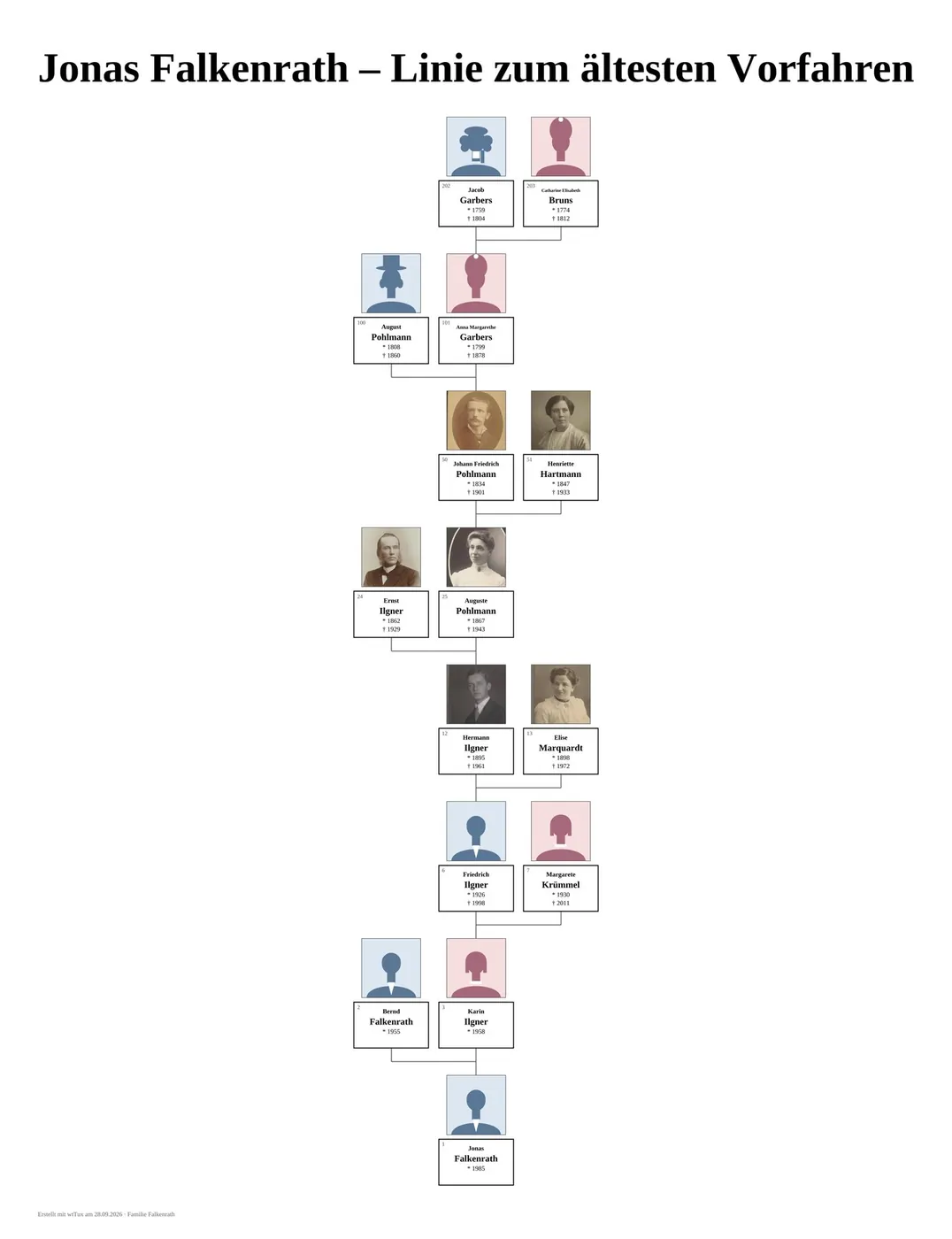
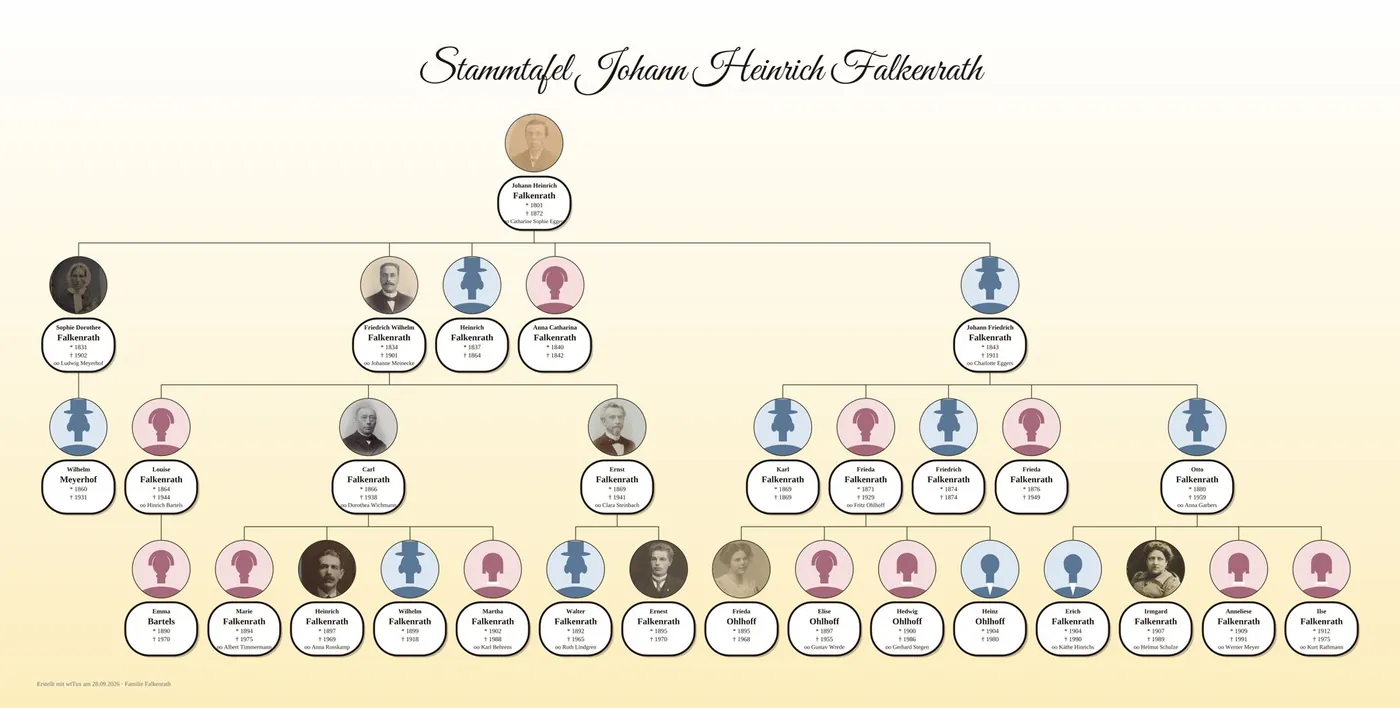
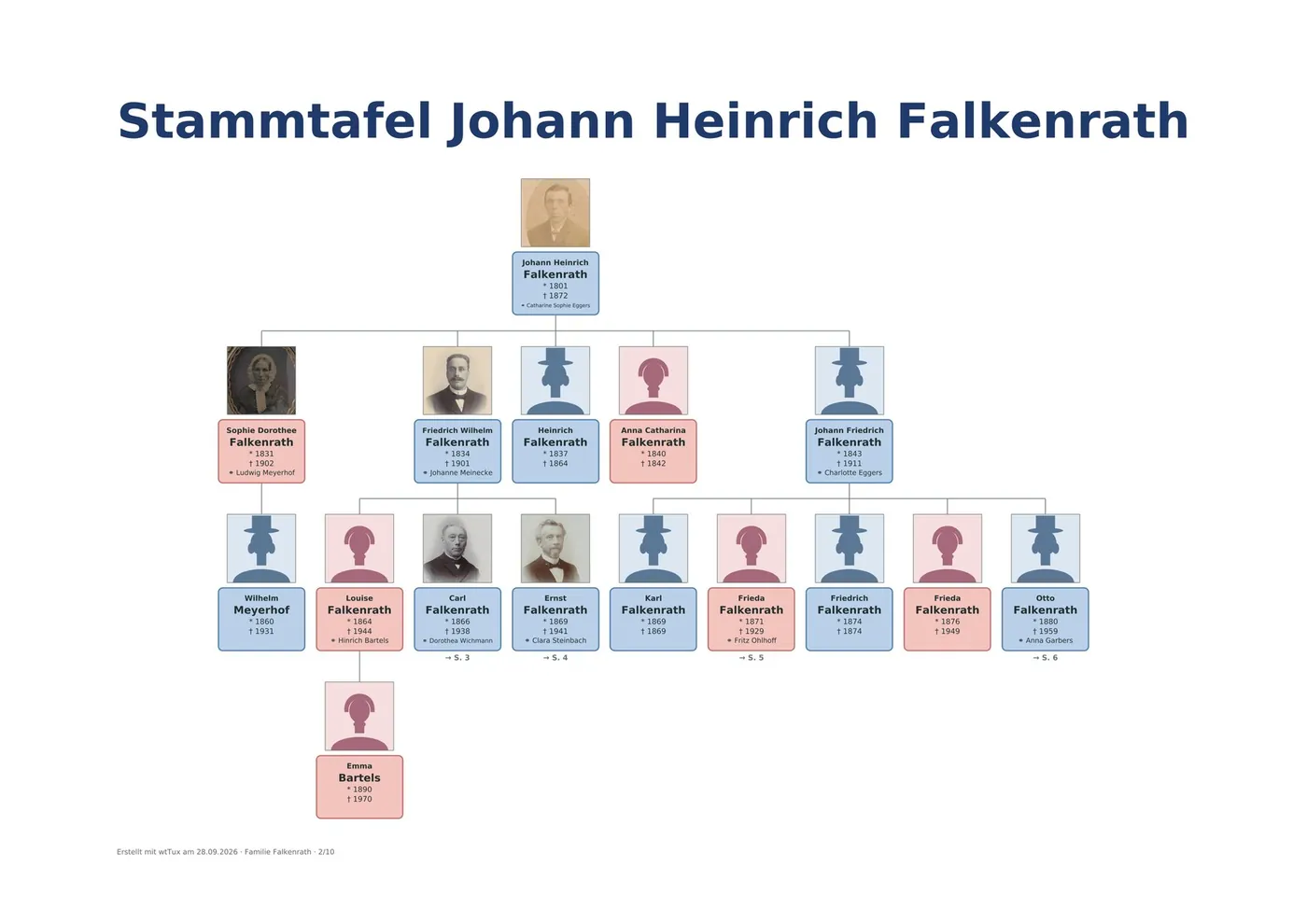
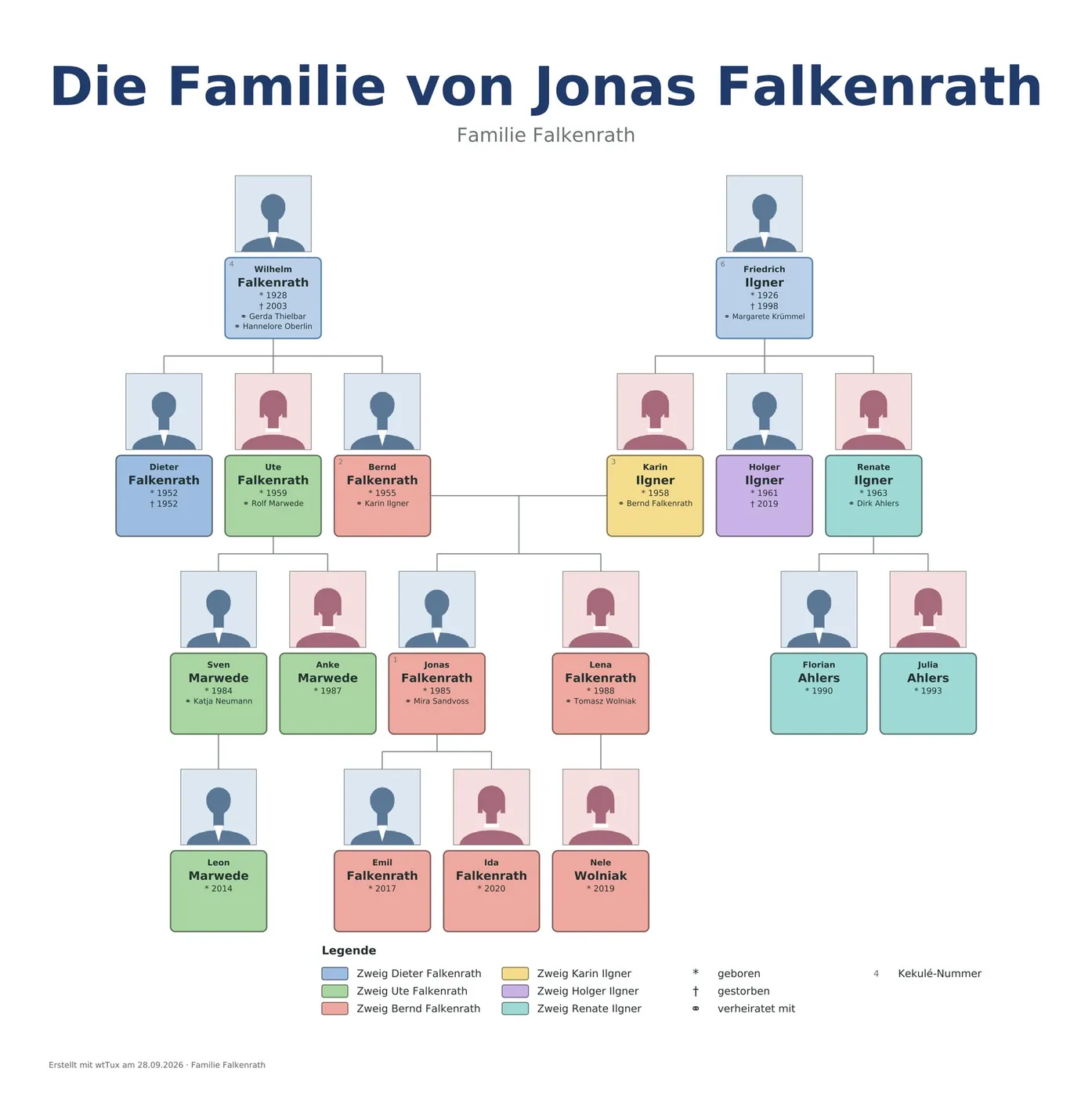
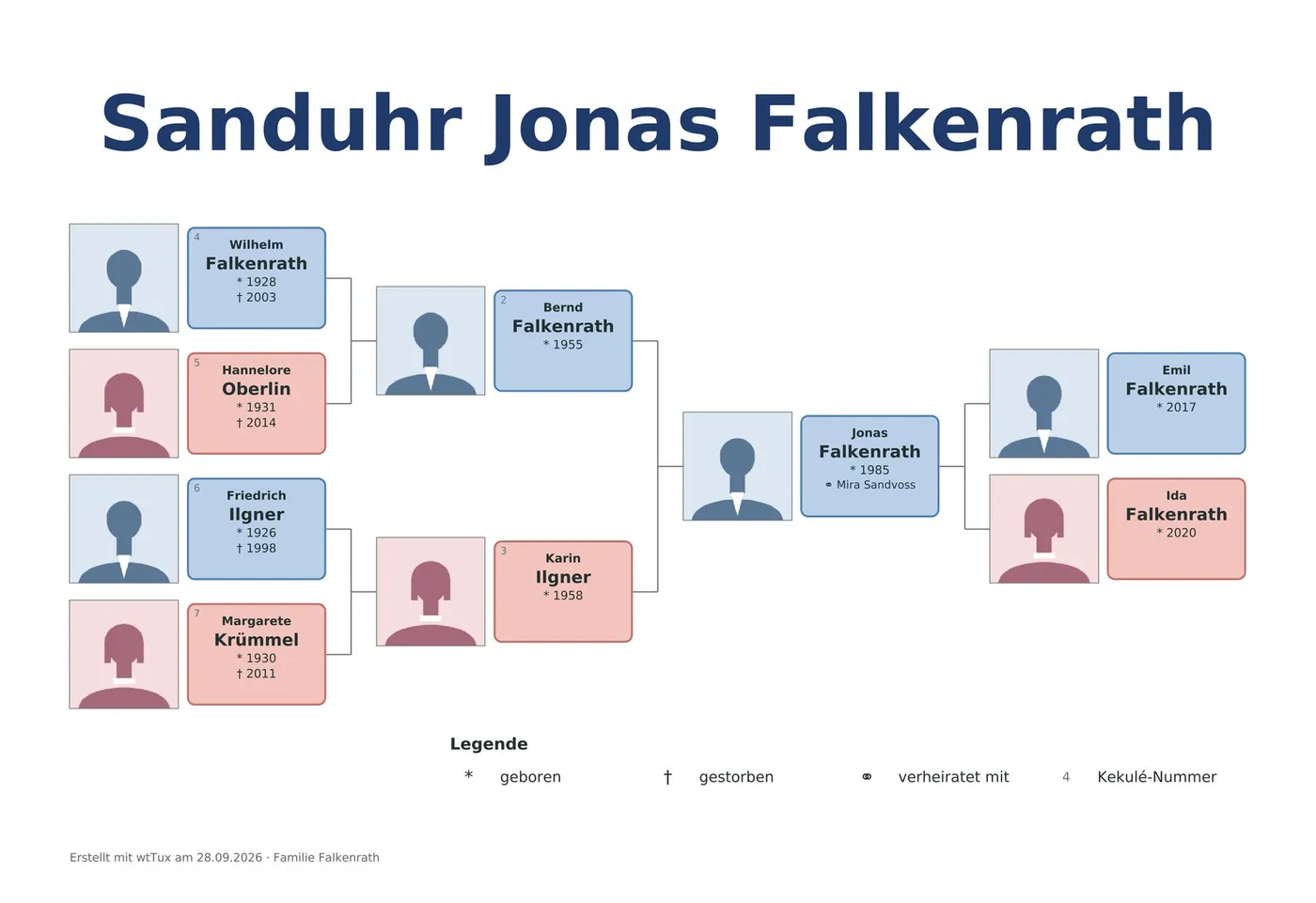
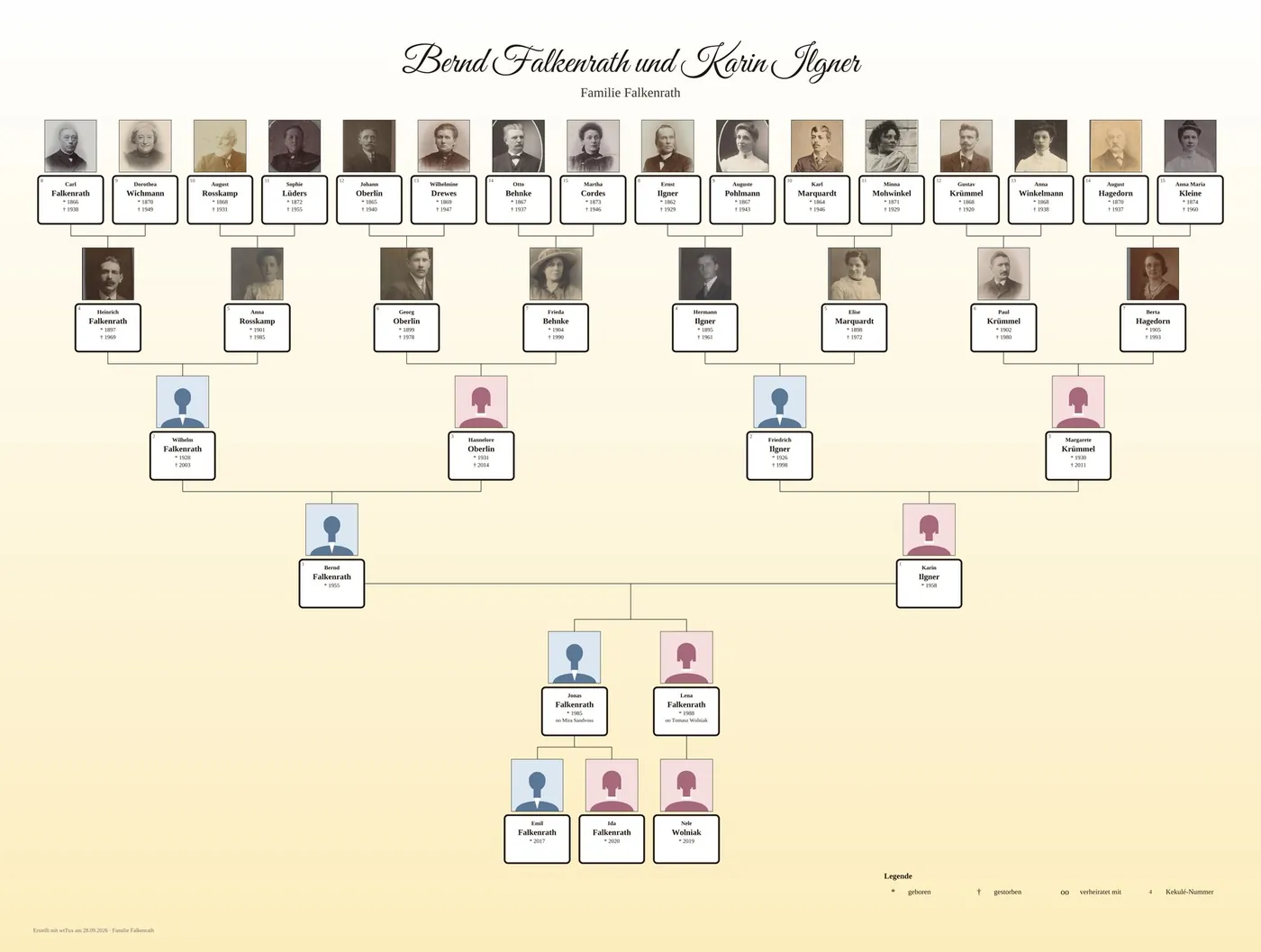
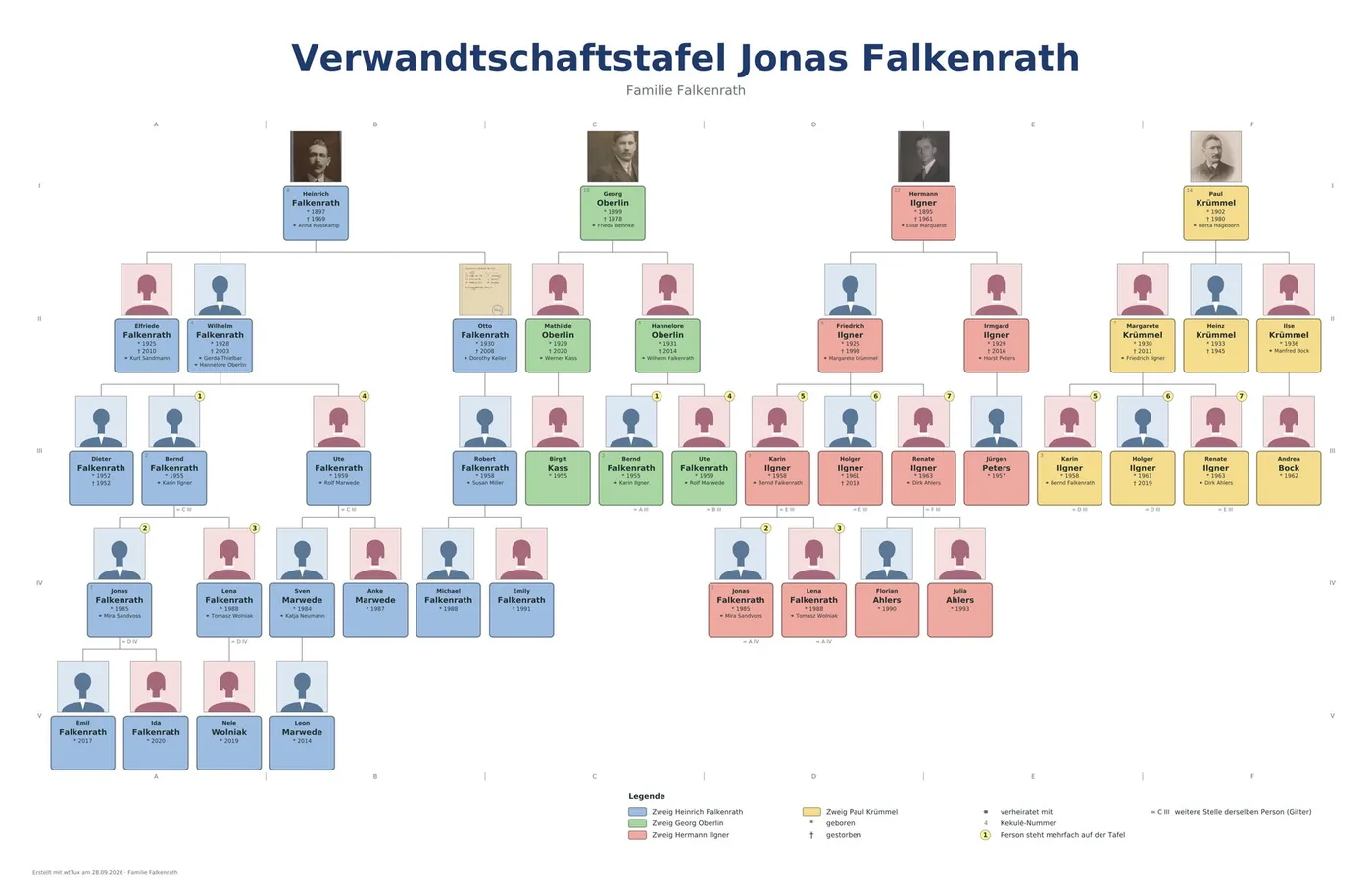
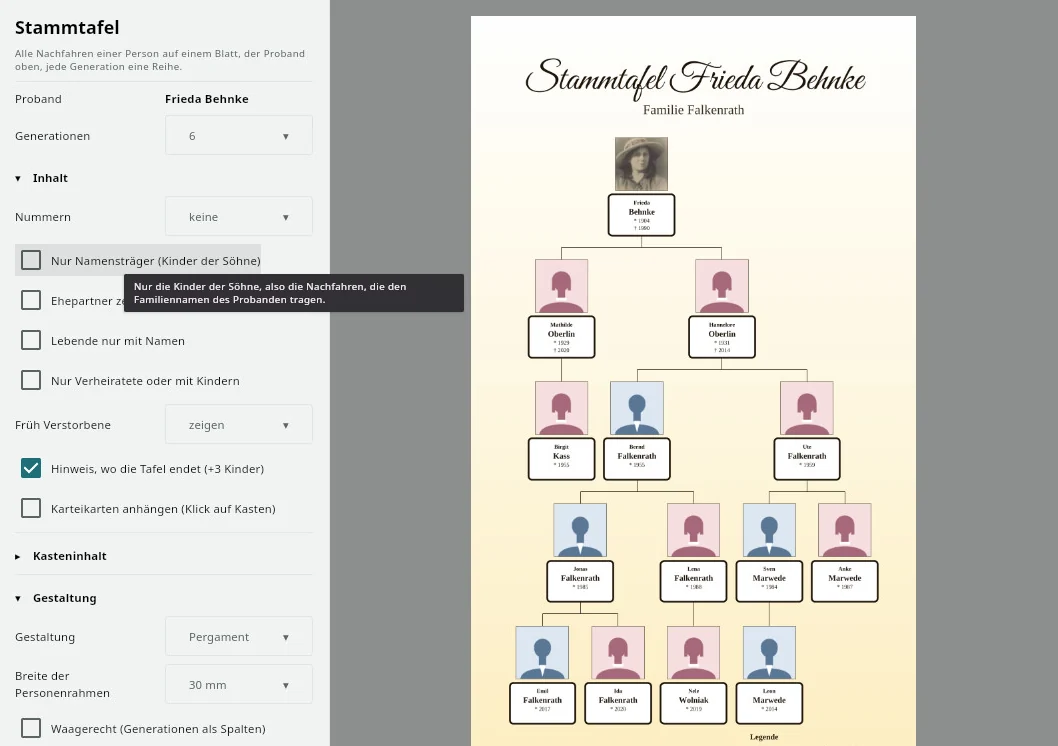
Fifteen chart types – from the classic ancestor chart through fan and circle to the timeline and the relationship path. The preview is already the finished sheet: zoom with the mouse wheel, right-click to color or hide whole branches. You design with style, box shape, background, decorative frame and colors by line, branch or your own rules; a legend explains what the colors mean. Once you have found your settings, you save them as a template.


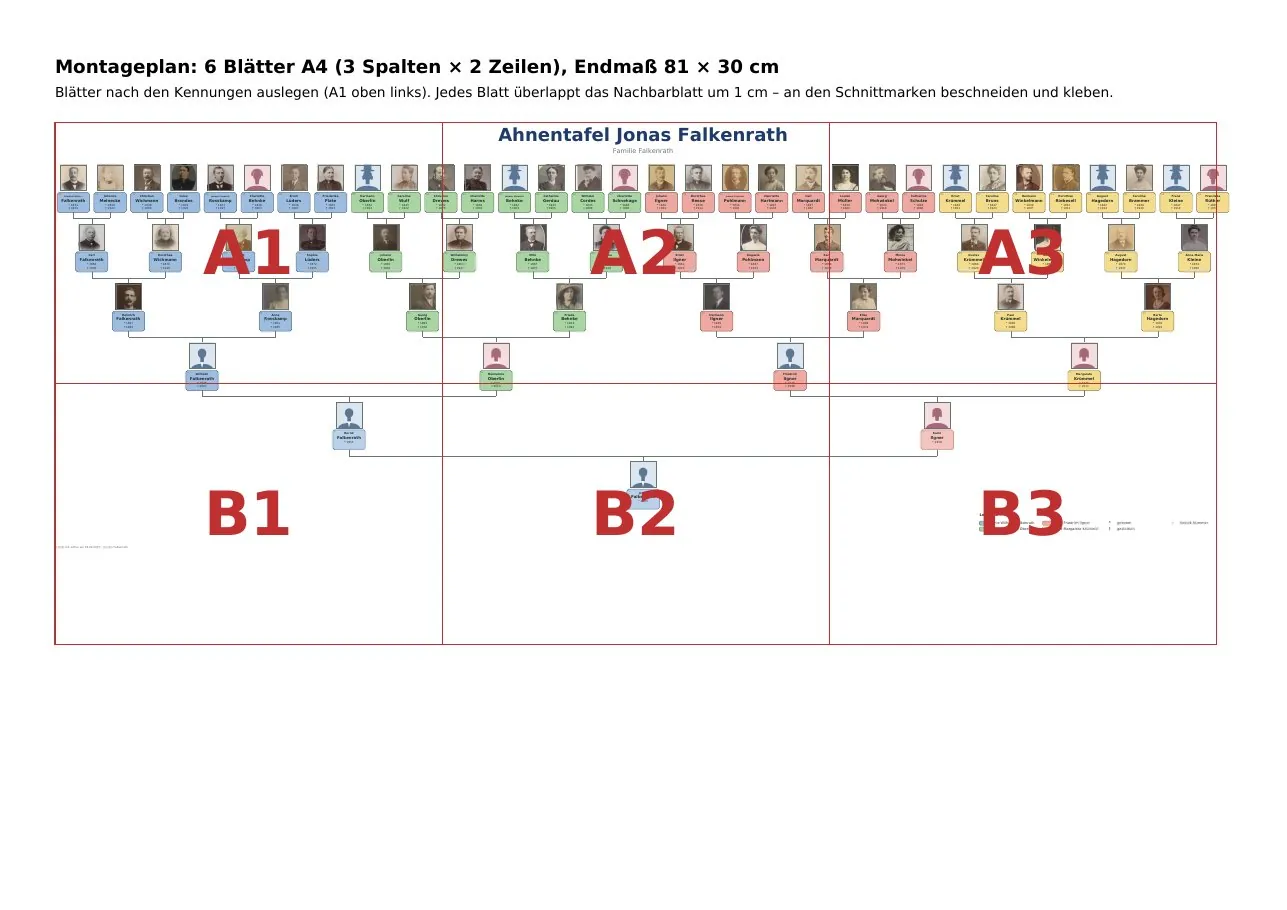
You can print on a single sheet, as a poster PDF, as an image (PNG), at any size on A4 sheets to glue together – with an assembly plan – or as a PDF for the plotter at roll width. On request, a person card for each person follows behind the chart; a click on the box in the PDF jumps there.


All settings at a glance
Lists
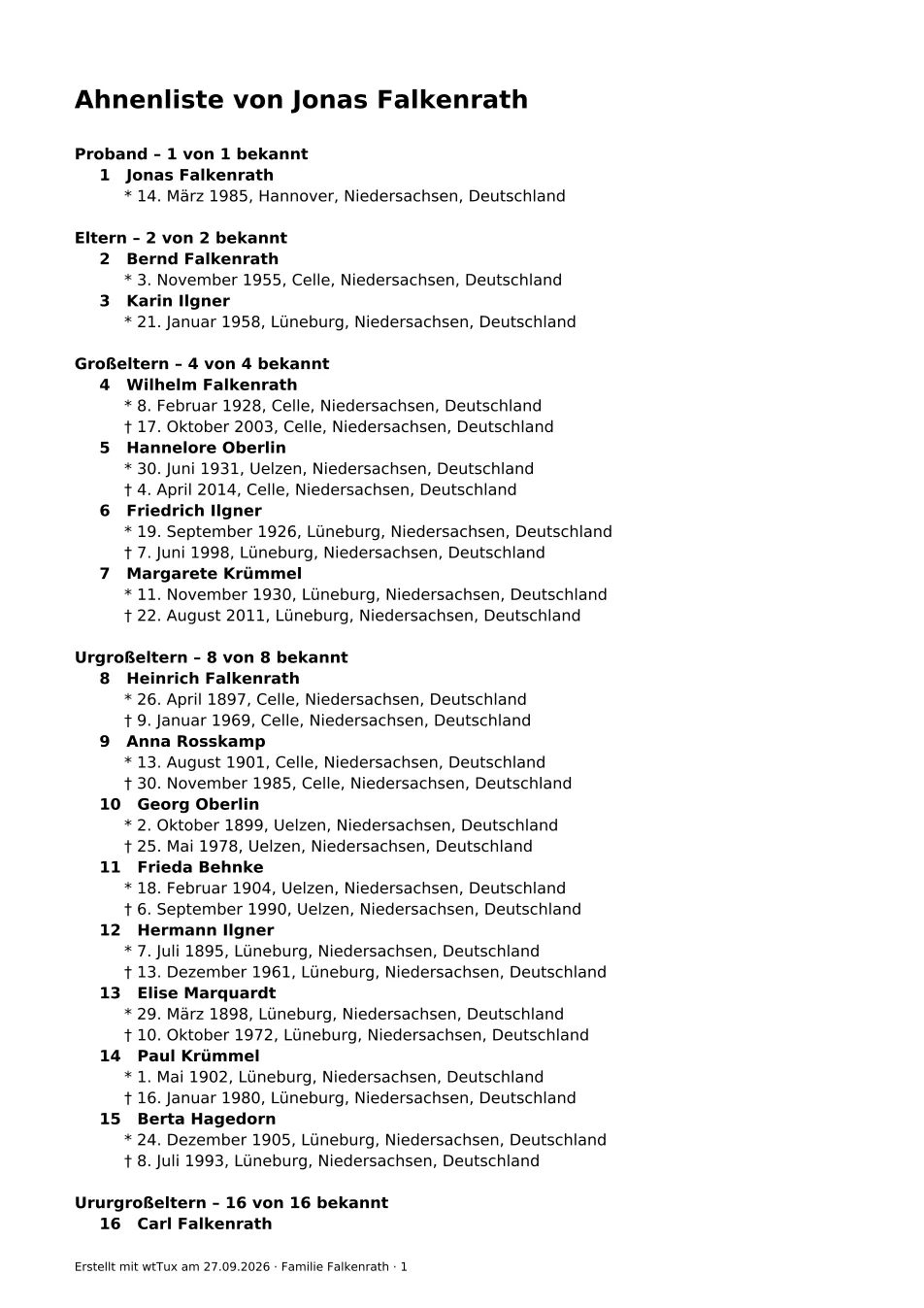
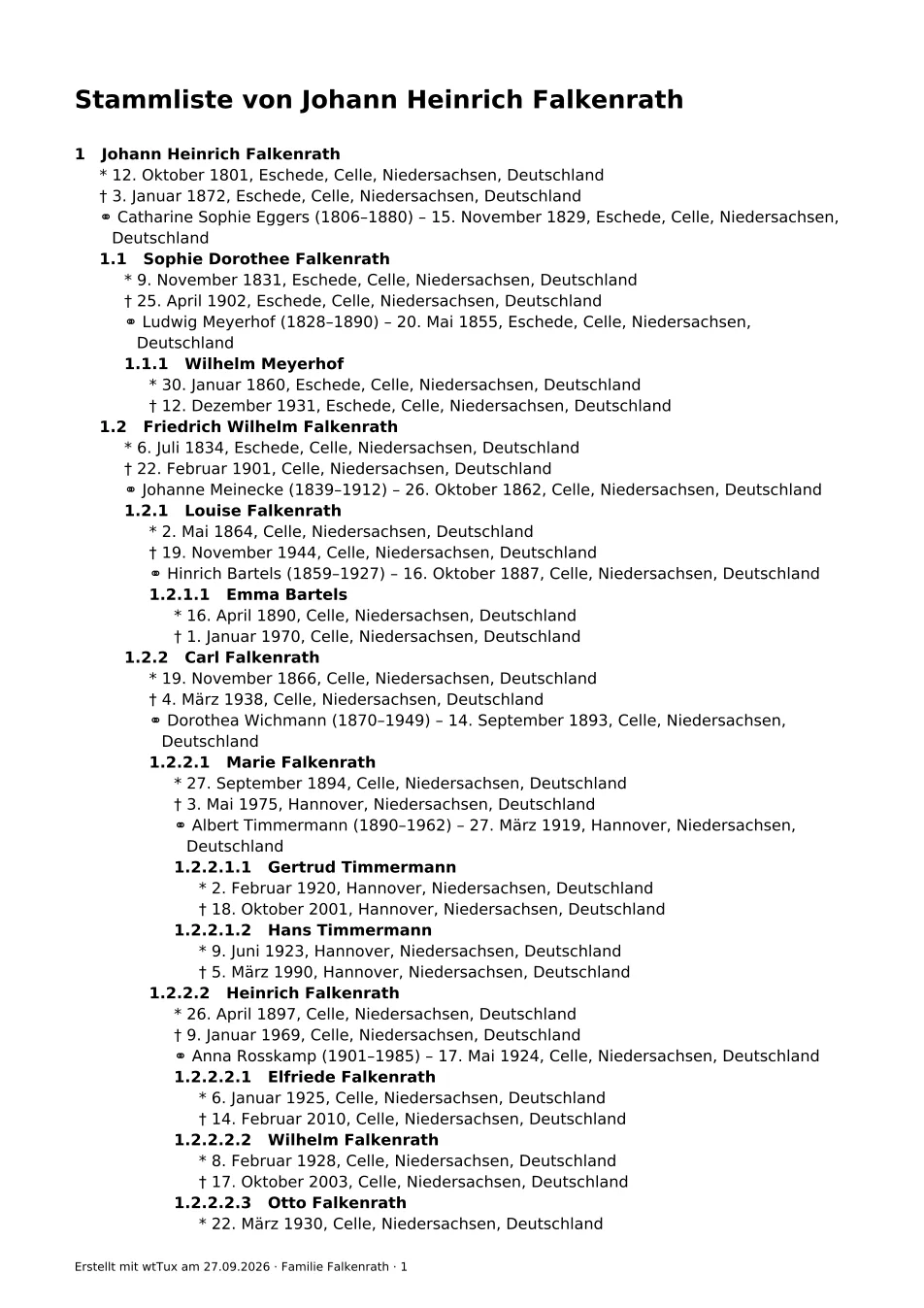
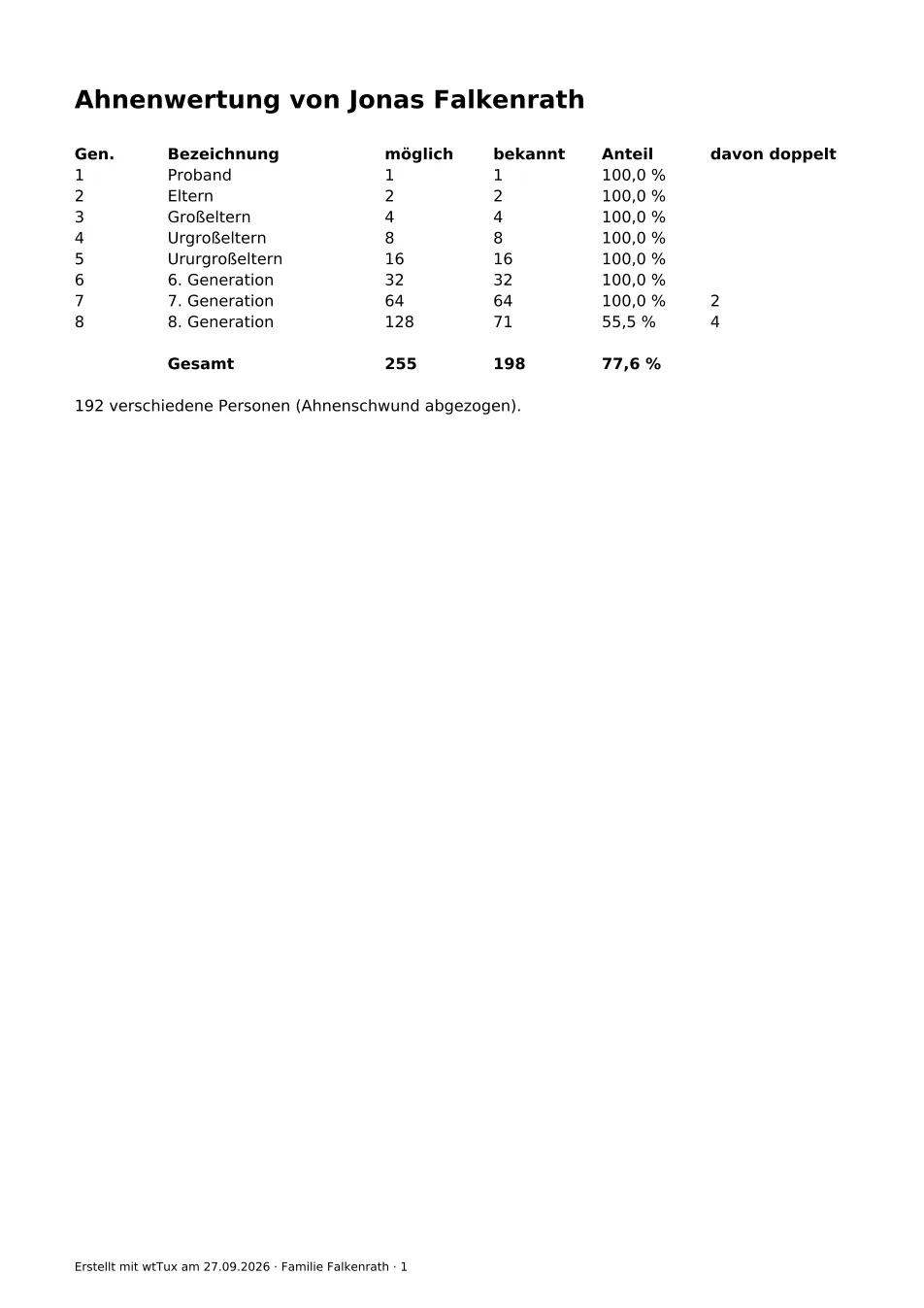
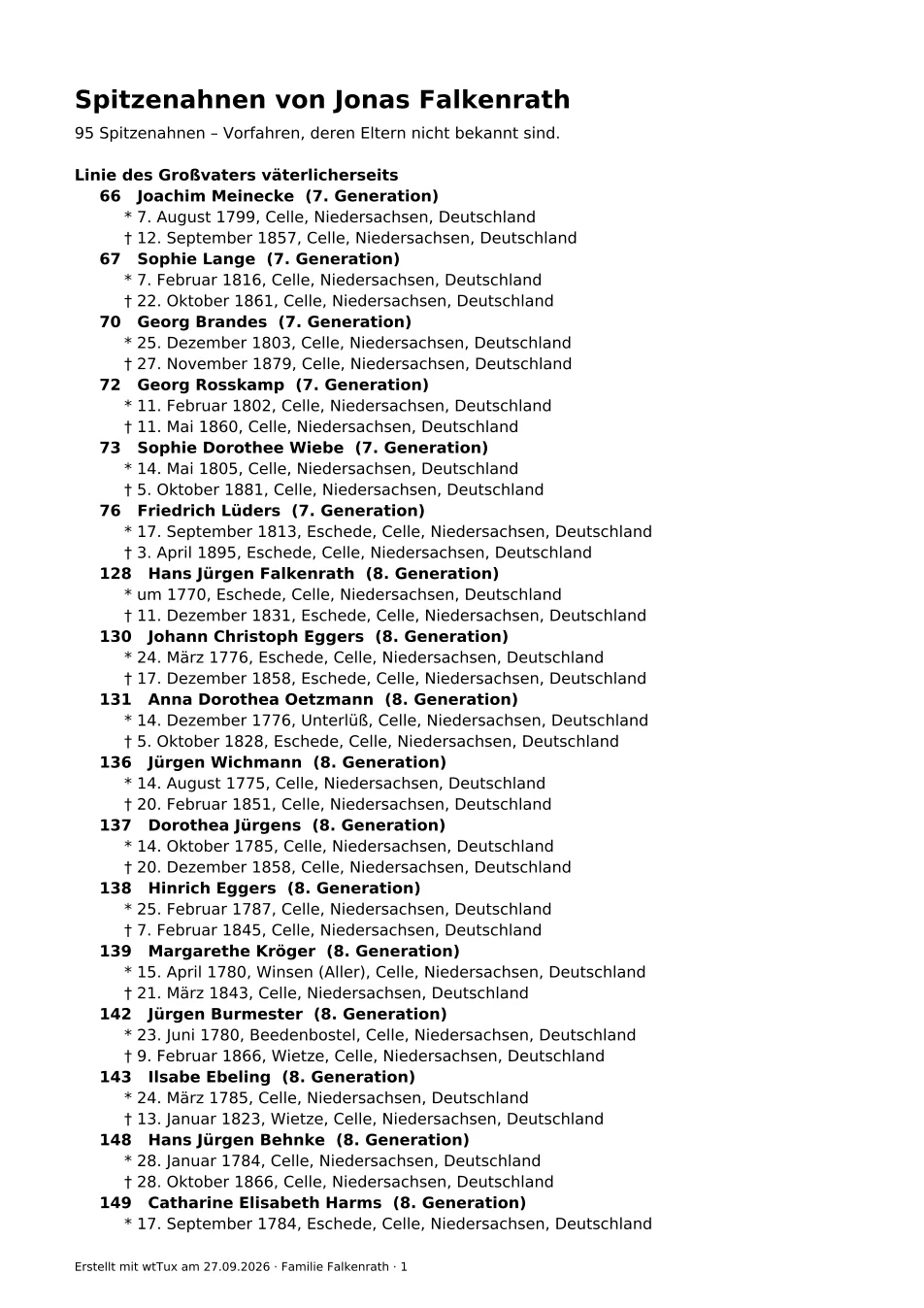
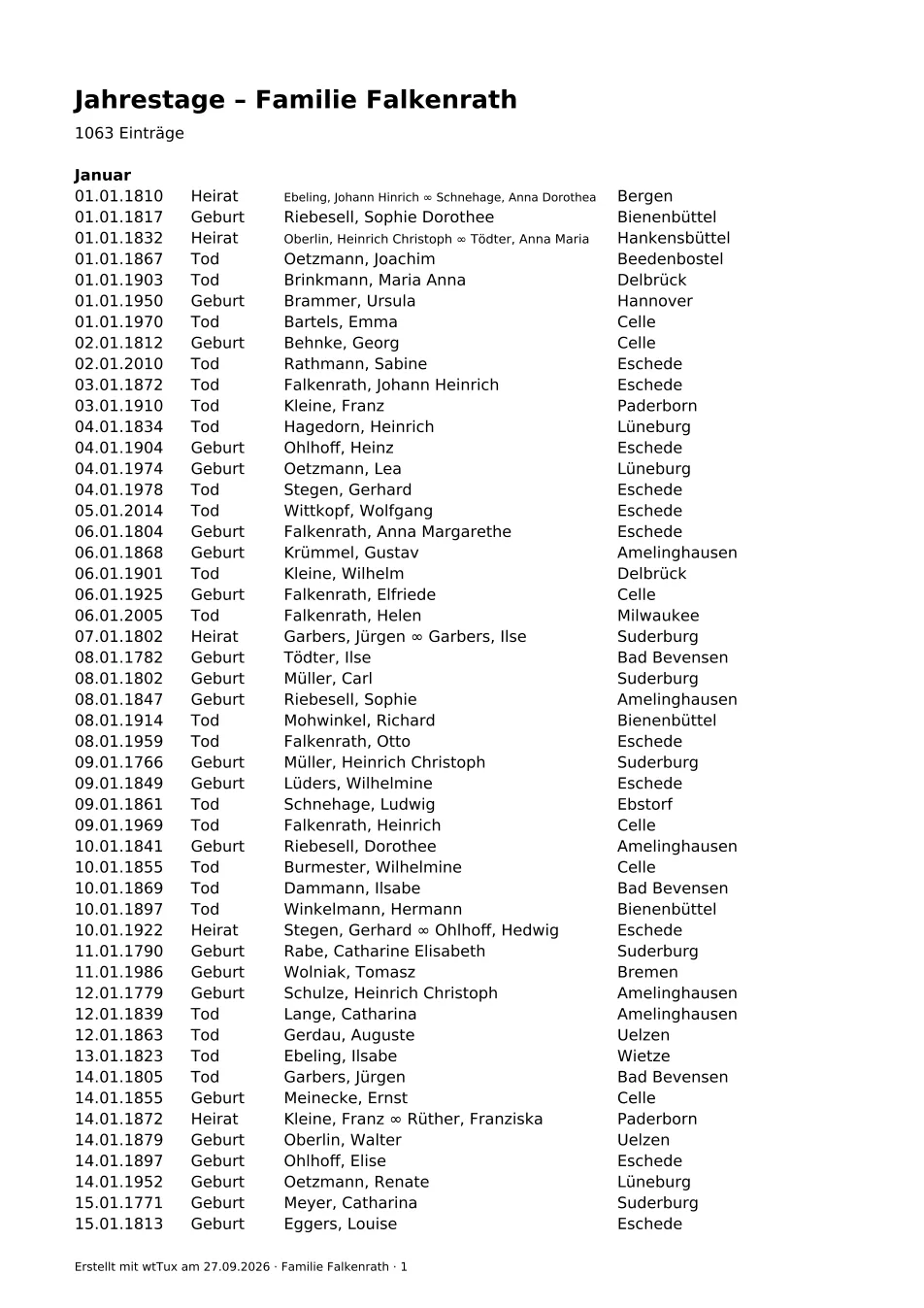
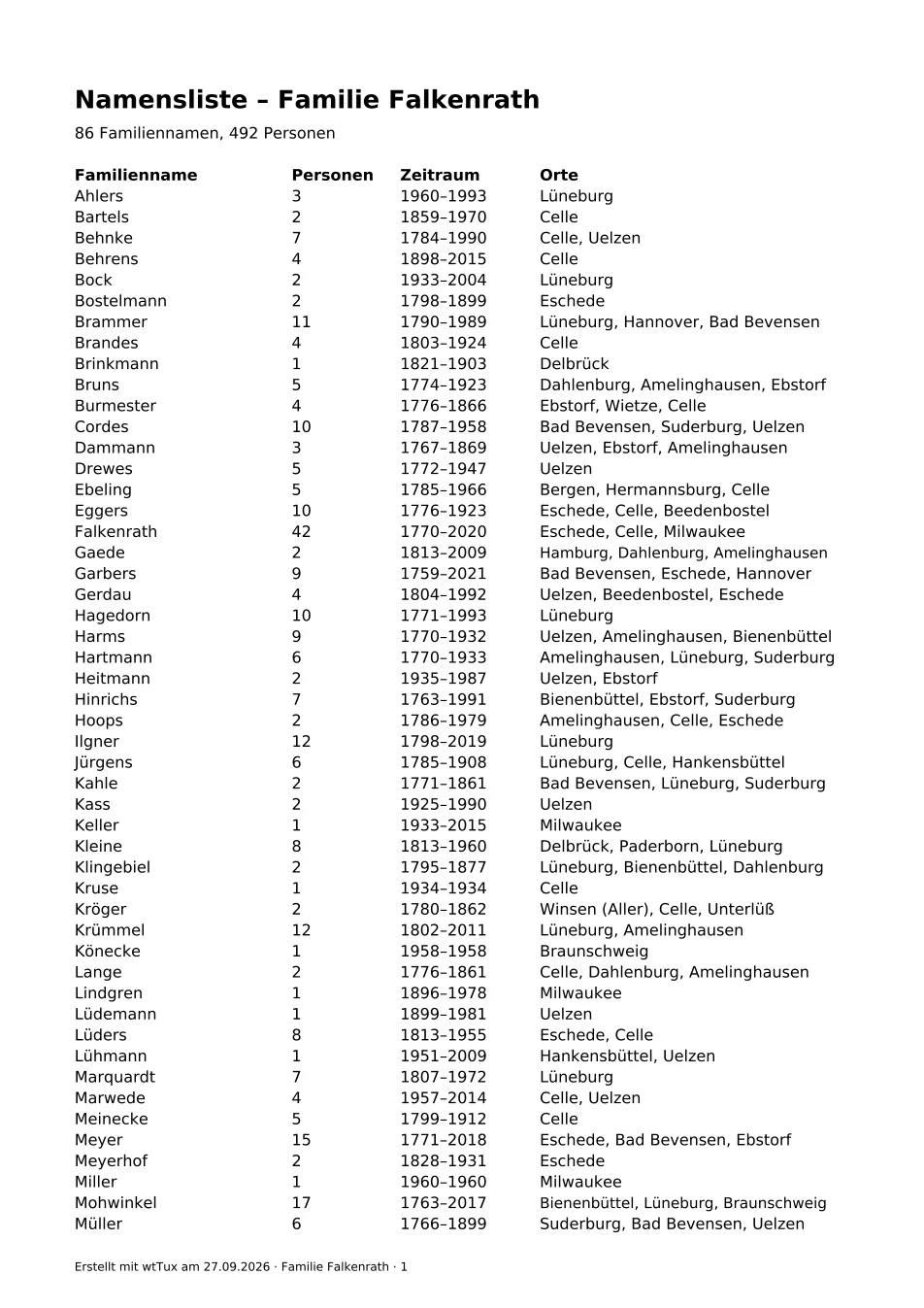
From a single starting person or across the whole tree. Every list shows a preview of the PDF pages before printing.


Books
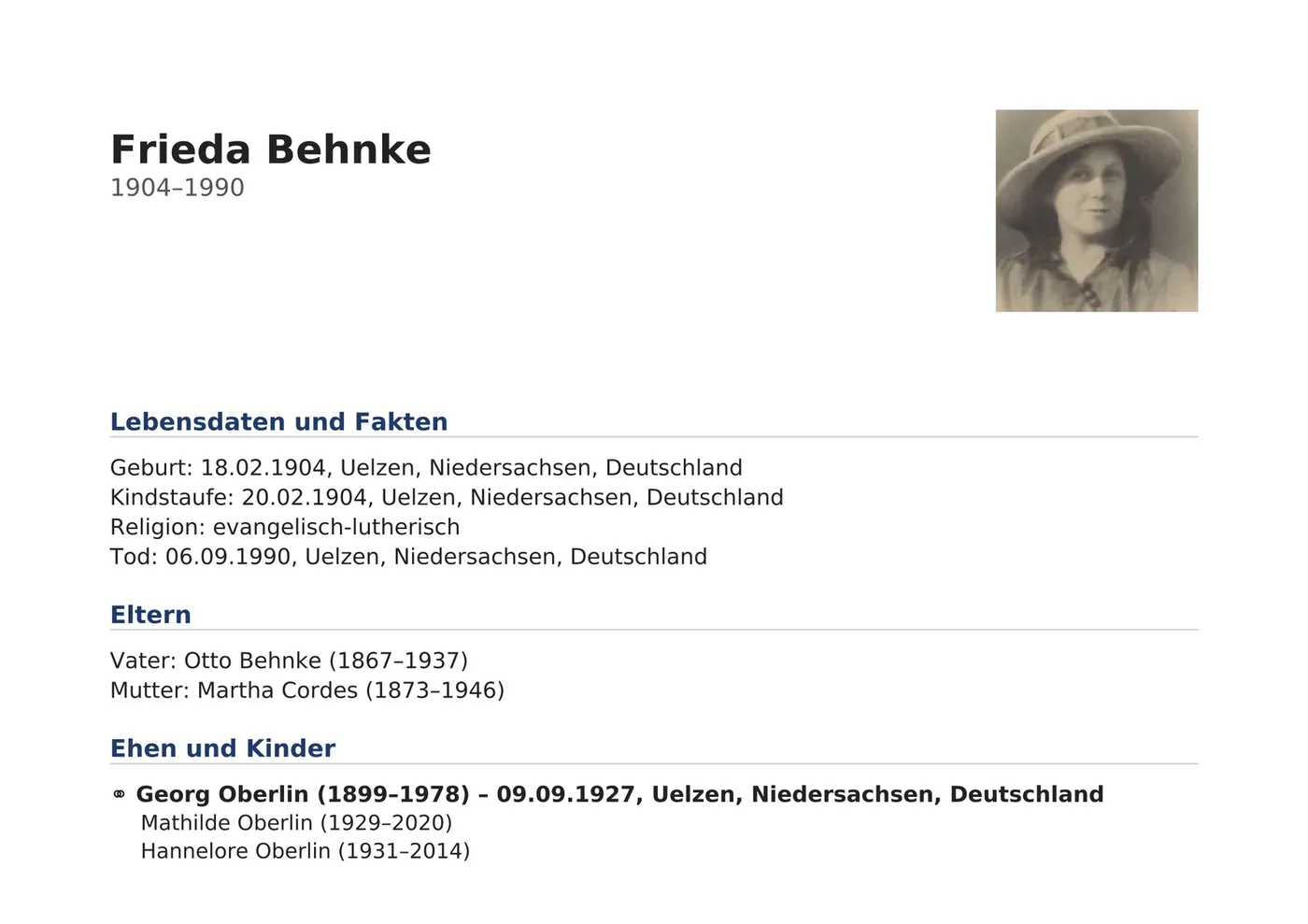
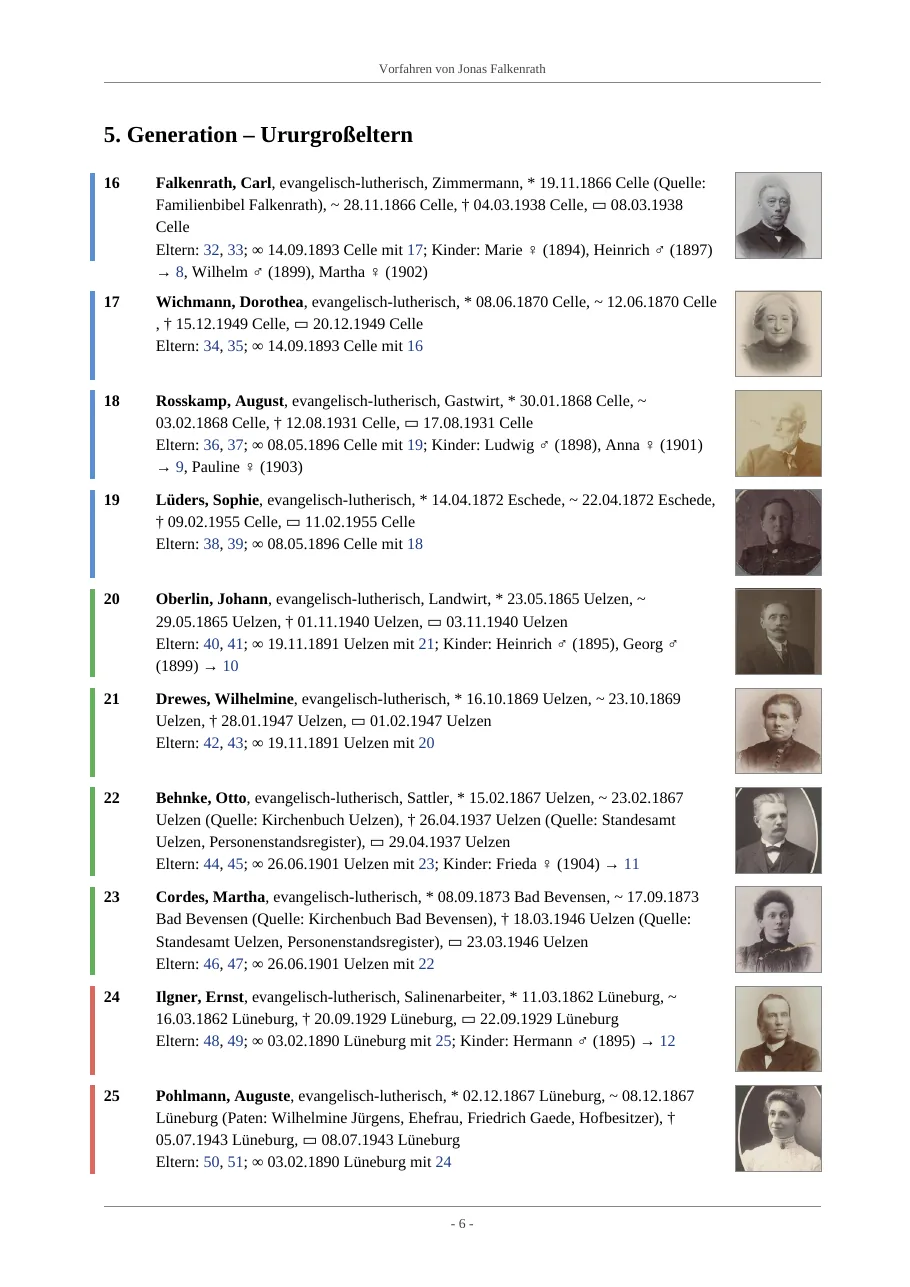
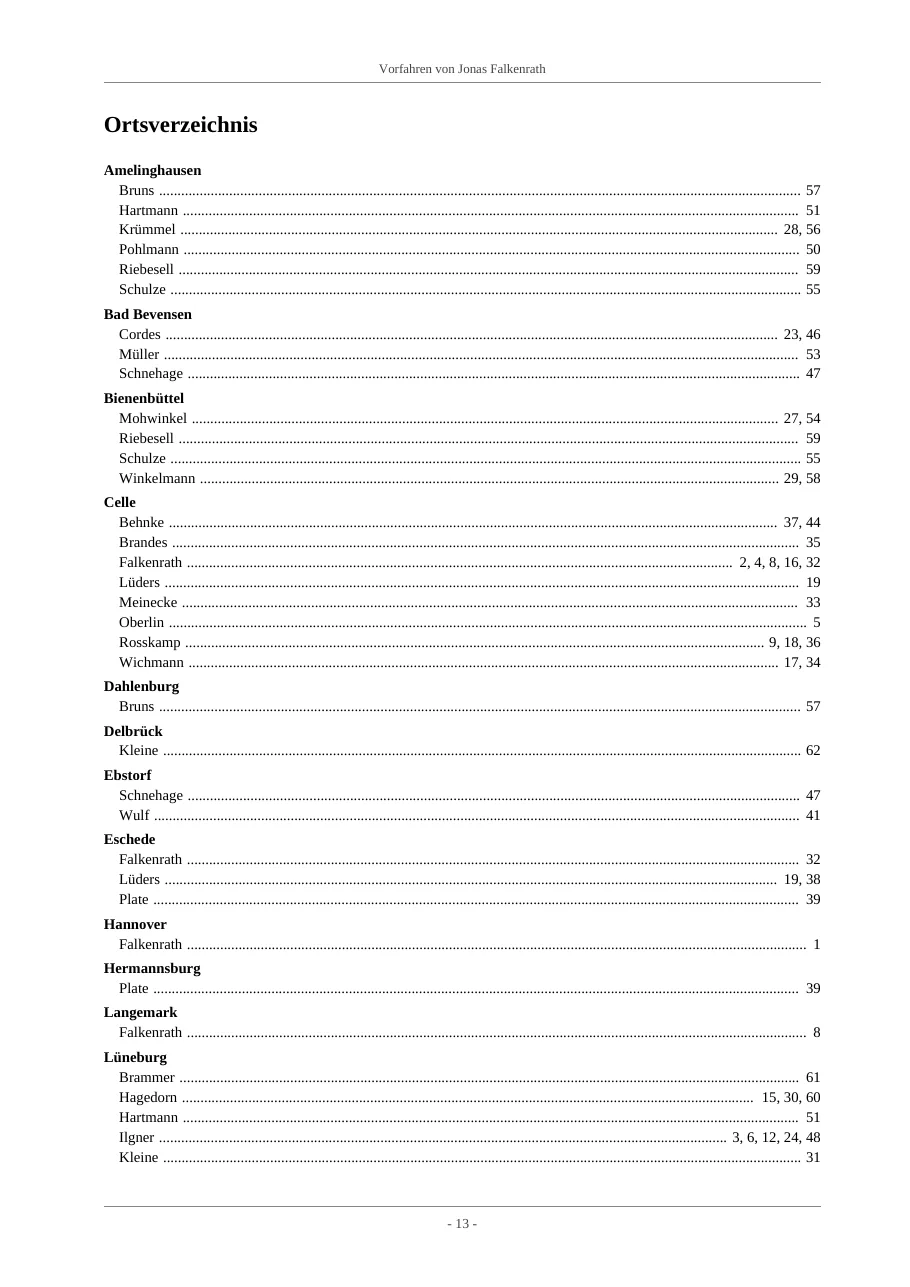
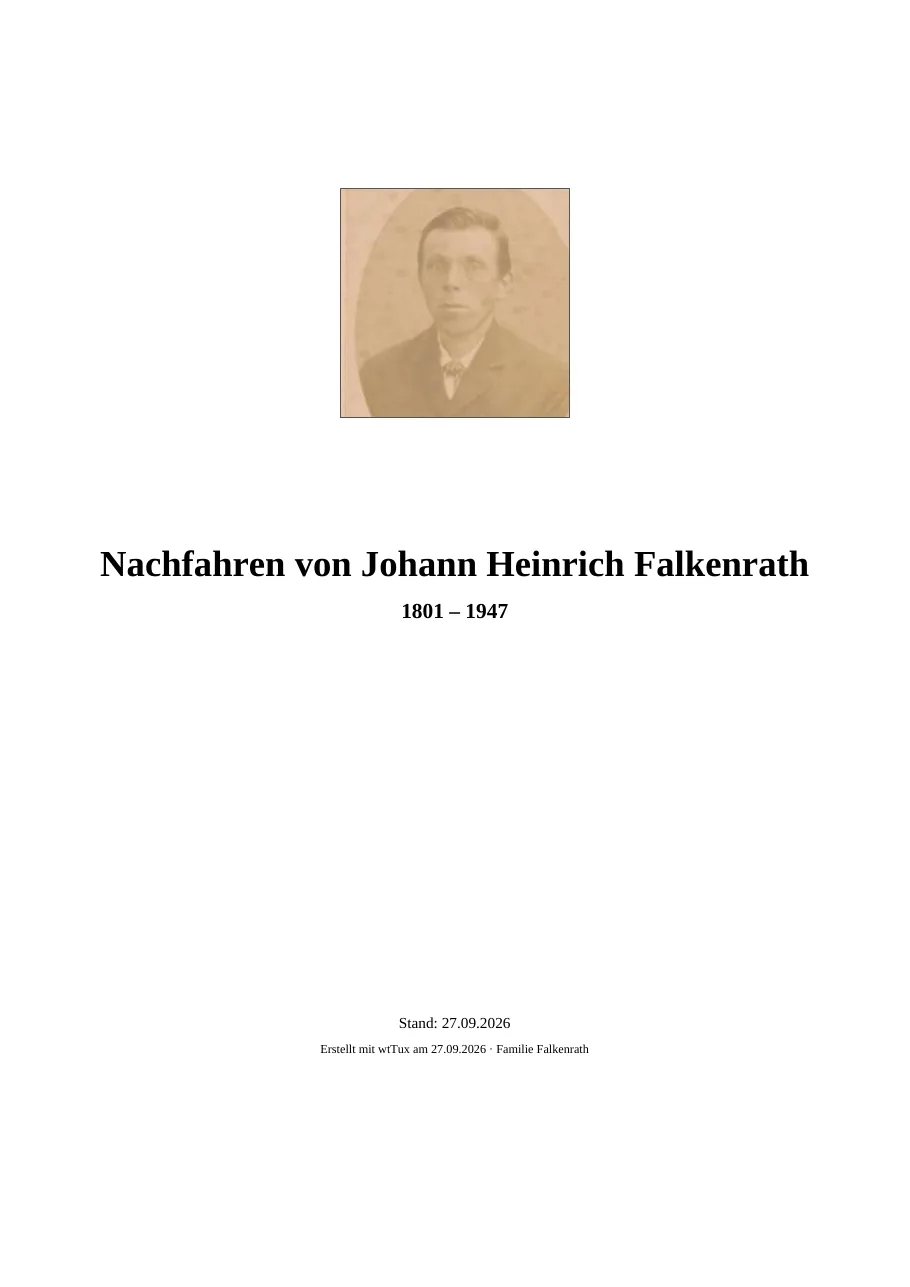
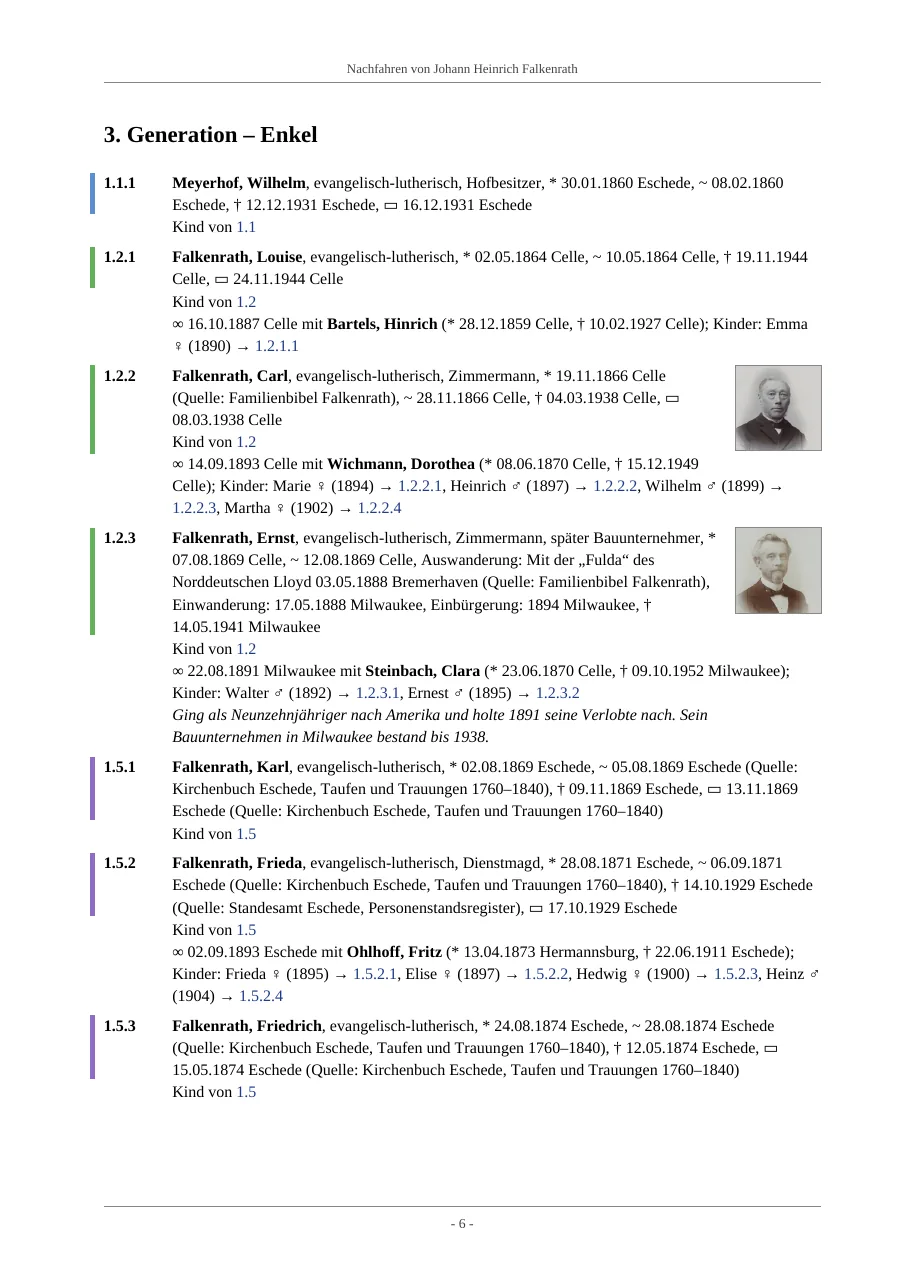
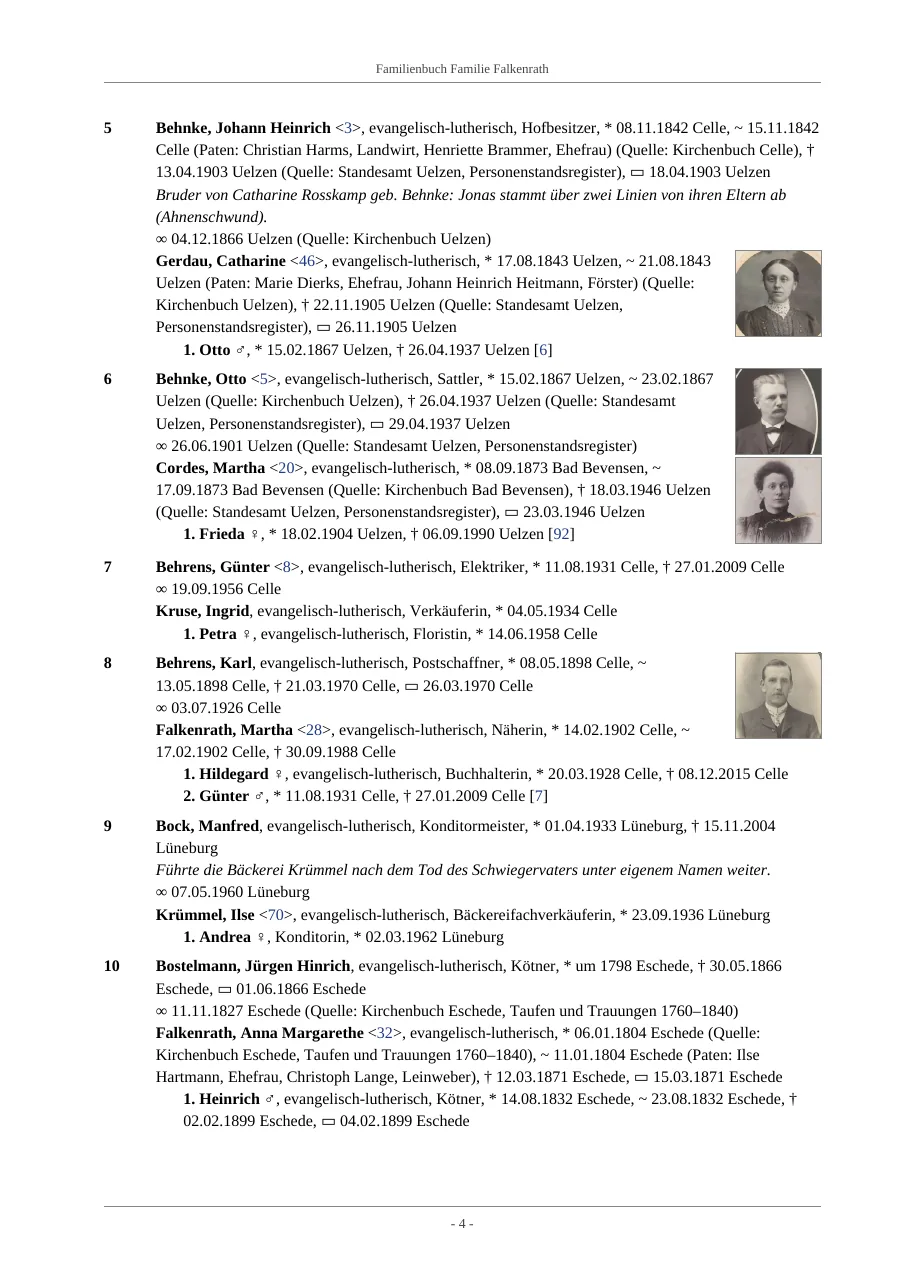
In the style of printed local family books: each person with events, sources, godparents and notes, references to parents and children, portraits in the margin. Plus a cover page, a table of contents with page numbers and indexes for names, places, occupations and sources. Output as PDF with bookmarks and links, as DOCX for further editing, as HTML, TeX or text. On request, the ancestor and descendant books get the matching chart as a fold-out page (A3).
Visibility (since 1.54): a book can be made for everyone (manager view), for members or for visitors. It then leaves out what webtrees hides from that reader – restricted events, data under the tree’s privacy rules, the life data of living people. Books can be passed on even when a manager creates them; the website is always for visitors.


No server · since 1.26
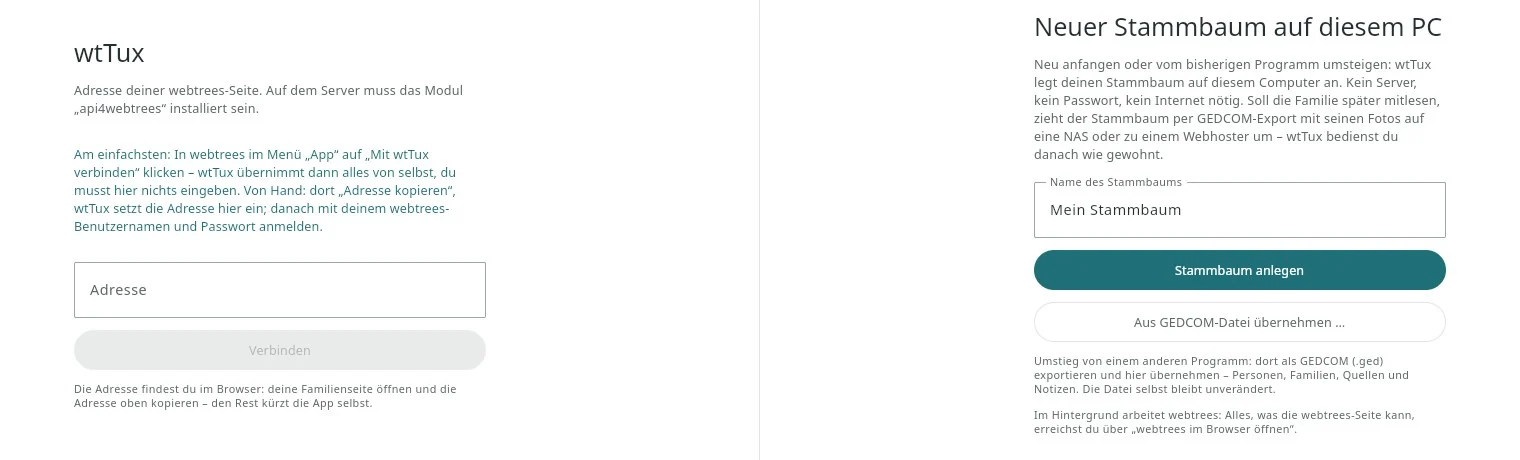
For everyone who does not have webtrees yet: wtWin and wtTux can also keep the family tree on the PC themselves. Install and choose the GEDCOM file from your previous program; no server, password or internet connection is needed for this. At the first start two paths stand side by side: on the left “Connect to webtrees” – as before, with your own server –, on the right “New family tree on this PC”: create it empty or “Import from a GEDCOM file …”.
import.log, the rest arrives; a progress bar shows how far along it is. If you imported with 1.26 to 1.28, you should import the file again: the old import entered living persons as “Private” in the name index, and the search did not find them. Afterwards delete the old family tree under “Open webtrees in the browser” › Administration.%LOCALAPPDATA%\app4webtrees, on Linux under ~/.local/share/app4webtrees.Moving to the NAS later – for example so the family can read along with wtAnd. This needs no button of its own:
%LOCALAPPDATA%\app4webtrees\webtrees\data\media to data/media of the webtrees on the NAS.Languages · since 1.33
wtWin and wtTux now speak English, French, Dutch and Spanish in addition to German. Under View › Language you choose “Like the system” or a fixed language – this takes effect immediately, without a restart. Everything is translated: menus, charts, lists, books, the help with all chapters (F1) and the plausibility check with its rules and explanations. Date entry understands “vers 1850”, “3 maart 1890” or “entre 1850 y 1860”. Labels that come from the webtrees server (event types, relationships) appear in the chosen language.
The new translations are fresh – please report awkward terms as an issue.
Help · since 1.27
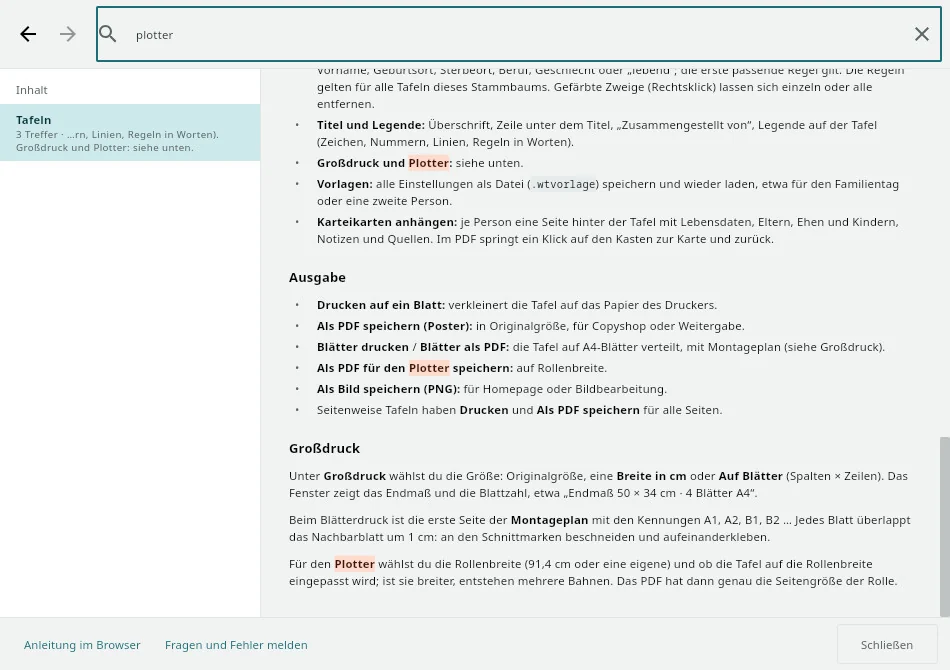
F1 or Help › Help opens a window of its own: the table of contents on the left, the text on the right, a search field at the top. The help is part of the program itself, so it also works offline, in German and English.
F1 knows where you are. In the window for charts, lists, books, check or in the person sheet, the matching chapter opens right away; before sign-in, the first steps. If you search for a word, you see only the chapters with hits on the left, and they are highlighted in yellow in the text; links lead from chapter to chapter, Back and Forward as in the browser.
Technical terms explain themselves where they appear. In the settings for charts, lists, books, large print and check, it is enough to hover the mouse over a term – Kekulé numbers, root couples, Only name bearers, pedigree collapse, numbering by d'Aboville or Henry: one to three lines that say what is meant.


All images: freely invented demo family tree “Familie Falkenrath” (CC0), photos of unknown persons from the Rijksmuseum Amsterdam (CC0). webtrees is a project by Greg Roach and contributors; wtWin, wtTux and wtMac are independent of it. This English version is a translation by the author, not by a native speaker. Corrections are welcome as a GitHub issue.